

Top 6 Yodeck.com Digital Signage Alternatives 2026
Managing digital signage across diverse locations and hardware eats up time and raises both deployment and maintenance costs. Many popular solutions lock features behind quotes, require proprietary hardware, or charge extra as network size grows. This comparison covers key pricing, device support, and scalability differences among six digital signage platforms so organizations can match the right fit to their growth plans and technical resources.
Table of Contents
SignStream
At a Glance
According to the company, clients reported a 25% rise in class attendance after implementing SignStream. The platform runs in the cloud and lets you update multiple screens instantly from any device. It works with existing displays, which makes it suitable for gyms, clubs, offices, schools, and city networks.
Core Features
SignStream supports content upload, real-time updates, remote management, and easy scheduling for single displays or wide networks. The service scales from one screen to thousands while integrating with existing screens and hardware. It also handles dynamic content such as art, weather, clocks, videos, and ads.
Key Differentiator
Ability to scale from single screens to large networks using existing hardware and cloud management. That approach removes the need for proprietary players and lowers deployment friction across many locations. For organizations rolling out city or campus networks, this reduces device procurement and installation work.
Pros
SignStream offers a user friendly interface that simplifies managing many displays from one console. The platform runs on existing screens or smart TVs, so you do not need extra hardware for most installs. Cloud based control enables remote updates and scheduling, and an ad exchange marketplace lets you cross promote and monetize screens. The product also supports unlimited screen deployments at no extra charge, which helps with large rollouts.
Cons
Depends on a reliable internet connection for cloud updates, which can interrupt content in low connectivity areas.
Who It’s For
Organizations and institutions that manage multiple displays and prefer remote content control without buying additional players. Facilities such as schools, retail chains, city authorities, and fitness centers will find the platform useful. Teams with limited technical staff benefit from the accessible interface and cloud management.
Unique Value Proposition
Custom media networks can be deployed on unlimited screens at no extra charge while using your existing displays and cloud controls. That model reduces upfront device spending and lets you focus budget on content and campaigns. The built in ad exchange offers a path to offset display costs through cross promotions with local partners.
Real World Use Case
A city uses SignStream to broadcast real-time alerts, weather updates, and event promotions across hundreds of public displays. Municipal staff schedule urgent messages remotely and update event content without on site visits. Local businesses use the ad exchange to run short promotions on the same network.
Pricing
SignStream does not publish standard pricing publicly. The vendor advertises unlimited screen deployments at no extra charge for custom media networks. Contact SignStream sales to get plan details and any optional service fees.
Website: https://signstream.net
ScreenCloud
At a Glance
Custom hardware options including the PIXI Player and ScreenCloud OS pair with the cloud Studio CMS to run large screen networks. The platform advertises over 80 ready to go app integrations to pull in dashboards, video, and creative assets. Enterprise grade encryption and remote device management are part of the package.
Core Features
The offering combines hardware and software so you can deploy dedicated players or use ScreenCloud OS on compatible displays while managing content from Studio CMS. The platform supports remote device management and monitoring, plus access controls and enterprise grade encryption for locked down networks. App integrations cover productivity suites, creative tools, video sources, webhooks, and data dashboards.
Key Differentiator
The main distinction is the full stack approach that bundles custom players, a cloud content management system, and a broad integration catalog for enterprise rollouts. That configuration reduces vendor juggling when you manage hundreds of screens across countries. The design targets organizations that want an integrated hardware path and a single pane for operations and security.
Pros
The solution delivers a single supplier route for both players and the CMS, which simplifies procurement and support for large deployments. The platform scales to enterprise needs and includes dedicated professional services and support for rollout planning and troubleshooting. Strong security features and remote device monitoring reduce the need for on site intervention during routine management.
Cons
Pricing details are primarily provided upon request rather than listed publicly, which slows vendor comparison.
Some third party reviews point to complex setup for large deployments and occasional interface issues that require IT involvement.
Public information about specific hardware pricing and non enterprise scalability is limited, making budgeting harder for smaller buyers.
When It May Not Fit
If your organization needs transparent, line item pricing you will likely need to request a quote. Teams without dedicated IT or rollout resources may find device provisioning and large scale configuration challenging. If you rely on unusual hardware platforms, dependence on specific player compatibility could restrict choices.
Notable Integrations
Microsoft 365
Google Workspace
Canva
YouTube
Webhooks and data dashboards such as Tableau and Salesforce
Who It’s For
Large organizations and enterprises looking for a secure, scalable platform with professional services will find this appropriate. Buyers that want one vendor to handle both players and the management layer will get a clearer operational model. Smaller businesses with tight budgets or DIY deployments may find the sales process less transparent.
Real World Use Case
A multinational corporation deploys hundreds of displays across offices and facilities to publish internal notices, customer facing messages, and live operational dashboards. Central teams push content updates through the cloud CMS while regional IT monitors device health remotely. Professional services support helped coordinate staged rollouts across time zones.
Pricing
The vendor lists a Core plan starting at $20 per screen per month, with higher tier plans and enterprise options available on a custom basis. Larger customers typically receive tailored quotes that include hardware, support, and deployment services.
Website: https://screencloud.com
Kitcast
At a Glance
Native Apple TV app since 2015. Kitcast has a long-running native client that targets Apple TV deployments. The platform also caches content for offline playback so screens stay live during network outages. That combination makes it practical for multi-location retail and healthcare sites.
Core Features
Kitcast manages content from the cloud with a drag and drop interface and a library of 500+ templates. It supports web content, HTML5, live streams, emergency alerts, and multi zone layouts so you can show different content areas on one screen. The CMS runs across Apple TV, Android TV, Fire TV, BrightSign, Tizen, webOS, ChromeOS, macOS, iOS, and modern browsers.
Key Differentiator
The standout is Kitcast’s long-established Native Apple TV app combined with enterprise controls. It supports role based access, single sign on, SCIM, audit logs, and MDM ties for enrollment. That focus on Apple TV plus broad hardware support and offline playback appeals to organizations that need uniform behavior across many locations.
Pros
Kitcast delivers reliable playback and enterprise features that larger deployments require. The native Apple TV presence yields fast performance and straightforward device management. The platform also offers offline caching to keep screens live without connectivity. Admin features include SSO, SCIM, audit logs, and MDM integration, which reduce manual device work. Templates and scheduling tools speed content production and rotation across many sites.
Cons
User interface may lack advanced customization options that power users want.
Onboarding large deployments can be complex without dedicated vendor support.
Pricing can be cost heavy for very small organizations as screen counts rise.
When It May Not Fit
Kitcast is not ideal if you run a tiny single-screen operation on a tight budget. The platform shines for mid-sized to large rollouts with IT staff. If you need extreme template customization or plug and play onboarding without any vendor help, this product may not match that preference.
Who It’s For
Organizations that plan to scale digital signage across multiple locations will find Kitcast appropriate. It fits mid-sized and enterprise customers, education systems, and healthcare providers with security and device management needs. If your deployment centers on Apple TV and you need centralized controls, this platform aligns well with that setup.
Real World Use Case
A worldwide retail chain deployed Apple TV devices in hundreds of stores and managed them from one console. The team scheduled localized promotions and used cached content to keep screens running during connectivity gaps. IT relied on SSO and MDM integration to speed enrollment and reduce manual checks.
Pricing
Plans start at $7 per screen per month, billed annually. A Pro plan begins at $10 per screen per month and adds enhanced security and API access. Larger deployments receive volume and enterprise options through the vendor.
Website: https://kitcast.tv
NowSignage
At a Glance
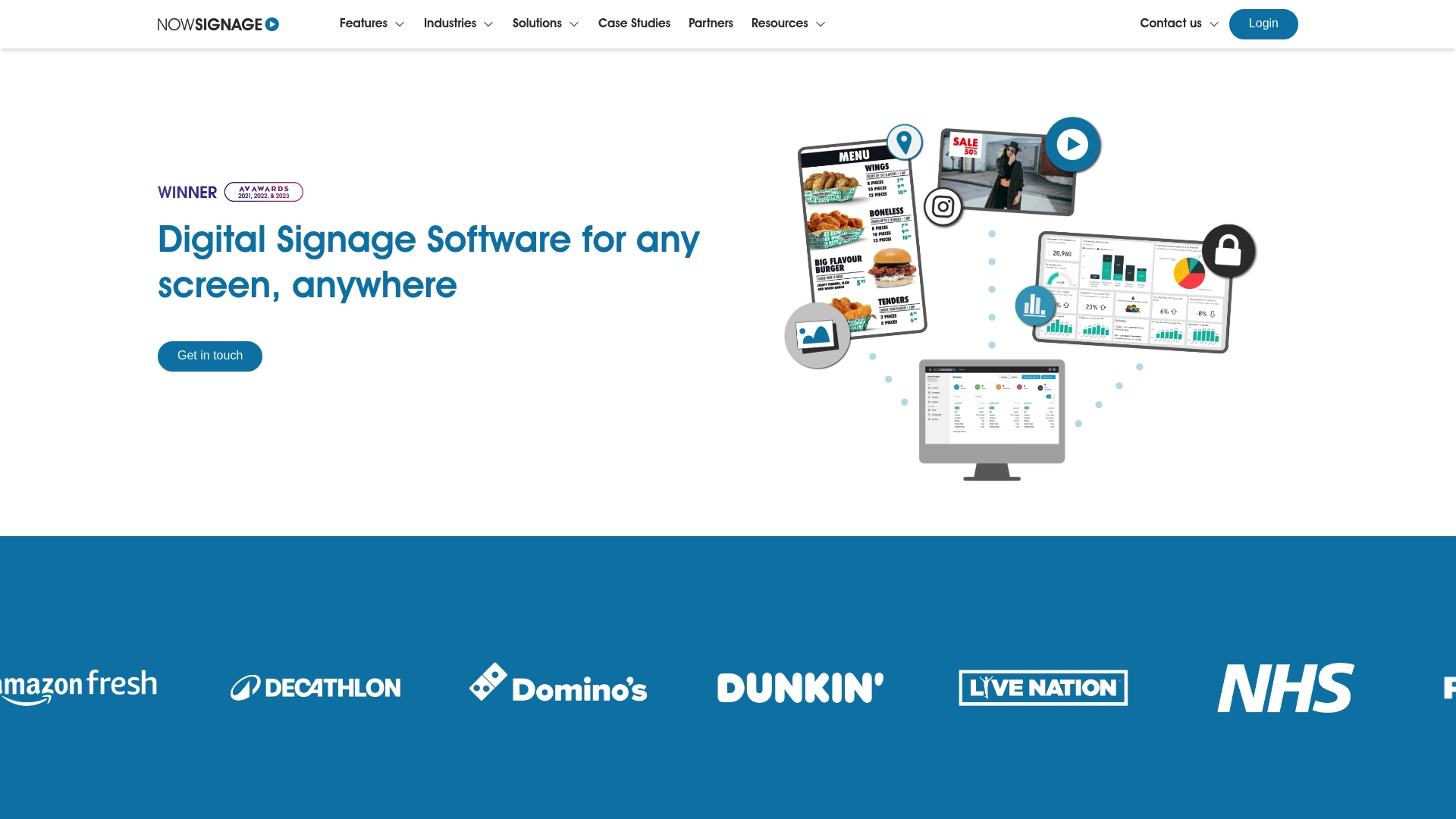
NowSignage supports all major operating systems and hardware types from a single code base. That makes large, mixed-device rollouts simpler to manage without swapping software for each player. The platform bundles multi zone layouts, proof of play tracking, room booking, dynamic pricing, and sensor triggers into one licensed package.
Core Features
NowSignage manages image and video content, scheduled playback, and web page display while supporting YouTube and social feeds. The platform adds remote device management, screen synchronization, touch hotspots, and on demand overrides for multi screen takeovers. It also supports data triggers such as weather feeds, age and gender triggers, Google traffic, and Microsoft Power BI dashboards.
Key Differentiator
The product’s single code base lets you deploy the same software across different device types and operating systems. That reduces testing and simplifies updates during enterprise rollouts. Hardware agnostic delivery is the chief reason larger organizations choose this product for wide, heterogeneous networks.
Pros
All premium features come with a license at no extra cost, which makes feature planning predictable. NowSignage’s marketing materials state training can be completed within 30 minutes. The platform sells flexible subscription terms and a tiered volume discount model, and the vendor advertises broad compatibility and secure, enterprise grade management.
Cons
Pricing is project and reseller dependent. You must contact a partner for an exact quote.
The product is sold only through resellers and partners. That adds procurement steps for end customers.
NowSignage does not sell hardware. You must source compatible displays and players separately.
When It May Not Fit
If you want to buy software directly from a vendor without involving a reseller, this product will not match that buying model. If you expect a hardware bundle from the same vendor, you will need a different supplier. Small teams without channel relationships may find procurement slower because partners handle licensing and installation.
Notable Integrations
Integrates directly with Microsoft Power BI for live dashboards and with Google Suite for calendar and document display. It also pulls from social channels and video platforms such as Facebook, Instagram, LinkedIn, Twitter, and YouTube.
Who It’s For
Large and mid sized enterprises, retail chains, educational campuses, healthcare organizations, and venues that need enterprise class digital signage management. Teams that operate mixed hardware fleets will value the single code base approach. Organizations that buy through systems integrators and resellers will find the licensing model aligns with their procurement workflows.
Real World Use Case
A retail chain deploys NowSignage across all stores to manage promotions, price updates, and social feeds from a central console. Regional managers push synchronized campaigns while stores apply local overrides when needed. The result is consistent brand presentation and fewer manual updates on the sales floor.
Pricing
Price is project specific and handled through reseller partners. Licenses use subscription terms of 1, 12, or 36 months and support single or multiple screens. The vendor offers tiered volume discounts through its partner channels.
Website: https://nowsignage.com
Play Digital Signage
At a Glance
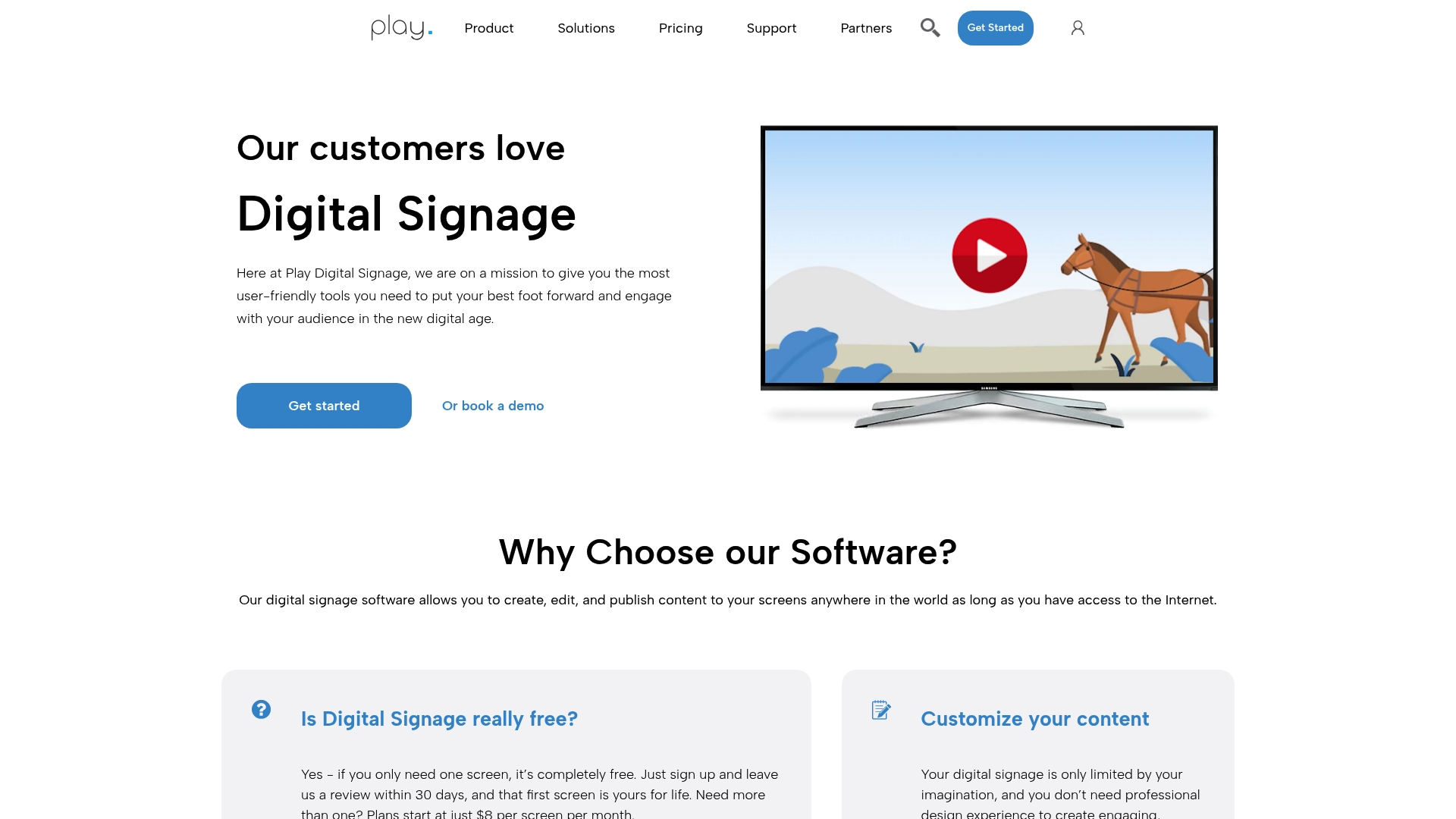
Supports Raspberry Pi, Linux, Fire TV, and other players across multiple operating systems. The platform lets you create, edit, and publish content remotely and it includes templates and a royalty free media library. A free option exists for a single screen, making initial testing low cost.
Core Features
Play Digital Signage delivers cloud based content management with remote publishing and scheduling that uses zones, tags, and playlists to target displays. It supplies customizable templates, a royalty free media library, and interactive touch plus website scripting for simple interactivity. The system also offers remote device management and analytics so you can diagnose playback issues and review content performance.
Key Differentiator
The standout is wide device support combined with an easy to use template system. That combination lets teams deploy a mix of Raspberry Pi players, Fire TV sticks, and Linux based players while keeping content creation accessible to nontechnical staff. Extensive integrations are advertised to connect the signage network with existing systems.
Pros
The interface is easy to use, which shortens onboarding for marketing and operations teams and reduces reliance on IT. A free single screen plan lets small locations trial the platform before paying for additional players. Device and operating system support is broad, which lowers hardware lock in and lets you reuse existing players. Scheduling, zones, and interactive features provide the tools needed for retail promotions, lobby displays, and event signage.
Cons
Some users report wanting deeper analytics and more advanced customization for template layouts.
Pricing can add up for large rollouts when optional features are required beyond basic plans.
Offline use is limited; players need published content to store it locally for disconnected networks.
When It May Not Fit
If you need robust offline playback for remote sites with unreliable networks, this solution may not meet your needs because local caching is limited. Organizations that require highly customized templates or advanced analytics may find the default toolset restrictive without additional development. Nontechnical teams who expect full functionality without training should plan for a short learning period for complex features.
Who It’s For
Organizations that want a cloud based digital signage manager that supports many player types and lets marketing staff update screens. Retail chains, restaurants, and corporate communications teams that need scheduling and zone control will find the feature set practical. Small locations can start on the free tier and scale to paid plans as they add screens.
Real World Use Case
A retail chain deploys the platform across hundreds of stores to run timed promotions by region using zones and playlists. Store managers receive remote updates while the central team controls campaign schedules and measures basic engagement with the platform analytics. The chain reuses existing Raspberry Pi players to lower hardware costs.
Pricing
Plans start with a free option for a single screen. Paid plans run $8 to $16 per screen per month depending on chosen features and scale. Budget for higher per screen costs when you add interactive modules or enterprise level support.
Website: https://playsignage.com
Xibo
At a Glance
Xibo runs under the AGPLv3 license and offers both self hosted code and an optional cloud hosted CMS. It supports player devices on Windows, Android, Tizen, webOS, and ChromeOS, letting organizations reuse existing screens. The product targets teams that want open source flexibility with an option for vendor managed hosting.
Core Features
Xibo combines a drag and drop layout editor with scheduling tools and audience engagement widgets, so you can design playlists and timed rotations without complex scripting. The platform includes advertising management and an SSP connector for DOOH networks, which simplifies campaign monetization and third party ad delivery. Administrators can choose self hosted deployment or the vendor run cloud hosted service to match internal skills and compliance needs.
Key Differentiator
Xibo pairs an open source license with broad device support and optional cloud hosting, which gives you a choice between full control and vendor managed convenience. That combination suits teams who want to avoid vendor lock in yet still use a managed CMS when they lack in house ops. The model lets you move between deployment styles as needs change.
Pros
Xibo is cost effective for organizations that can manage the server side or want to avoid recurring player licensing fees. The platform supports many operating systems, so hardware selection stays flexible and you can often repurpose existing screens. Xibo’s marketing materials state a top rated helpdesk, and the community contributions add templates and modules that reduce development time for common layouts. Cloud hosted plans remove much of the operational burden while keeping the same CMS features.
Cons
Requires technical skills for self hosted deployment, so internal IT resources are necessary for setup and security.
Scaling or heavy customization can become complex and may require paid professional services or developer time.
The open source edition may not include some enterprise grade features that appear in paid plans or custom builds.
When It May Not Fit
If you need a turnkey, fully managed service with minimal IT involvement on day one, Xibo self hosted will slow rollout. If your signage program depends on niche enterprise integrations or vendor hosted analytics that are not in the paid plans, you may need a provider with those exact services. Organizations with very limited developer capacity should plan for the cloud hosted option or budget for professional services.
Who It’s For
Xibo fits organizations that value control over their software and want the option to host their CMS. It suits retail chains, campuses, hospitality groups, and workplaces that already have some technical resources or can buy managed hosting. Choose Xibo when you want device flexibility and the ability to extend the platform through custom development.
Real World Use Case
A retail chain uses Xibo cloud hosted CMS to manage in store promotions, scheduled menus, and ad slots across hundreds of locations from a single dashboard. The chain repurposed Android media players and a small team scheduled content templates for seasonal campaigns. Advertising features let the chain sell leftover inventory to local partners and track what plays on each screen.
Pricing
Xibo offers a free open source edition for self hosted use and optional paid plans for cloud hosting, support, and advanced features. Vendors provide professional services and enterprise support packages for custom development or managed operations, billed separately from the free software.
Website: https://xibosignage.com
Comparison of alternatives
SignStream provides unlimited screen scalability without additional hardware acquisition fees, a distinct advantage for large-scale deployments. Competitors in the digital signage space introduce unique features that cater to specific operational needs across industries.
Offline playback support
Kitcast excels in ensuring content delivery during network disruptions. Its offline caching capability maintains screen operation uninterrupted by connectivity issues, a feature ideal for businesses requiring continuous playback. Meanwhile, SignStream’s dependency on consistent internet access may pose challenges in regions with unreliable connectivity, marking a clear distinction.
Security and hardware integration
ScreenCloud prioritizes network security alongside streamlined hardware integration, particularly for large organizations managing numerous endpoints. Utilizing proprietary solutions such as PIXI Player and ScreenCloud OS, it simplifies operational management. For entities needing security measures integrated with hardware, ScreenCloud represents an effective choice. However, this comes at higher procurement intricacies compared to alternatives.
Best fit
Large networks needing cost-efficient scaling will benefit from SignStream’s unlimited screen deployment policy without additional charges.
Organizations facing connectivity challenges should consider Kitcast’s strong offline playback capabilities.
Enterprises requiring secure hardware integration alongside centralized management will find ScreenCloud suitable.
Retail chains or teams wishing to minimize hardware investment might opt for Play Digital Signage’s compatibility with existing Raspberry Pi or Linux setups.
Our pick
SignStream excels for clients managing large-scale networks and prioritizing cost-effective scalability. Its policy of unlimited screens at no extra charge uniquely supports expansive deployments. Still, niche applications like offline playback or advanced hardware integrations may benefit from alternatives such as Kitcast or ScreenCloud.
Digital signage software varies widely by network size, hardware integration, and cloud capabilities.
Product | Core Feature | Key Differentiator | Pricing | Notable Limitation |
SignStream | Cloud-based management | Scales with existing hardware | Price not published | Requires stable internet for updates |
ScreenCloud | Hardware and CMS integration | Bundled players and software for enterprise | Starts at $20/screen/month | Setup complexity for large deployments |
Kitcast | Apple TV compatibility | Native Apple TV app with enterprise features | Starts at $7/screen/month | Lacks deep UI customization |
NowSignage | Unified code base for all devices | Hardware-agnostic platform | Price not published | Reseller-only procurement model |
Play Digital Signage | Free single-screen plan | Supports diverse hardware platforms | Free or $8–$16/screen/month | Limited offline playback |
Xibo | Open-source flexibility | Self-hosted or cloud-hosted options | Free open source or paid cloud plans | Technical skills needed for self-hosting |
How to Address Challenges When Choosing Yodeck.com Alternatives
Finding a digital signage platform that balances ease of use with powerful features can be difficult. Many organizations managing multiple displays want quick content updates without extra hardware or technical complexity. Signstream offers a dynamic cloud-based platform that lets you update unlimited screens instantly from any device. Businesses like gyms, retail chains, and offices have seen measurable results, including a 25% rise in class attendance.
Signstream stands out by using your existing displays with no extra charge for screen deployment. It also features an ad exchange marketplace to create new revenue streams while simplifying management through an accessible interface. Learn more about how Signstream can meet your needs for scalable, affordable digital signage on the Signstream website.
Bring your digital signage goals within reach by adopting Signstream. Visit Signstream.net to see how to build and manage custom media networks with ease.
FAQ
How does Signstream help in managing multiple displays?
Signstream simplifies managing multiple displays through its user-friendly interface that allows for remote content control. The platform enables real-time updates and scheduling from a single console, making it suitable for facilities such as schools and retail chains. Teams can easily manage their digital signage without extensive technical knowledge.
What is the difference between Signstream and ScreenCloud?
ScreenCloud delivers a full stack solution that includes custom hardware options alongside a CMS, making it a strong choice for organizations that prefer integrated players. Signstream, on the other hand, excels in scaling from single screens to large networks without needing additional hardware, which is ideal for users looking for flexibility and cost savings.
Can I use Signstream if my organization has limited technical staff?
Yes, Signstream is designed for teams with limited technical resources, as its accessible interface simplifies digital signage management. This allows facilities like fitness centers and educational institutions to effectively utilize the platform without requiring extensive IT support, encouraging smoother operations.
What features does Signstream support for content management?
Signstream supports a range of features including dynamic content management, real-time updates, and easy scheduling for both single displays and extensive networks. With these capabilities, organizations can ensure that their displays are always up-to-date and relevant.
How is pricing structured for Signstream?
Signstream does not publicly list standard pricing, but it offers unlimited screen deployments at no extra charge for custom media networks. To understand the specific pricing for your needs, it’s recommended to contact Signstream sales for detailed information.
Recommended
Comments