

Types of Retail Promotional Screen Content That Drive Sales
- sbgerus
- Jun 23
- 8 min read
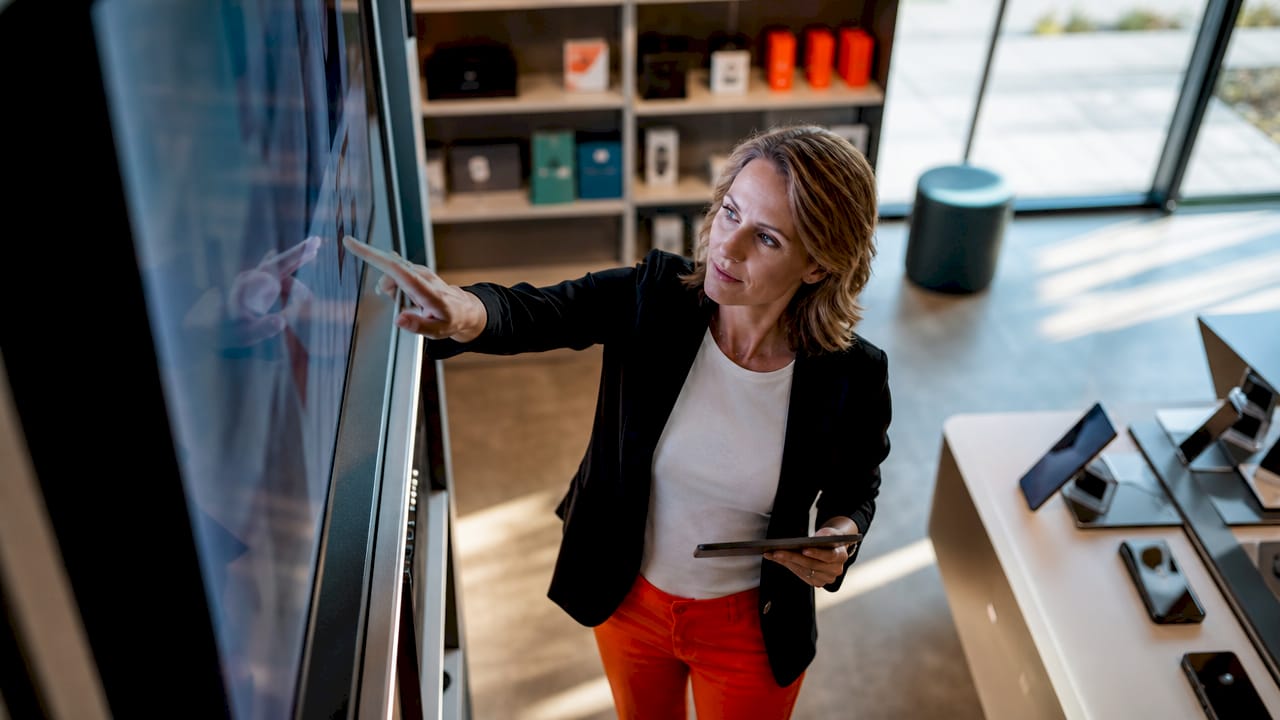
Retail promotional screen content is defined as the range of digital media displayed on in-store screens to inform, persuade, and guide shoppers toward a purchase. The industry term for the broader category is digital signage content, and it spans everything from touchscreen kiosks and dynamic price boards to brand storytelling videos and wayfinding displays. Getting the mix right is the difference between screens that sell and screens that wallpaper. This article breaks down the most effective types, explains where each one works best, and shows you how to build a content strategy that matches shopper intent at every point in the store.
1. What are the main types of retail promotional screen content?
Retail digital signage content maps directly to four business jobs: promotions and pricing, product information, store announcements, and brand messaging. Each job corresponds to a distinct moment in the shopper’s path through your store. A screen at the entrance serves a different purpose than one at the checkout lane. Matching content type to store moment is the foundation of any effective digital signage strategy.
The four core categories are:
Interactive content: Touchscreen kiosks, endless aisle browsers, guided selling tools
Dynamic promotional content: Real-time price updates, flash sale countdowns, inventory-driven offers
Brand storytelling content: Brand videos, customer testimonials, product-origin stories
Operational content: Wayfinding, queue management, staff announcements, store hours
Each category serves a distinct customer intent. Knowing which type belongs where is what separates high-performing retail screens from expensive decoration.
2. How does interactive screen content improve product discovery?
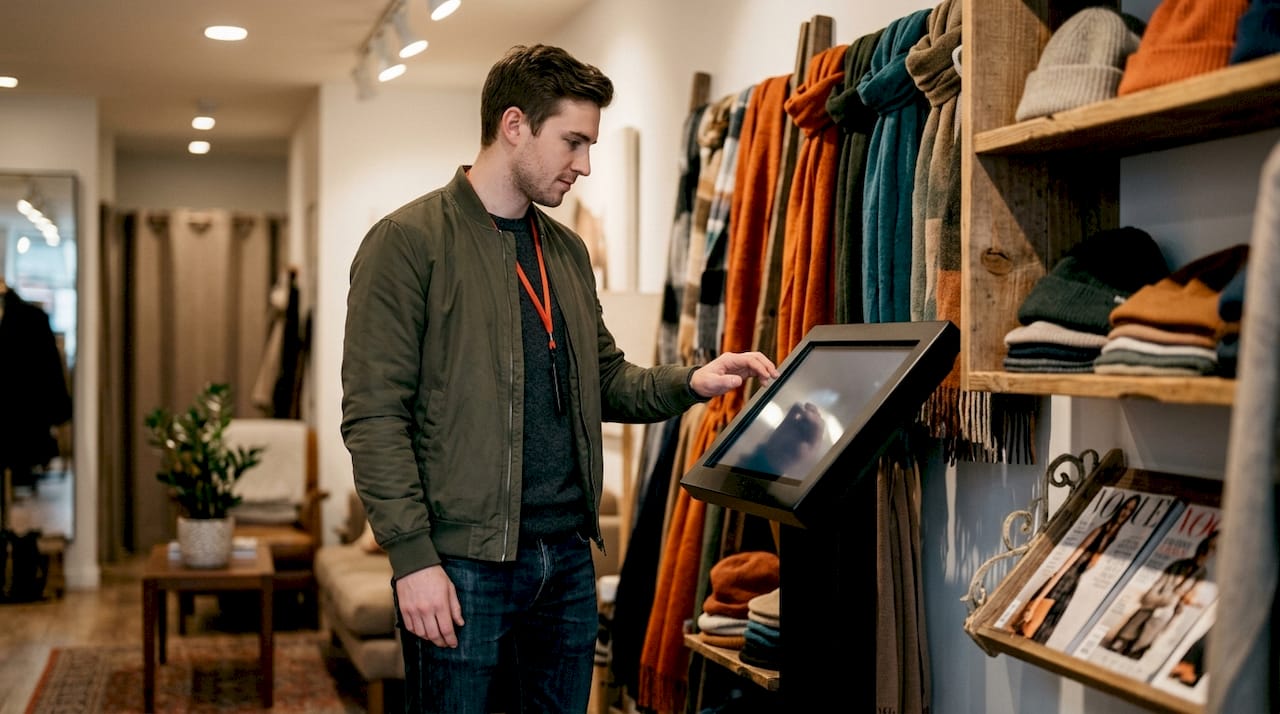
Interactive retail screens including touchscreen kiosks and endless aisle browsers let shoppers explore your full catalog without needing a staff member. A customer who cannot find a size on the shelf can use a kiosk to browse extended inventory, check nearby store stock, or place a ship-to-home order on the spot. That single capability recovers sales that would otherwise walk out the door.
The endless aisle concept takes this further. Kiosks enable product exploration with QR code handoff, so a shopper who starts browsing on a store screen can scan a code and continue on their phone while they finish shopping. Guided buying tools within these kiosks ask a few questions about the shopper’s needs and surface the most relevant products. This is especially powerful in categories like electronics, skincare, or sporting goods where product choice is complex.
Interactive content also reduces pressure on floor staff. When a kiosk handles basic product questions and comparisons, your team can focus on higher-value conversations.
Pro Tip: Set your kiosk to default to your highest-margin or best-reviewed products in the guided buying flow. Shoppers who use guided tools convert at a higher rate than those who browse freely.
3. How does real-time promotional content drive in-store sales?
Dynamic promotional content is the most direct revenue driver among all digital signage types. Rules-based automation connects your screens to POS, inventory, and ERP systems so that offers update automatically based on stock levels, time of day, or regional demand. A screen promoting a product that is out of stock does not just fail to sell. It actively frustrates the shopper and erodes trust.
The practical benefits of inventory-driven promotional content include:
Accuracy: Only in-stock items appear in promotions, eliminating customer disappointment
Relevance: Location-specific offers surface products that match regional preferences or local weather
Speed: Flash sales and end-of-day clearance can go live across all screens in seconds
Efficiency: Promotional content updates without manual intervention from store staff
Screens showing only in-stock items reduce customer frustration and increase purchases by delivering relevant, timely content. That outcome depends entirely on the quality of your backend integration. Without it, your promotional screens are running on guesswork.
Pro Tip: Use weather-triggered rules to surface seasonal or weather-relevant products automatically. A cold snap is a real-time sales opportunity if your screens are connected to the right data.
4. Why is brand storytelling a critical type of retail screen content?
Brand storytelling content builds emotional connection with shoppers beyond the discount. Brand videos, customer testimonials, and product-origin stories reinforce campaigns and deepen engagement in ways that a price promotion cannot. For premium or artisanal brands, storytelling content is often the primary driver of perceived value.
The most advanced example of this trend is episodic branded entertainment. Albertsons Media Collective distributes branded microdramas on in-store screens, and P&G’s “Rico’s Tacos” microdrama blends branding, entertainment, and retail data into a single piece of content. This approach moves retail media beyond traditional advertising into something shoppers actually want to watch.
“Branded entertainment distributed via retail media networks represents the next frontier in in-store engagement, blending storytelling and commerce.”
Storytelling content works best when it runs alongside promotional content, not instead of it. A video wall at the store entrance can open with a brand film and transition into a product promotion. That sequence builds emotional context before the sales pitch lands.
Effective brand storytelling formats for retail screens include:
Short brand films (60–90 seconds) showing product craftsmanship or sourcing
Customer testimonial loops with real names and specific results
Behind-the-scenes content from manufacturing, farms, or design studios
Seasonal or campaign-specific content tied to current promotions
You can explore how endcap screens support branded campaigns at high-traffic product locations for maximum storytelling impact.
5. Which content types help with navigation and store operations?
Operational digital signage content is the least glamorous category and the most underused. Retail signage integrations support pricing updates, queue management, wayfinding, and store announcements, all of which reduce customer confusion and improve the shopping experience. A shopper who cannot find the fitting rooms or does not know how long the checkout line is will leave earlier than one who has clear guidance.
Operational content types include:
Wayfinding maps: Department directories and aisle guides displayed near store entrances
Queue status screens: Live wait time estimates at checkout or service counters
Staff communication boards: Back-of-house screens showing shift schedules, task lists, or safety updates
Store announcement slides: Opening hours, policy changes, upcoming events, or loyalty program reminders
The key distinction between operational and promotional content is intent. Promotional content drives purchase decisions. Operational content removes friction from the shopping experience. Both matter, and both belong in your content rotation.
6. How to choose the right mix of screen content for your store
Content types align with store moments like entry, aisle, and checkout to optimize impact. The entrance is where brand storytelling and store-wide promotions belong. Aisles are where product information and category-specific offers perform best. The checkout zone is where impulse offers, loyalty program reminders, and queue management content drive last-minute decisions.
Multi-zone screen layouts let you display promotions, brand stories, and customer reviews simultaneously on a single screen, with each zone fed by a different data source. A screen in the fitting room area can show outfit suggestions while the top banner displays a current sale. This is where content strategy and screen hardware intersect.
Content type | Best store zone | Primary goal |
Brand storytelling video | Entrance, video wall | Build emotional connection |
Interactive kiosk | Aisle, product floor | Product discovery, guided buying |
Dynamic price promotion | Aisle, endcap, checkout | Drive purchase, impulse buy |
Wayfinding and navigation | Entrance, floor intersections | Reduce friction, improve flow |
Queue management | Checkout, service counter | Manage wait time perception |
Staff communication | Back of house, stockroom | Operational efficiency |
For multi-location retailers, cross-location content management is the deciding factor in whether a campaign lands consistently or falls apart at the store level. Automation is not optional at scale. Manual content updates across dozens of locations create errors, outdated promotions, and missed opportunities.
Pro Tip: Audit your store zones before building a content calendar. Map each screen to a customer intent (discover, compare, decide, checkout) and assign content types accordingly. This single step eliminates most content mismatch problems.
Key takeaways
The most effective retail screen content strategy matches each content type to a specific store zone and customer intent, combining dynamic promotions, brand storytelling, and operational content in a single coordinated system.
Point | Details |
Match content to store zone | Entrance screens suit brand storytelling; checkout screens suit impulse offers and queue management. |
Automate promotional content | Connect screens to POS and inventory systems to show only in-stock, location-relevant offers. |
Use brand storytelling | Brand videos and testimonials build emotional connection that price promotions alone cannot achieve. |
Deploy multi-zone layouts | Single screens can display promotions, reviews, and brand content simultaneously using zone-based layouts. |
Measure and adjust | Track content performance by zone and adjust the mix based on engagement and sales data. |
What I’ve learned about retail screen content after years in the field
The retailers who get the most out of their screens are not the ones with the biggest budgets. They are the ones who treat content as a system, not a playlist. The biggest mistake I see is treating all screens as interchangeable. A brand film that works beautifully at the store entrance will feel completely out of place at the checkout lane, where shoppers want speed and clarity, not a two-minute story.
Automation is the make-or-break factor for any chain with more than a handful of locations. I have seen well-designed campaigns collapse because a store’s screens kept promoting a product that sold out three days earlier. That kind of error does not just waste ad spend. It trains shoppers to ignore your screens entirely.
The trend I am most excited about is episodic branded entertainment. The P&G and Albertsons collaboration with “Rico’s Tacos” is not a gimmick. It is a signal that retail screens are becoming media channels in their own right. Shoppers who are entertained stay longer and buy more. That is not a theory. It is what the data from retail media networks is showing.
My practical advice: start with inventory-driven promotional content and get the automation right first. Then layer in brand storytelling once your screens are reliably accurate. Shoppers forgive a lot, but they do not forgive a screen that wastes their time with irrelevant or outdated information.
— DKS
Signstream makes retail screen content management straightforward
Managing multiple content types across every screen in your store does not have to be complicated. Signstream is a cloud-based digital signage platform built for retail managers who need to schedule promotions, update pricing, and run brand content across unlimited screens from a single dashboard, with no technical expertise required.

Signstream connects to your existing systems so your promotional content stays accurate and current. You can schedule real-time offers, rotate brand storytelling content, and push operational announcements to every screen in seconds. Retailers using Signstream have reported measurable gains in customer engagement and in-store sales. The platform also includes an ad exchange marketplace, so your screens can generate revenue even when you are not running your own promotions. See how it works and request a demo to get started.
FAQ
What are the main types of retail promotional screen content?
The main types are interactive content (kiosks, endless aisle), dynamic promotional content (real-time pricing, inventory-driven offers), brand storytelling (videos, testimonials), and operational content (wayfinding, queue management). Each type serves a different customer intent and store zone.
How does real-time inventory integration improve digital signage?
Connecting screens to POS and inventory systems ensures only in-stock, location-relevant products appear in promotions. This reduces customer frustration and increases purchase rates by delivering accurate, timely offers.
What is the endless aisle concept in retail digital signage?
The endless aisle lets shoppers browse a retailer’s full catalog on in-store kiosks, including items not stocked on the shelf, with options to order for ship-to-home or continue browsing via QR code on their phone.
Where should brand storytelling content appear in a retail store?
Brand storytelling content performs best at store entrances and on video walls where shoppers have time and attention. It builds emotional context before a promotional message, making the overall campaign more effective.
How many content types should a retail screen display at once?
Multi-zone screen layouts let a single display show two or three content types simultaneously, such as a promotion in one zone and a brand video in another. The right number depends on screen size, location, and shopper dwell time.
Recommended
Comments