

The Role of Screens in Retail Cross-Selling: 2026 Guide
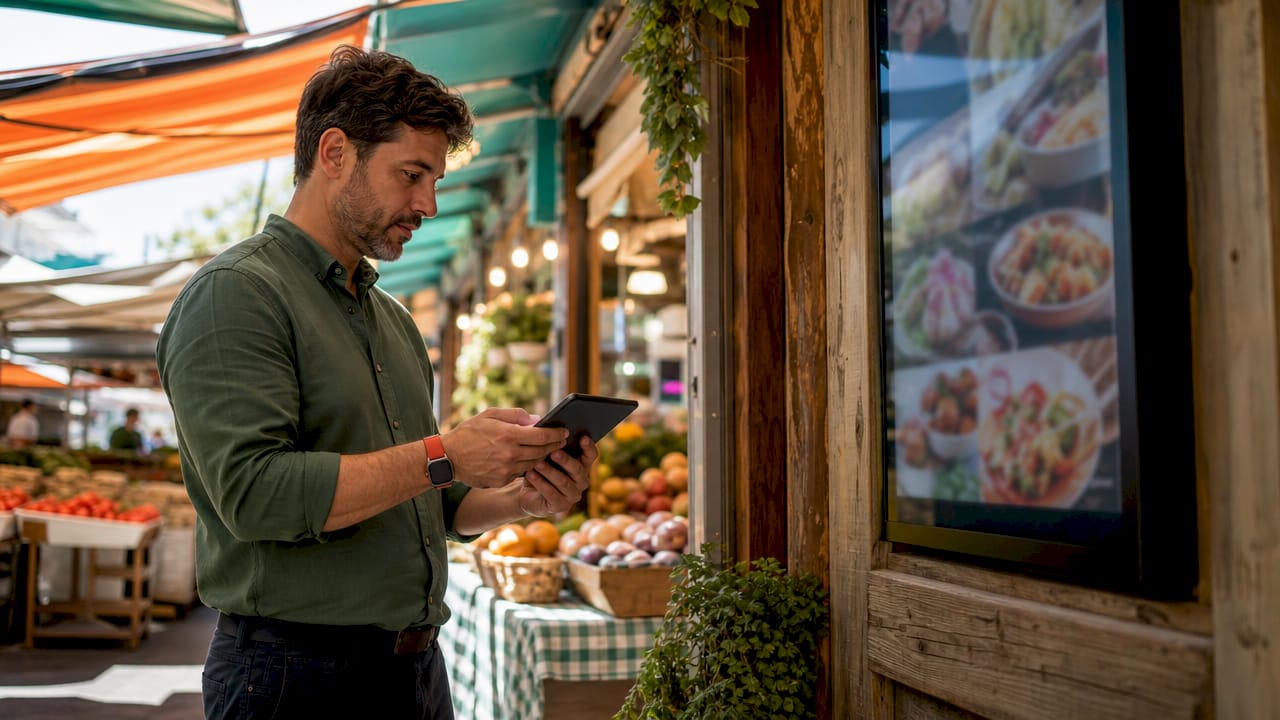
Digital signage in retail is defined as the use of networked screens to deliver targeted, real-time content that influences customer purchase decisions at key moments in the store. The role of screens in retail cross-selling goes well beyond simple advertising. Screens positioned at entrances, endcaps, checkout counters, and in-cart displays actively prompt customers to add complementary products to their purchases. Retailers using digital signage report sales increases ranging from 3% to 30% per transaction, with 80% of customers admitting unplanned purchases after viewing digital displays. That single statistic reframes how you should think about every screen in your store.
How do screens influence customer buying decisions in retail cross-selling?
Screens work on customers through three mechanisms: motion, color contrast, and placement at high-attention zones. A static shelf talker competes with dozens of other visual signals. A screen showing a short video clip of a product in use wins attention every time. The brain processes moving images faster than text, which means your cross-sell message lands before the customer consciously decides to look away.
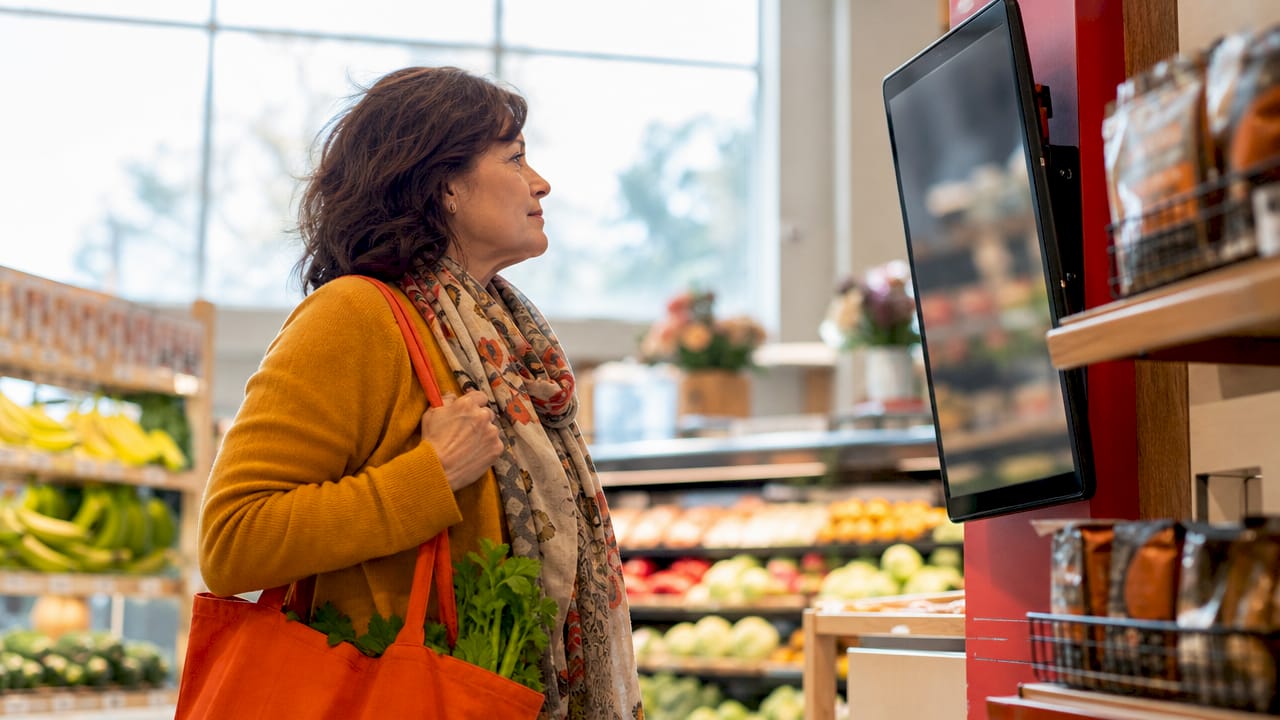
Placement is where most retailers leave money on the table. Queue zones and checkout counters are the highest-value real estate in any store. 29.5% of purchasing decisions are influenced by digital signage promotions. Customers waiting in line have nothing to do but look at your screens, and their wallets are already open.
Interactive touchpoints add another layer. 76% of kiosk users purchase more than originally intended because kiosks make it easy to discover relevant add-ons and customizations. That is not an accident. Kiosks reduce the social friction of asking a staff member for a recommendation, and they present options visually in a way that feels like discovery rather than upselling.
Motion content outperforms static images in attention capture, especially in high-traffic zones.
Checkout screens convert best when they show impulse add-ons physically within arm’s reach of the customer.
Interactive kiosks increase average order value by surfacing product options customers would not have found on their own.
Queue-zone screens hold attention during wait times and prime customers for a final add-on purchase.
Pro Tip: Place your highest-margin cross-sell products within physical reach of the checkout screen. The screen creates desire; the product placement closes the sale.
What screen types and content strategies maximize cross-selling?
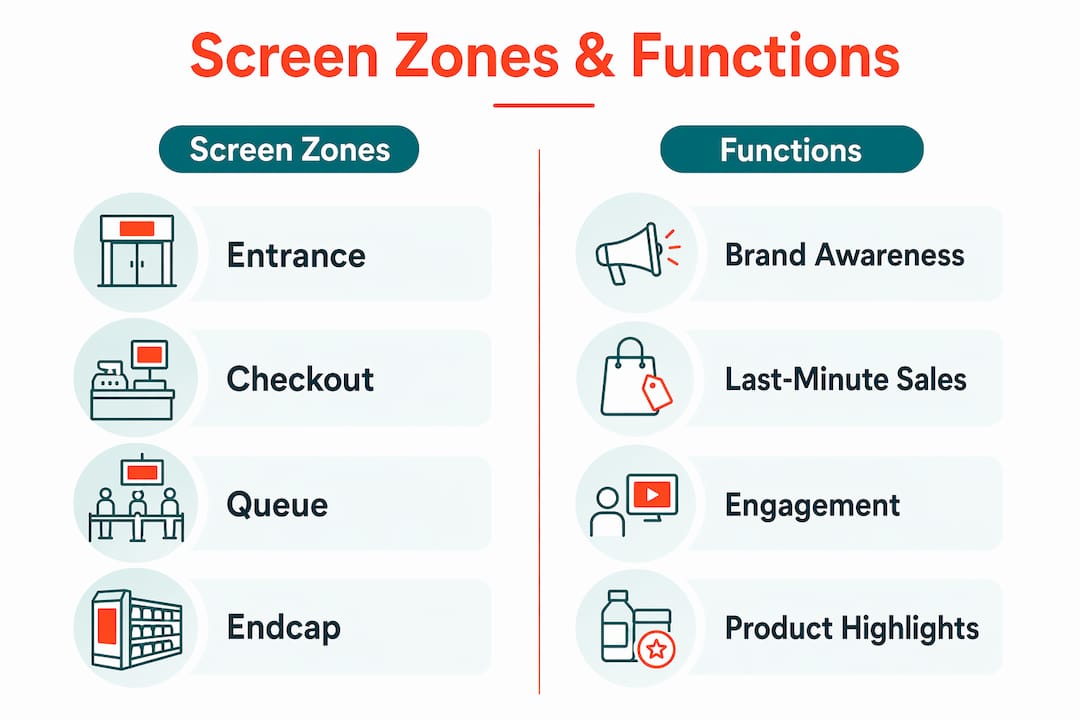
Not every screen placement delivers the same result. The table below maps screen zones to their primary cross-selling function and the content type that performs best in each location.
Screen zone | Primary function | Best content type |
Entrance display | Brand awareness, category priming | Brand storytelling, seasonal campaigns |
Endcap screen | Category cross-sell | Complementary product pairings, flash sales |
Checkout kiosk | Impulse add-on conversion | Low-cost add-ons, loyalty program prompts |
In-cart display | Category-level upsell | Location-based ads, advertised and related items |
Queue-zone screen | Engagement and pre-close | Entertainment, brand storytelling, cross-sell prompts |
In-cart digital displays increase purchase quantity and spending on both advertised and non-advertised products in the same category. The effect holds across store zones, which means a well-placed in-cart screen does not just sell the featured product. It lifts the entire category.
Content strategy matters as much as placement. Three content themes consistently drive cross-selling results:
Flash sale countdowns. A limited-time offer shown on an endcap screen creates urgency. Pair it with a product that complements what the customer already has in their cart. For a grocery retailer, that means showing a wine promotion next to the cheese display.
Complementary product suggestions. Show the product the customer is likely buying alongside the natural add-on. A sporting goods retailer showing running shoes on an entrance display should follow with a screen near the shoe wall showing socks, insoles, and hydration packs.
Brand storytelling. Screens in destination-style retail environments, such as outdoor gear stores or specialty food shops, use storytelling content to build emotional connection. This mirrors the role of screens in destination brand storytelling, where narrative content builds trust before the purchase decision is made.
Content loop duration is a detail most retail managers overlook. Queue-zone content loops should match the average queue length of 3–5 minutes to maintain engagement without irritating customers. A loop that repeats every 90 seconds in a 4-minute queue means the customer sees the same content twice. That kills the effect.
Pro Tip: Build your queue-zone playlist to run 4–5 minutes before repeating. Mix one brand story segment, one entertainment clip, and two cross-sell prompts. The variety keeps customers watching.
For a deeper look at how endcap screens drive cross-selling, the placement and content principles apply directly to your highest-traffic product zones.
How do you integrate screens with staff and existing retail systems?
Screen technology delivers the most value when it supports your staff rather than replacing them. AI voice ordering and unified platforms assist employees while creating more cross-selling opportunities. When a screen handles the routine product suggestion, your staff can focus on higher-value conversations with customers.
The biggest integration failure in retail is running screens as isolated systems. A screen showing a promotion for a product that sold out three days ago damages customer trust faster than no screen at all. Automated content management tied to inventory and dayparting prevents this. Systems that pull sold-out items from display automatically protect your brand reputation and keep every promotion relevant.
A unified platform that connects handheld devices, kiosks, and wall-mounted screens gives your team one place to manage all content. Updates push instantly across every screen in the store. That matters when a flash sale starts at noon and you need every screen in the building showing the right message at the right time.
Common integration pitfalls to avoid:
Irrelevant ads at checkout. Showing a promotion for a product category the customer has no interest in at the moment of purchase reduces conversion and creates friction.
Approval bottlenecks. Requiring IT sign-off for every content update slows your response to inventory changes and missed sales opportunities.
Siloed screen management. Managing entrance screens, endcap screens, and checkout kiosks through separate systems creates inconsistent messaging and doubles your workload.
What are the practical steps for implementing screen-based cross-selling?
Retail managers who get the best results from screen-based cross-selling follow a clear process. The steps below reflect what works in practice, not just in theory.
Map your customer journey first. Walk your store as a customer would. Identify the three to five moments where a screen could prompt a natural add-on purchase. Entrance, endcap, and checkout are the starting points.
Align screen content with physical product placement. Checkout screen content should focus on impulse add-ons physically close to the customer. If the product is not within reach, the screen creates desire without a conversion path.
Set content loops by zone. Entrance screens can run longer brand storytelling loops. Checkout screens need short, punchy content under 30 seconds per segment.
Use dayparting to match content to shopping behavior. Morning shoppers in a grocery store behave differently from evening shoppers. Breakfast products and coffee promotions belong in the morning loop. Dinner ingredients and wine belong in the evening loop.
Connect your screen platform to inventory. Automated dayparting and inventory-triggered content keep promotions relevant and prevent customer frustration from outdated offers.
Review analytics weekly. Track which screen zones and content types drive the most add-on purchases. Cut what does not convert and double down on what does.
Pro Tip: Start with one screen zone, measure the result for two weeks, then expand. Trying to deploy and optimize every zone at once spreads your attention too thin and makes it hard to know what is actually working.
For practical examples of flash sale screen content that drives add-on purchases, those formats translate directly to retail cross-selling campaigns.
Key takeaways
Screens drive retail cross-selling most effectively when content is aligned with product placement, loop duration matches wait time, and the platform connects to live inventory data.
Point | Details |
Placement drives conversion | Checkout and queue-zone screens outperform all other locations for cross-sell prompts. |
Content loops must match wait time | Queue-zone playlists should run 4–5 minutes to avoid repeat irritation. |
Inventory integration is non-negotiable | Screens showing sold-out products damage trust and reduce conversion. |
Interactive screens increase order value | 76% of kiosk users purchase more than originally intended due to easier product discovery. |
Staff support amplifies screen results | Screens handle routine suggestions; staff handle relationship-building and complex questions. |
What I have learned from watching retailers use screens the wrong way
Retail managers tend to treat screens as a broadcast channel. They upload a promotion, set it to loop, and walk away. That is the single most common mistake I see, and it explains why so many screen installations underperform.
The retailers who get real results treat their screens the way a good salesperson treats a conversation. They read the room. They change the message based on the time of day, the product mix on the floor, and what customers are actually buying. A screen showing a summer barbecue promotion in october is not just irrelevant. It signals to the customer that nobody is paying attention.
The other underused opportunity is the connection between screens and staff. Interactive digital touchpoints build trust by providing real-time feedback and transparent communication. When a screen answers a customer’s question about a product before they reach the register, your staff can focus on closing the sale rather than explaining the basics. That is a force multiplier most retailers are not using.
The role of screens in brand storytelling retail is also consistently undervalued at the endcap level. Retailers spend heavily on entrance displays and checkout screens, then leave endcap screens running generic brand logos. An endcap screen showing a 20-second story about why a product exists converts better than a logo every time. Customers buy meaning, not just products.
— DKS
How Signstream helps retail managers run smarter cross-selling campaigns
Signstream’s cloud-based digital signage platform gives retail managers the tools to manage every screen in their store from a single dashboard, with no technical expertise required. Content updates push instantly across unlimited screens, so your flash sale goes live at noon without a single IT ticket.

Signstream connects to your inventory and supports dayparting, so your screens always show what is actually available and relevant to the moment. The built-in ad exchange marketplace lets you cross-promote with other local businesses and generate revenue from your own screens. Retailers using Signstream report measurable gains in customer engagement and transaction value. If you want to see how it works for your specific store layout, book a free consultation and get a plan built around your cross-selling goals.
FAQ
What is the role of screens in retail cross-selling?
Screens in retail cross-selling deliver targeted product suggestions at high-attention moments in the customer journey, such as checkout and queue zones, to prompt unplanned add-on purchases. Retailers using digital signage report sales increases of 3%–30% per transaction.
Where should cross-selling screens be placed in a retail store?
Checkout counters, queue zones, and endcaps are the highest-converting locations for cross-selling screens. In-cart displays also increase spending across entire product categories, not just the advertised item.
How long should a digital signage content loop run?
Queue-zone content loops should match the average wait time of 3–5 minutes to keep customers engaged without repeating content. Checkout screens perform best with short segments under 30 seconds each.
Do screens replace retail staff in cross-selling?
Screens support staff rather than replace them. Interactive kiosks and digital displays handle routine product suggestions, freeing staff to focus on higher-value customer interactions and relationship-building.
How does inventory integration improve screen-based cross-selling?
Connecting your screen platform to live inventory data automatically removes sold-out products from display, keeping every promotion accurate and preventing the customer frustration that comes from seeing unavailable offers.
Recommended
Comments