

Best SignNow.com Alternatives for U.S. Businesses in 2026

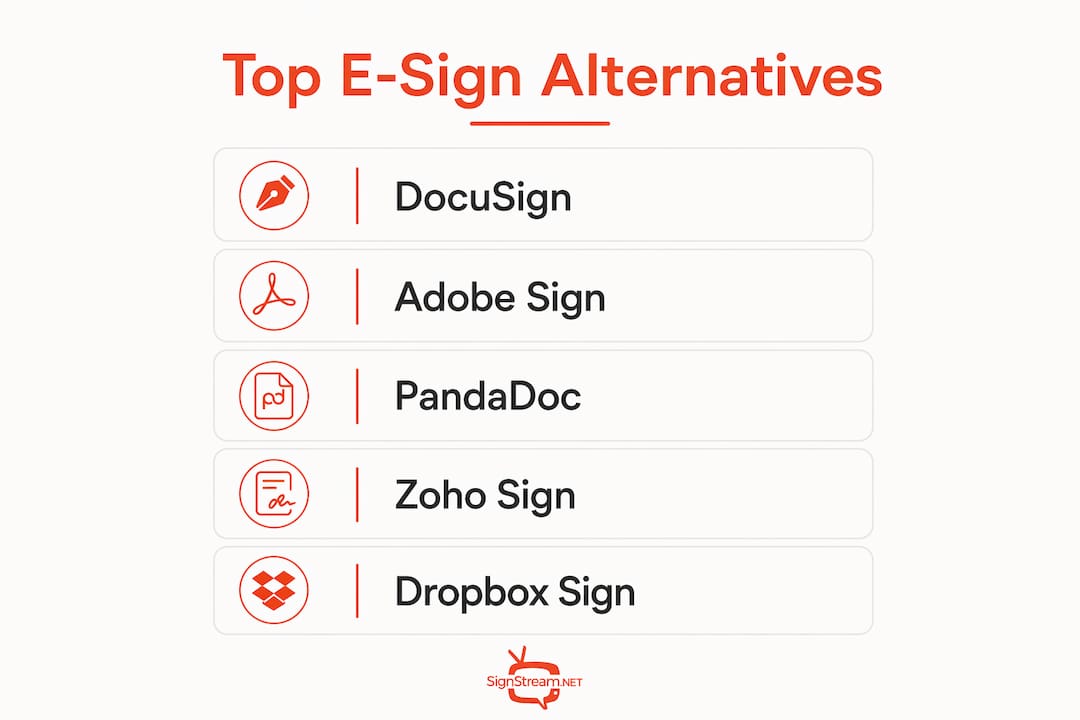
The strongest signnow.com alternatives for U.S. businesses fall into three clear groups: enterprise-grade platforms (DocuSign, Adobe Acrobat Sign), document-generation and proposal tools (PandaDoc), and low-cost simple signers (Zoho Sign, Dropbox Sign, eversign, SignEasy). Gartner’s buyer-oriented groupings confirm this taxonomy, and your best starting point depends on two checkpoints: which CRM or storage tools you already use, and whether your industry requires HIPAA or 21 CFR Part 11 compliance.
Quick shortlist:
DocuSign — Best for enterprise audit trails and global authentication
Adobe Acrobat Sign — Best for PDF-heavy workflows and Adobe ecosystem users
PandaDoc — Best for sales teams needing proposals plus signatures in one tool
Zoho Sign — Best for regulated industries needing HIPAA/21 CFR Part 11 support
Dropbox Sign — Best for small teams wanting fast, simple web-embed signing
eversign — Best for SMBs on a tight budget with basic signing needs
SignEasy — Best for field teams that sign primarily on mobile
Table of Contents
How do these SignNow competitors compare on features and price?
Product | Best For | Starting Price Shape | Key Features | Integrations | Compliance | API/Automation | Ease of Use |
Enterprise compliance | Per-user/month | Audit trail, bulk send, templates | Salesforce, Box, Dropbox, 1,000+ | SOC 2, HIPAA | Industry-leading API | Moderate setup | |
PDF workflows | Per-user/month | Reusable forms, branding, bulk send | Microsoft, Salesforce, Workday | SOC 2, HIPAA, 21 CFR Part 11 | Strong API | Moderate | |
PandaDoc | Sales proposals | Per-user/month | Document generation, CPQ, templates | Salesforce, HubSpot, Pipedrive | SOC 2, ESIGN Act | Good API | Easy |
Regulated workflows | Per-user/month | Role-based routing, bulk send, templates | Zoho suite, Google Workspace | HIPAA, 21 CFR Part 11, SOC 2 | Solid API | Easy | |
Dropbox Sign | Simple/embed signing | Per-user/month | Templates, embedded signing, reminders | Dropbox, Google Workspace, Slack | SOC 2, ESIGN Act | Strong embed API | Very easy |
eversign | SMB budget signing | Per-user/month | Basic templates, audit trail | Google Drive, Dropbox | SOC 2, ESIGN Act | Basic API | Very easy |
SignEasy | Mobile-first teams | Per-user/month | Mobile signing, templates, reminders | Google Workspace, Dropbox | SOC 2, ESIGN Act | Limited API | Very easy |
Per-entrant profiles:
DocuSign is the market reference point for enterprise e-signature. Its audit trail depth and global identity verification options are unmatched, and its 1,000+ integrations cover virtually every CRM and storage platform. The tradeoff is cost: advanced features like bulk send and API volume tiers escalate quickly.
Adobe Acrobat Sign suits organizations already running Adobe Document Cloud. Unlimited seats on team plans, native PDF editing, and direct integration with Microsoft Teams and Salesforce make it a natural fit for compliance-heavy enterprises. Per-user pricing stays competitive at the team tier.
PandaDoc goes beyond signing. Built-in document generation with merge fields, conditional content, and CPQ tools means sales teams can build, send, and close proposals without a separate tool. That consolidation alone can reduce sales cycle time meaningfully.
Zoho Sign stands out for regulated industries. Select plans support HIPAA and 21 CFR Part 11, and Zoho advertises free migration and onboarding assistance for businesses switching providers — a genuine differentiator when template imports and audit-trail exports are at stake.

Dropbox Sign (formerly HelloSign) keeps things simple. Its embedded signing API is among the cleanest available, making it a go-to for developers building signing flows into web apps. Small teams get fast adoption with minimal training.
eversign is the lean option. No enterprise overhead, straightforward pricing, and a clean interface cover the needs of most SMBs that just need legally binding signatures without complexity.
SignEasy is built for the field. Its mobile UX is the sharpest of this group, and teams that sign on-site — contractors, healthcare workers, retail staff — adopt it faster than any desktop-first alternative.
Migration friction is real. Template exports, audit-trail metadata, and rewired integrations are the three biggest cutover risks. Vendors like Zoho Sign that offer free migration assistance and bulk template import tools cut that risk significantly. If your current vendor doesn’t offer this, budget time for manual rebuilds.
Match your goal to the right tool:
Proposals and deal acceleration: PandaDoc
Enterprise compliance and global auth: DocuSign or Adobe Acrobat Sign
HIPAA / 21 CFR Part 11 regulated workflows: Zoho Sign
Low-cost, high-volume simple signing: eversign or Dropbox Sign
Mobile-first field teams: SignEasy
On total cost of ownership: headline per-seat pricing rarely tells the full story. API volume tiers, per-envelope charges, and gated bulk-send features drive real costs as you scale. Build a usage model with your expected monthly signature volume before committing to any plan.
Which alternative should you try first?
SMBs with simple signing needs: Start with Dropbox Sign or eversign. Both offer free trials, minimal setup, and enough features to cover standard contracts, NDAs, and HR documents without burning a hole in the budget.
Sales and proposal teams: Trial PandaDoc first. The document-generation layer eliminates a separate tool and the CRM integrations with Salesforce and HubSpot fit naturally into existing sales workflows.
Regulated or enterprise buyers: Evaluate Zoho Sign if HIPAA or 21 CFR Part 11 applies; DocuSign or Adobe Acrobat Sign if global compliance and deep audit trails are the priority.
Migration checklist:
Inventory all active templates and identify which are business-critical
Export audit trail data from SignNow before canceling your account
Test template imports in your new platform’s sandbox environment
Rewire CRM, storage, and workflow integrations one at a time
Run a pilot batch of 10–20 documents before full cutover
Validate audit trail completeness and identity verification on signed documents
Update internal SOPs and notify signers of the new platform
Watch for during evaluation:
Hidden API fees above free-tier thresholds
Signer limits per envelope or per month
Support SLA response times (live chat vs. email-only tiers)
Document retention limits and export options
Mobile app quality on iOS and Android
Next steps: book a demo with your top two candidates, request a Business Associate Agreement (BAA) if HIPAA applies, and use a migration sandbox before going live.
Pro Tip: Run your cutover on a Tuesday or Wednesday. Avoid Mondays (backlog) and Fridays (reduced support staffing). A mid-week switch gives you a full business day to catch integration issues before the weekend.
Signstream turns your screens into a revenue channel
If you’re rethinking your business tools beyond e-signatures, Signstream offers something the platforms above don’t: a way to make your physical locations work harder. While DocuSign and its peers handle document workflows, Signstream manages what your customers see on-screen in real time, across every location, from any device.

Signstream’s ad exchange marketplace lets you cross-promote with other local businesses and earn revenue from your own screens, turning idle display time into a measurable income stream. Deploy on unlimited screens at no extra charge, update content instantly, and track performance through built-in analytics. Gyms, restaurants, retailers, and franchises already use it to drive promotions and increase foot traffic. Check out Signstream’s pricing plans and see how quickly your screens can start paying for themselves.
Key Takeaways
DocuSign, Adobe Acrobat Sign, PandaDoc, Zoho Sign, Dropbox Sign, eversign, and SignEasy each serve a distinct buyer profile, and choosing the wrong one based on headline pricing alone drives up your true cost as volume scales.
Point | Details |
Match tool to business goal | Proposals need PandaDoc; enterprise compliance needs DocuSign or Adobe Acrobat Sign; regulated workflows need Zoho Sign. |
Watch total cost of ownership | API volume tiers, per-envelope charges, and gated bulk-send features drive real costs beyond the per-seat price. |
Compliance is a hard filter | HIPAA and 21 CFR Part 11 support narrows the field to Zoho Sign, Adobe Acrobat Sign, and DocuSign for regulated industries. |
Migration needs a plan | Export audit trails and test template imports before canceling your current account to avoid data loss. |
Signstream complements e-signature tools | Signstream’s ad exchange marketplace lets businesses monetize screens and run real-time promotions across unlimited locations. |
Recommended
Comments