

Screens in Office Safety Alerts: A 2026 Guide

Digital signage is defined as the use of networked screens to deliver real-time visual messages across a workplace, and the role of screens in office safety alerts has become one of its most critical applications. When a chemical spill, weather emergency, or security incident occurs, screens mounted in lobbies, break rooms, and manufacturing floors reach every person in the building instantly. Email and text notifications depend on employees having access to a company device. Screens do not. For safety managers responsible for OSHA compliance and emergency preparedness, that distinction is the difference between a coordinated response and a chaotic one.
How do screens improve the speed and reach of workplace emergency alerts?
Screens deliver emergency information faster than any other fixed communication method in a workplace. A message pushed to a digital signage network appears on every connected display within seconds, with no dependency on individual device access or network permissions.
Screens placed in high-visibility areas reach everyone in the space, not just employees with company devices. That coverage matters most during the first critical seconds of an emergency, when contractors, visitors, and staff in device-free zones are otherwise unreachable.

The visual impact of a full-screen alert also outperforms a phone notification. A screen displaying a bright red evacuation message in a conference room commands attention in a way that a vibrating phone in someone’s pocket does not. This is why safety managers increasingly treat screens as primary alert infrastructure rather than a backup channel.
Consider the range of incidents where this speed and reach matter most:
Chemical spills: Screens in production areas display evacuation routes and PPE requirements before a PA announcement is even made.
Severe weather: Real-time weather alerts pushed from a central dashboard direct staff to shelter locations across multiple floors.
Security incidents: Lockdown instructions appear simultaneously on every screen, including those in areas where phones are prohibited.
Power or system failures: Battery-backed screens maintain visibility when other communication systems go offline.
Digital signage integrated within emergency response plans allows instant mass communication across multiple facilities, campuses, or locations. That centralized reach is what separates a well-coordinated emergency response from a fragmented one.
What are the best practices for integrating screens into office safety plans?
Screens work as safety tools only when they are treated as safety infrastructure from the start. That means involving your safety and compliance teams in purchasing decisions, not just IT or facilities.
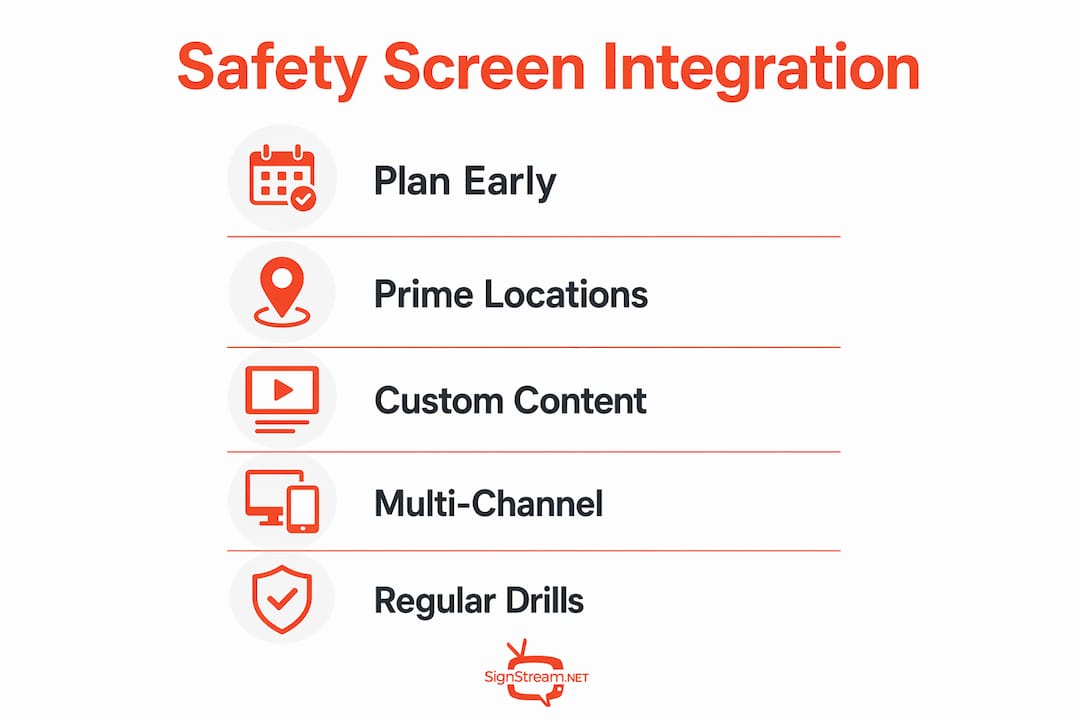
A common mistake is buying a digital signage platform for marketing or wayfinding, then trying to retrofit it for emergency use. The better approach is to define emergency communication requirements first, then select a platform that meets them. Your safety officer, facilities manager, and IT lead should all have input before a single screen is mounted.
Once screens are in place, integrate them with your broader emergency response ecosystem:
Alarm systems: Configure screens to trigger automatically when a fire alarm or panic button is activated.
Visitor management: Ensure screens in reception areas display emergency instructions that apply to visitors who may not know the building layout.
Personal devices: Use screens as the primary alert channel in areas where phones are not permitted, and supplement with mobile alerts where devices are allowed.
PA systems: Sync screen messages with audio announcements so occupants receive consistent information through two sensory channels simultaneously.
Multi-channel communication involving digital signage plus alarms, panic buttons, and visitor management ensures messages reach all occupants, even in restricted or device-free zones. Digital signage becomes the primary real-time communication channel in those areas.
Content strategy is equally important. Digital signage content should be customized to facility-specific safety requirements while maintaining centralized control for consistency. A chemical plant has different evacuation protocols than a corporate office tower, and your screen content should reflect that without requiring a separate system for each site.
Pro Tip: Build emergency message templates in advance and store them in your signage platform. When an incident occurs, you push a pre-approved message rather than writing one under pressure.
How do screens support daily safety communication and compliance?
The most underused function of office safety screens is daily communication. Safety managers who use screens only for emergencies miss a significant opportunity to build the habits that make emergency alerts effective.
Using screens for schedules, menus, and general announcements builds viewer attention and trust. When occupants are trained to glance at screens throughout the day, they instinctively look at those same screens when an emergency message appears. That habit is not automatic. It has to be built through consistent daily use.
Rotating safety content throughout the day reinforces compliance without requiring additional training sessions. Effective daily screen content for safety managers includes:
PPE reminders specific to each zone or department
Hand hygiene and sanitation protocols in kitchens and restrooms
Ergonomic reminders for desk-based staff
Near-miss reporting prompts and safety hotline numbers
Updated emergency contact information and muster point locations
Automated compliance reporting from modern digital signage provides audit trails showing when and how safety information was displayed. Facilities managers can prove message delivery durations required by legal standards using data logs. During an OSHA inspection or internal audit, that documentation removes guesswork and demonstrates a proactive safety culture.
Daily use case | Compliance benefit |
PPE reminders by zone | Proves ongoing hazard communication per OSHA HazCom standards |
Hygiene protocol displays | Supports health and safety inspection records |
Emergency contact updates | Documents current response information across all sites |
Near-miss reporting prompts | Demonstrates active incident prevention programs |
Effective safety communication through screens reduces risks and injury rates by providing clear, timely hazard reminders such as PPE use. Visual reminders reinforce safety culture in a way that a posted paper notice cannot match.
What challenges should you expect when deploying safety screens?
Screen placement is the first challenge most safety managers underestimate. A screen mounted at eye level in a lobby is visible. A screen mounted above a doorway in a noisy production area may be ignored. Every deployment requires a physical walkthrough to verify sightlines, ambient lighting, and noise levels before installation.
The second challenge is IT dependency. Legacy digital signage systems often require IT involvement for urgent message updates, which slows emergency notifications and reduces reliability. Facilities managers benefit from platforms that permit rapid, independent alert overrides without technical bottlenecks. If your safety team cannot push an emergency message without filing an IT ticket, your system has a critical gap.
Additional challenges worth addressing before go-live include:
Restricted zones: Areas where phones and personal devices are prohibited need dedicated screens with independent power sources.
Data security: Content distribution systems must be secured to prevent unauthorized message injection, which could cause panic or misinformation during an incident.
Screen availability: Screens that go offline due to hardware failure or network issues create blind spots. Redundancy planning should be part of every deployment.
Content ownership: Define clearly who has authority to push emergency messages. Ambiguity during an incident costs time.
Pro Tip: Run a quarterly emergency message drill using your signage platform. Push a test alert to all screens and verify that every display shows the correct message within 30 seconds.
Key Takeaways
Screens function as the fastest, most reliable visual communication channel in a workplace emergency because they reach every person in the building regardless of device access.
Point | Details |
Speed and reach | Screens deliver alerts to all occupants instantly, including visitors and staff in device-free zones. |
Daily habit building | Using screens for routine content trains occupants to trust and notice emergency alerts when they appear. |
Compliance documentation | Automated audit trails from digital signage prove message delivery durations required by OSHA and other standards. |
Multi-channel integration | Screens work best when connected to alarms, visitor management, and PA systems for coordinated response. |
Platform independence | Safety teams need platforms that allow emergency overrides without IT involvement to avoid critical delays. |
Why I think most offices are still treating screens as an afterthought
After working with safety communication systems across multiple industries, the pattern I see most often is this: screens get purchased for marketing or wayfinding, and safety gets added as a feature request six months later. That sequence almost always produces a system that fails when it matters most.
The offices that get this right treat screens as core safety infrastructure from day one. They involve the safety officer in the vendor selection process, not just the IT manager. They build emergency message templates before the screens are even mounted. And they use those screens every single day for operational content, because they understand that daily screen engagement is what makes emergency alerts credible and noticed.
The future of this space points toward tighter integration between screen networks and personal device alerts, where a single trigger activates both simultaneously. That capability exists now in well-designed platforms. The gap is not technology. It is organizational will to treat visual signage for office alerts as a safety investment rather than a facilities expense.
If you manage safety for a multi-site organization, the single most valuable thing you can do this year is audit your current screen network against your emergency response plan. You will almost certainly find gaps. The good news is that modern platforms make those gaps fixable without a large IT project.
— DKS
Signstream makes office safety screens practical to manage
Safety managers need a signage platform that works without IT involvement, and Signstream is built exactly for that. You can push emergency alerts to unlimited screens from any device in seconds, with no technical expertise required.

Signstream gives your team centralized control with the flexibility to customize content by location, department, or safety zone. Pre-built message templates mean your team is never writing an alert from scratch during an incident. The platform also supports compliance reporting, so your audit trail is ready when inspectors arrive. Explore how Signstream works remotely to see how fast your team could deploy a safety alert network, or check out the interactive ad and alert features built for office environments.
FAQ
What is the role of screens in office safety alerts?
Screens function as the primary visual communication channel during workplace emergencies, delivering instant alerts to all occupants regardless of device access or location. They are most effective when integrated with alarms, PA systems, and visitor management as part of a coordinated emergency response plan.
How do digital screens support OSHA compliance?
Modern digital signage platforms generate automated audit trails that document when and how long safety information was displayed, which satisfies OSHA record-keeping requirements. Facilities managers can use these logs to prove compliance during inspections without manual documentation.
Why should screens display safety content daily, not just during emergencies?
Daily use of screens for operational content builds the habit of attention that makes emergency alerts effective. Occupants who regularly see and trust screen content respond faster when an emergency message appears.
What is the biggest risk of relying on IT-managed signage for emergency alerts?
Legacy systems that require IT involvement for message updates create dangerous delays during time-sensitive incidents. Safety teams need platforms that allow independent emergency overrides without filing a support ticket or waiting for technical approval.
Can screens reach employees in areas where phones are not allowed?
Yes. Digital signage becomes the primary real-time communication channel in device-free zones such as production floors, clean rooms, and secure facilities. Dedicated screens with independent power sources cover those areas when personal devices are prohibited.
Recommended
Comments