

Restaurant Screen Content Categories: 2026 Owner's Guide
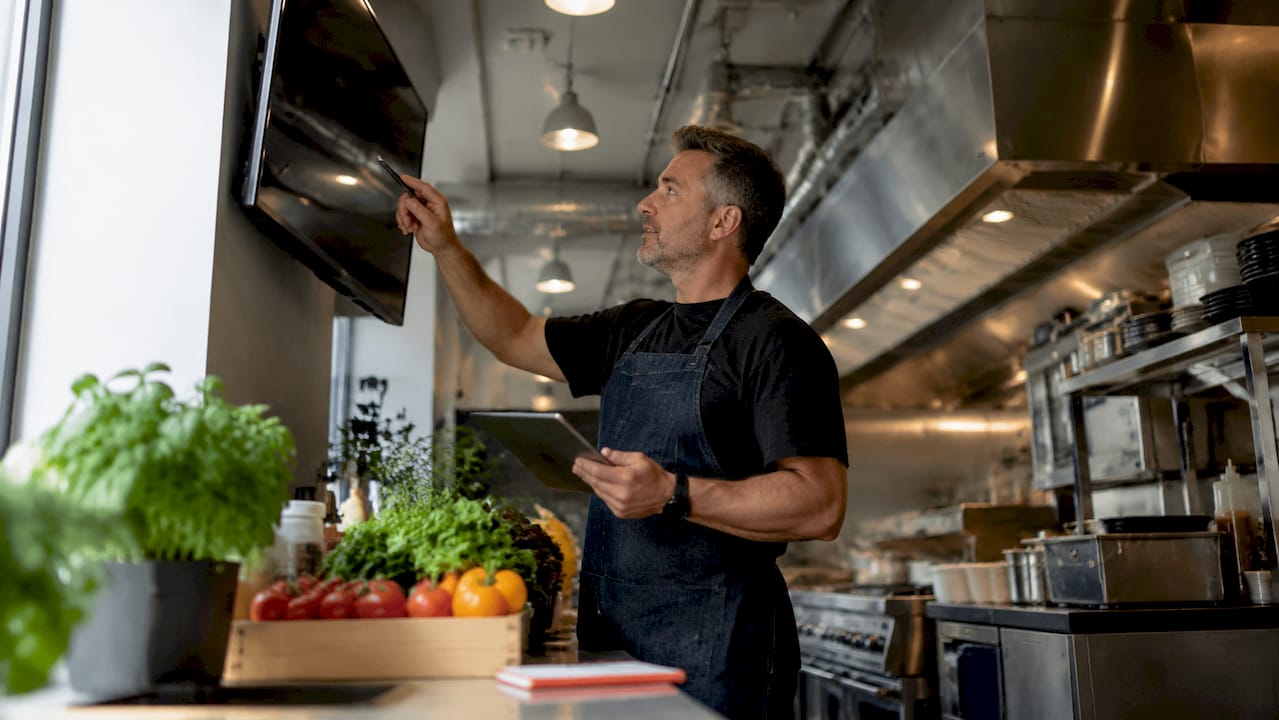
Restaurant screen content categories are the defined types of digital content displayed on menu boards and in-venue screens to inform, engage, and convert customers. Choosing the right categories is not a design preference. It directly determines how fast customers order, how much they spend, and how often they return. The digital signage for restaurants space has matured significantly, and the gap between restaurants using well-structured content categories and those running generic slides is now measurable in revenue. This guide breaks down the categories that actually move the needle, with the benchmarks to back them up.
1. Restaurant screen content categories: hero item highlights
Hero item highlights are large-format, high-resolution images of your best-selling or highest-margin dishes displayed prominently on screen. This is the single most powerful content category available to restaurant owners. Sales lift from photography can exceed 30% when hero images are displayed correctly. That number reflects a simple truth: customers buy what they can see.
The technical standard for hero images is 4K resolution on displays 50 inches or larger. Anything below that threshold produces pixelation that signals low quality to customers, even subconsciously. Placement matters as much as resolution. The “golden triangle” zone, the upper-left, center, and upper-right areas of a screen, captures the most eye movement and is where hero items belong.
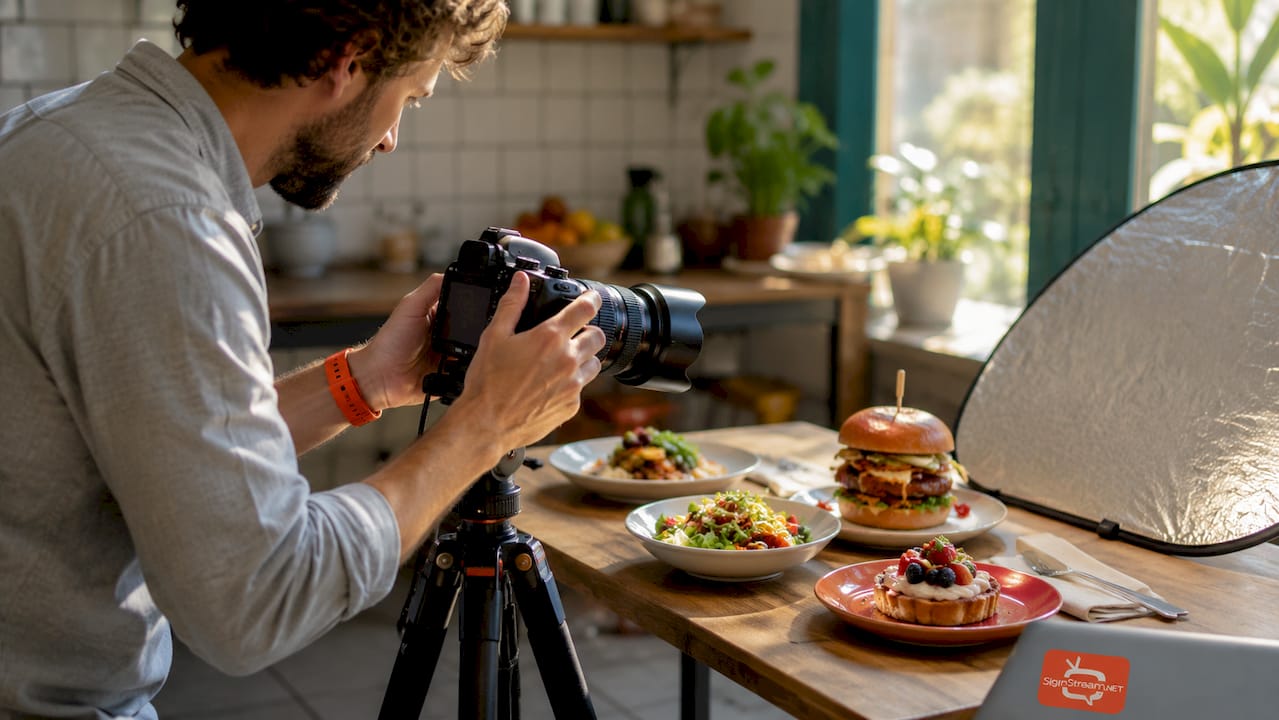
Pro Tip: Limit your hero photos to 5–9 items total. More than that dilutes attention and reduces the visual impact of each image.
Key practices for hero item content:
Feature your top 3 highest-margin items, not just your most popular ones
Rotate hero images by daypart to match breakfast, lunch, and dinner demand
Use consistent lighting and styling across all food photography for brand coherence
Pair each image with a short, benefit-driven label (for example, “Slow-Braised, 12 Hours”)
2. Menu organization into clear, scannable categories
Clear menu board categories are the structural backbone of effective digital signage. Grouping items into 3–5 named sections, such as appetizers, mains, combos, drinks, and desserts, reduces the cognitive load customers face when ordering. Limiting items per screen to 8–13 is the proven standard. Screens with more items push customers toward cheaper default choices because the decision becomes too difficult.
Formatting consistency is what makes categories scannable. Short descriptions of 5–8 words and right-aligned pricing speed up customer choices and reduce ordering errors. Font size should never drop below 30pt for body text on a standard 55-inch display. High contrast between text and background, such as white text on a dark background, improves legibility across all lighting conditions.
Design Element | Best Practice |
Number of categories | 3–5 per screen |
Items per screen | 8–13 maximum |
Description length | 5–8 words |
Price alignment | Right-aligned, consistent |
Minimum font size | 30pt for body text |
A numbered approach to building your category structure works well:
Identify your top-selling items in each meal segment
Group them into no more than five named categories
Assign each category a fixed screen zone or panel
Write descriptions in plain language, not culinary jargon
Test legibility from the average customer standing distance (6–10 feet)
3. Dynamic content for real-time communication
Dynamic content categories cover real-time information that changes based on operations, inventory, or time of day. This includes “86” out-of-stock notifications, wait-time updates, and QR code ordering instructions. Real-time updates reduce confusion and speed up the ordering process, which directly improves table turnover and guest satisfaction. Generic slides that never change are invisible to repeat customers.
The most useful dynamic content types for restaurant screens are:
“86” lists: Items sold out for the day, updated in real time to prevent ordering frustration
Wait-time displays: Current estimated wait for dine-in or pickup, reducing front-of-house pressure
QR code panels: Direct links to online ordering, loyalty programs, or digital menus
Live specials: Today’s chef special or happy hour pricing, updated without reprinting anything
Pro Tip: Keep boards static during active ordering periods. Motion and animation are best reserved for idle screens when no customers are in line. Static content converts 22% better than scrolling text during peak ordering.
Scheduling content by daypart is the most underused tactic in this category. Your breakfast screen should not show the dinner menu. Dayparting lets you present the right offer at the right time without any manual intervention once it is set up.
4. Promotional and seasonal content categories
Promotional content is a dedicated screen content category that drives upsells, repeat visits, and higher average check sizes. Time-limited offers and clear calls to action increase bookings and sales when displayed with urgency and clarity. Lunch specials, combo deals, and limited-time seasonal items all belong in this category. The key is treating promotional content as its own zone, not mixing it into your core menu panels.
Seasonal menus need digital displays to succeed because printed materials cannot be updated quickly enough to match inventory changes or short-window promotions. A digital screen lets you launch a weekend brunch special on Friday afternoon and pull it Sunday night without printing a single insert.
Effective promotional content practices include:
Dedicate one screen or one panel exclusively to promotions so the core menu stays clean
Use short video clips or carousel formats for seasonal items to increase visual engagement
Include a clear expiration signal, such as “This Week Only” or “Available Through Sunday,” to create urgency
Rotate promotional content every 2–4 weeks to keep repeat customers engaged
Avoid the common mistake of filling every screen with promotions. Customers who cannot find the standard menu quickly will disengage. Promotional content works best when it is visible but not dominant.
5. Accessibility and additional content formats
Accessibility content categories address the needs of customers who require more than a standard menu to make informed choices. Allergen icons and multilingual menus improve customer trust and support regulatory compliance in many markets. For restaurants in tourist-heavy locations or diverse urban neighborhoods, multilingual panels are not optional. They are a direct revenue opportunity.
Additional content formats that enrich the customer experience include:
Allergen icons: Standardized symbols for gluten, nuts, dairy, and other common allergens displayed next to each item
Multilingual panels: Key menu sections translated into the top 1–2 languages spoken by your customer base
User-generated content (UGC): Customer photos or short social media clips displayed on a secondary screen to build social proof
Nutritional callouts: Calorie counts or dietary labels (vegan, keto, halal) that help health-conscious customers decide faster
Mixing static and short-form video content in this category works well for brand connection. A 10-second clip of a dish being prepared adds authenticity without the distraction of a full commercial. Keep video content muted or use captions, since most restaurant environments are too loud for audio to carry.
Content Format | Best Use Case |
Allergen icons | All food service environments |
Multilingual panels | Tourist areas, diverse neighborhoods |
UGC photos | Casual dining, cafes, fast-casual |
Nutritional callouts | Health-focused or family restaurants |
Short-form video | Brand storytelling, new item launches |
Key takeaways
The most effective restaurant screen content categories combine high-quality hero images, clear menu structure, real-time dynamic updates, targeted promotions, and accessibility formats to maximize customer engagement and order value.
Point | Details |
Hero images drive sales | High-resolution food photos can lift sales by 30% or more when placed in prime screen zones. |
Limit items per screen | Keep 8–13 items per panel to reduce decision fatigue and protect average order value. |
Static beats motion during ordering | Static boards convert 22% better than scrolling text when customers are actively ordering. |
Dayparting increases relevance | Schedule content by meal period so the right offers appear at the right time automatically. |
Accessibility builds trust | Allergen icons and multilingual panels serve diverse customers and support compliance. |
What I’ve learned from watching restaurants get their screens wrong
Most restaurant owners treat their screens like a digital version of a printed menu. They upload everything at once, set it to loop, and never touch it again. That approach wastes the most powerful advantage digital signage offers: the ability to change.
The restaurants I have seen get the most from their screens share one habit. They treat content categories as separate editorial decisions, not one big design project. They ask: what does a customer need to see in the first five seconds? That question alone eliminates most of the clutter that kills screen performance.
Motion is the most common mistake. Animated backgrounds, spinning text, and looping video clips feel dynamic to the owner and feel chaotic to the customer trying to read a price. Reserve animation for idle screens and off-peak hours. The moment a customer steps up to order, your screen should be as calm and readable as a well-designed printed menu.
The other underrated factor is update frequency. Screens that never change stop registering with repeat customers. Updating your promotional panel weekly, even with a small change, signals to regulars that something new is always worth checking. That habit alone builds the kind of low-cost engagement that keeps people coming back.
— DKS
Signstream makes managing your screen content simple
Running multiple content categories across several screens used to require a dedicated IT person and a complicated content management system. Signstream changes that. The platform lets you update every screen in your restaurant instantly from any device, with no technical background required.

You can schedule dayparted content, swap out promotional panels, and push real-time “86” updates without touching a single screen physically. Signstream’s remote content management gives you full control over every content category covered in this guide. Restaurants using Signstream report measurable gains in operational efficiency and customer engagement. Book a free consultation to see how the platform fits your specific setup and menu structure.
FAQ
What are the main restaurant screen content categories?
The main categories are hero item highlights, menu organization panels, dynamic real-time content, promotional and seasonal offers, and accessibility formats such as allergen icons and multilingual menus. Each category serves a distinct purpose in guiding customer decisions.
How many items should appear on a digital menu board?
The optimal range is 8–13 items per screen. More than 13 items causes decision fatigue and pushes customers toward cheaper default choices, which reduces average order value.
Should restaurant screens use animation or video?
Animation and video work best on idle screens when no customers are actively ordering. Static content converts 22% better than scrolling text during peak ordering periods, so keep motion minimal during service hours.
How often should restaurant screen content be updated?
Promotional panels benefit from weekly updates to keep repeat customers engaged. Core menu categories can remain stable longer, but dayparted scheduling should be set up from the start so content shifts automatically by meal period.
What is dayparting in restaurant digital signage?
Dayparting is the practice of scheduling different content to display during specific time windows, such as a breakfast menu from 6:00 AM to 11:00 AM and a lunch menu from 11:00 AM to 3:00 PM. It ensures the right offers appear at the right time without manual intervention.
Recommended
Comments