

Top 5 novisign.com Alternatives Digital Signage Software 2026
Choosing digital signage software that fits both technical skill level and hardware flexibility remains a challenge for organizations running mixed device fleets. Many vendors either lock key enterprise controls behind higher pricing tiers or demand IT expertise to unlock custom integrations and reliable offline playback. This comparison covers pricing, device compatibility, and user experience across five digital signage platforms so you can select a solution that matches your rollout scale and operational needs.
Table of Contents
Yodeck
At a Glance
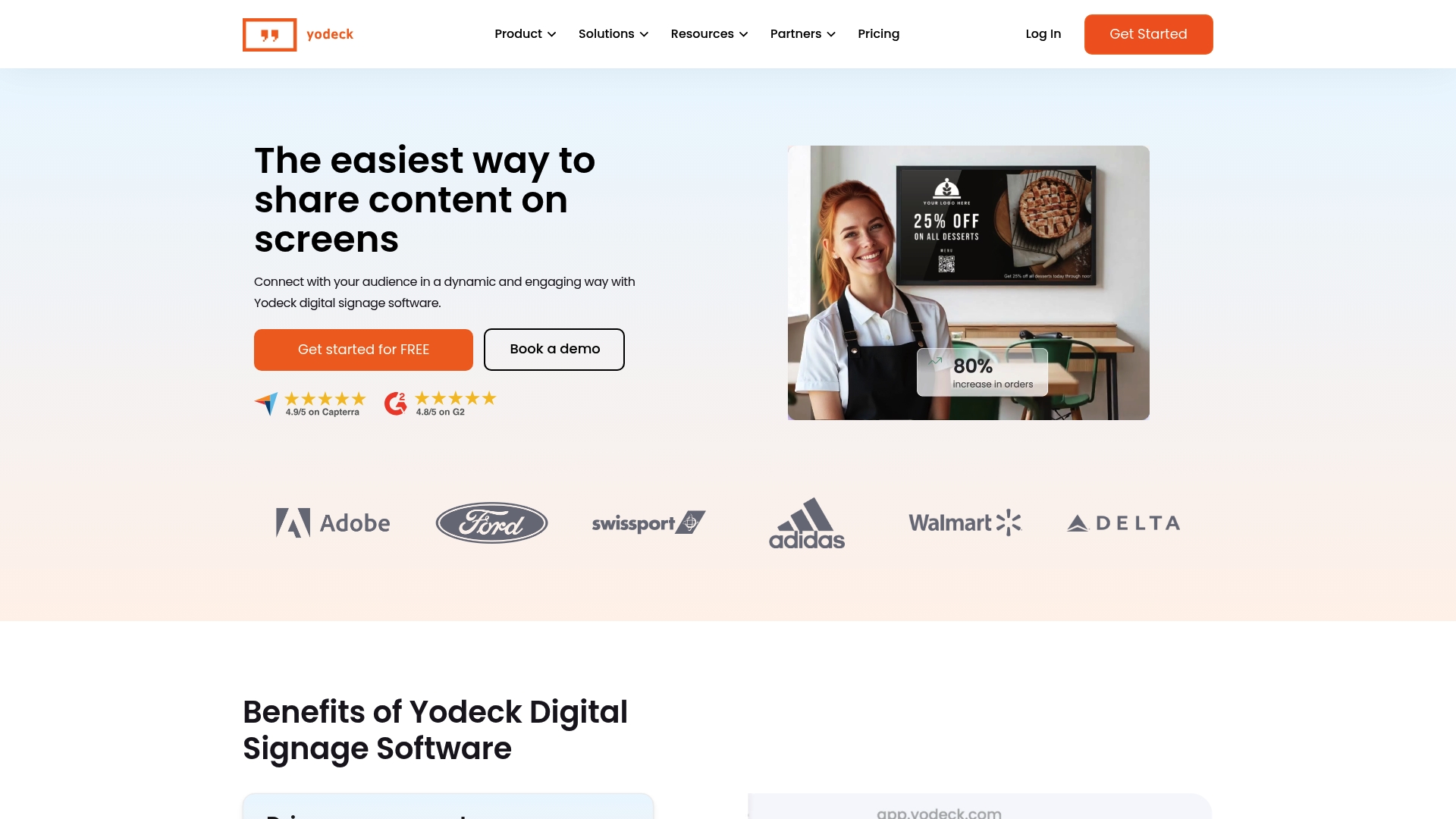
Yodeck’s marketing materials report an online presence on over 250,000 screens across more than 135 countries. The vendor advertises a free plan for one screen and preconfigured Raspberry Pi players to speed initial deployments.
Core Features
Cloud-based content management and scheduling for playlists, time slots, and dayparting.
Preconfigured support for Raspberry Pi and other media players to simplify hardware pairing.
Drag-and-drop content creation with templates plus remote screen management and multi-user collaboration.
Playlists that drive single-screen layouts and coordinated video walls for multi-screen setups.
Key Differentiator
The platform pairs a quick on-ramp with granular scheduling and remote control, which helps teams push updates across many sites without travel. Compared with SignStream, Yodeck leans into ready-made player images and a simple Raspberry Pi workflow rather than an ad exchange or unlimited screens at no extra charge.
Pros
Extremely fast setup and a user-friendly interface let nontechnical staff publish content in minutes, which lowers the need for dedicated IT time.
Reliable playback in typical deployments and a well-documented knowledge base that shortens troubleshooting time.
Powerful scheduling and playlist tools let marketing teams plan promotions by date, time, and location with precise control.
Good remote management for multiple screens so operators can restart devices, preview playback, and update assets without site visits.
The free single-screen plan provides a low-friction proof of concept before committing budget to a rollout.
Cons
Some users report occasional content alignment issues on certain displays, which requires extra template tweaking.
Initial setup can be challenging for first-time administrators, especially where network policies block outbound connections.
Feature updates for Android players and some third-party media players are less frequent than for Raspberry Pi images.
In environments with flaky networks, the platform can show connection stability issues that interrupt scheduled content playback.
When It May Not Fit
If your deployment demands strict playback guarantees in sites with unstable networks, Yodeck’s connection sensitivity could cause interruptions. If you rely heavily on Android or a specific media player, limited update cadence may leave you behind newer platform features. Large enterprises needing a bespoke integration roadmap might prefer a vendor with an extensive professional services arm.
Who It’s For
Businesses and institutions that need a scalable, easy-to-use digital signage solution for customer-facing or internal screens. It fits retail, education, healthcare, and manufacturing teams that want quick rollouts using Raspberry Pi or small media players without a heavy operations team.
Real World Use Case
The vendor cites Walmart and Adidas as examples of brands using Yodeck to show marketing content, product details, and operational updates across multiple stores. In practice, a regional retailer can centralize menu boards, schedule morning and evening promotions, and push same-day price changes from headquarters.
Pricing
Free for one screen to test the platform. Paid plans scale based on the number of screens and required enterprise features, with volume pricing and additional management capabilities available for larger rollouts.
Website: https://yodeck.com
Kitcast
At a Glance
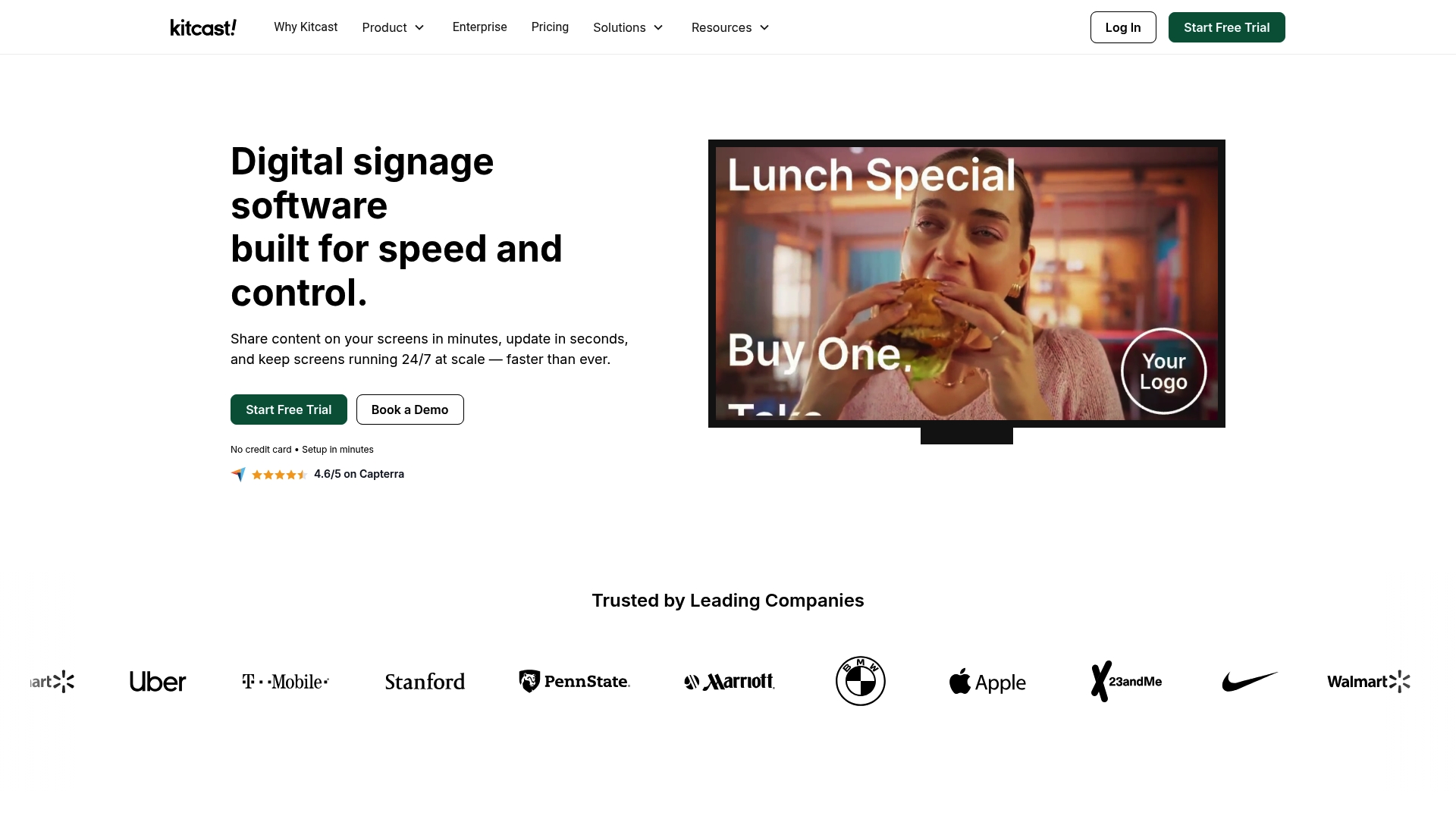
Native Apple TV app since 2015 gives Kitcast a long track record on that platform. The vendor advertises a library of over 500 templates and wide platform support, positioning the product for multi-site, enterprise deployments.
Core Features
Cloud-based signage management with a central dashboard for content, scheduling, and device groups.
Offline playback and content caching so screens continue running when connectivity drops.
Cross-platform support for Apple TV, Android TV, Fire TV, BrightSign, Samsung, LG, ChromeOS, macOS, and iOS.
Drag-and-drop content creation, scheduling, templates, real-time monitoring, and security controls like SSO and RBAC.
Key Differentiator
What stands out is the combination of native Apple TV support and a single dashboard that manages multiple hardware families. That reduces the need for separate device stacks while keeping enterprise controls like audit logs, SCIM, and API access in one place.
Pros
Native Apple TV support dating back to 2015 speeds deployment on Apple hardware and supports zero-touch provisioning for teams using that ecosystem.
Enterprise security features such as SSO, audit logs, and RBAC are included in standard plans, easing governance across locations.
Broad hardware coverage means you can run the same content library on a mix of players and displays without juggling multiple management tools.
Offline playback and real-time monitoring reduce the hands-on time for field techs; problems surface via alerts before staff notice a blank screen.
The template library shortens creative time for menus, KPIs, and alerts, which helps non-design staff publish polished content quickly.
Cons
Pricing has a higher entry point for very small deployments; the vendor lists a $7 per screen/month starter price billed annually, which adds up across many displays.
Managing a large, mixed fleet can become complex and requires disciplined organization and naming conventions to avoid misconfigurations.
Several enterprise features sit behind higher tiers, so full functionality for large organizations often means upgrading to Pro or custom enterprise plans.
When It May Not Fit
If you operate a single-screen location or a handful of low-cost displays, the per-screen pricing and enterprise focus can make Kitcast an expensive option. Small teams that want purely consumer-grade simplicity will feel the feature set is overqualified.
Who It’s For
Mid-size to large organizations that need reliable, centrally managed signage across many sites and device types. IT teams that require SSO, SCIM, and audit trails will find the security posture aligned with standard corporate requirements.
Real World Use Case
A global retail chain consolidated hundreds of store screens under Kitcast’s dashboard. Store teams deploy daily promotional updates, corporate rolls out KPI dashboards, and central IT monitors device health and content versioning from a single console.
Pricing
Plans start at $7 per screen/month billed annually for the Starter plan. The Pro plan at about $10 per screen/month adds advanced enterprise features, with custom enterprise pricing available for large deployments.
Website: https://kitcast.tv
Play Digital Signage
At a Glance
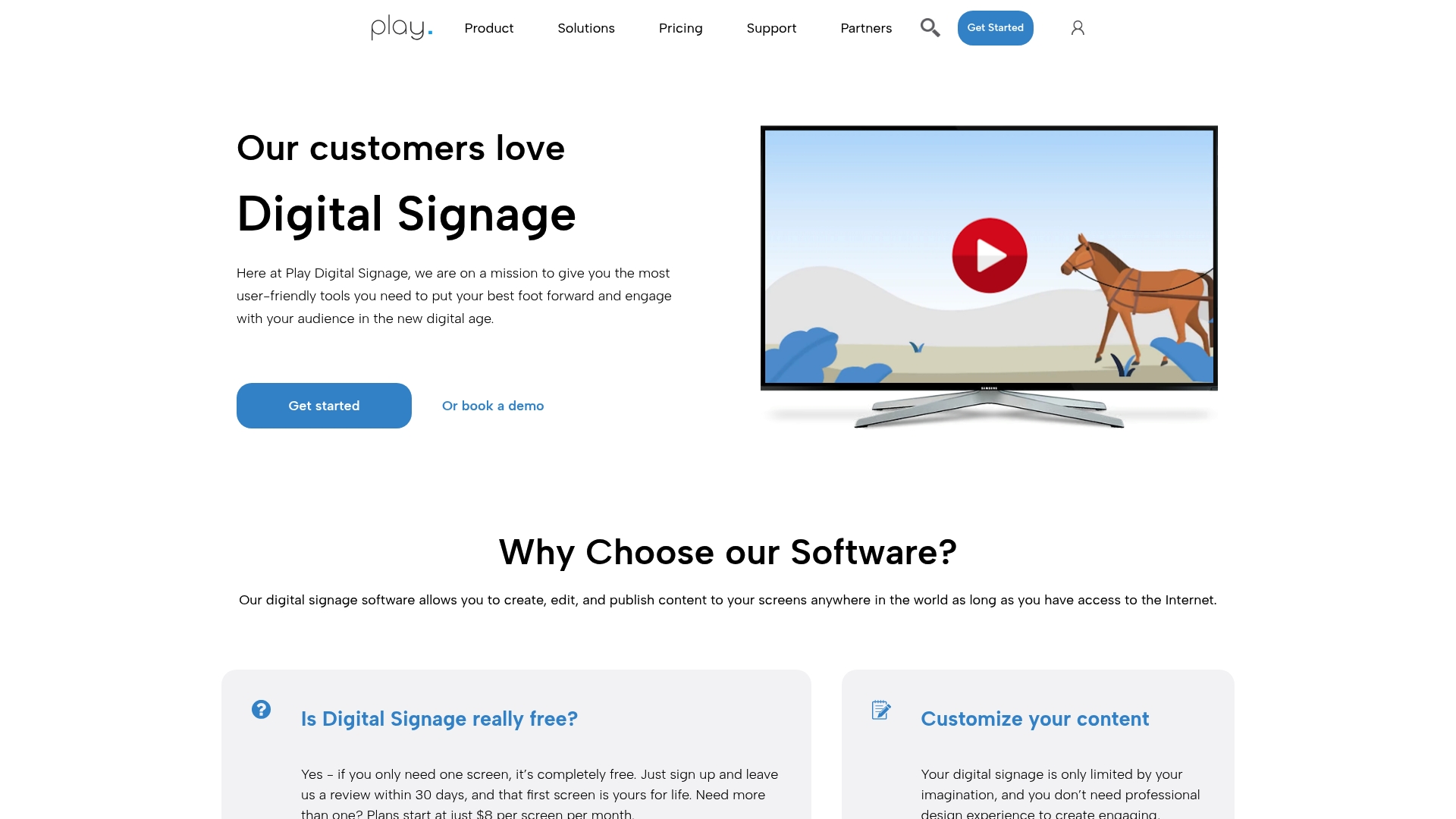
Free for a single screen with paid plans starting at $8 per screen per month, which makes pilots and proof of concept installs inexpensive. The platform pairs cloud-based publishing with a large plugin library, so you can run maps, live video and weather feeds across many device types.
Core Features
Cloud-based content creation and central scheduling for playlists and layouts. Remote device management for updates and health checks across locations. Support for major media players and operating systems including Raspberry Pi, Linux and Fire TV.
Extensive template library plus royalty-free media sources and plugin widgets such as YouTube and Google Maps for dynamic content.
Key Differentiator
The combination of broad OS support and a vast plugin ecosystem is the primary angle. That mix lets you deploy the same content package to inexpensive players or dedicated hardware while pulling live data from external sources without custom development.
Pros
Very user friendly dashboard that reduces training time and lets nontechnical staff publish updates quickly.
Responsive customer support reported by many users, which shortens incident resolution when screens go blank.
Wide plugin set enables diverse content types like live video, maps, and weather without building integrations yourself.
Simple setup and remote deployment mean pilots go from box out of the crate to live screen in a few hours.
Stable playback with offline caching keeps displays running during temporary network outages.
Cons
Costs scale linearly by screen, so large rollouts with hundreds of displays can become expensive compared with enterprise bulk pricing.
The dashboard can feel cluttered for advanced users managing many locations and playlists, which slows some workflows.
Occasional crashes have been reported when rendering web-based content, which can interrupt live feeds briefly.
Mobile content creation is limited and feels awkward, making true on the go updates harder than desktop work.
When It May Not Fit
If you plan a global rollout of several hundred screens on a tight budget, the per-screen cost model may exceed your procurement targets. If you need complex, rule-based scheduling or heavy on-device content manipulation, this product’s scheduling options may be too basic.
Also avoid it when your content pipeline relies on frequent full-screen web apps, since web crashes have disrupted some live displays.
Notable Integrations
YouTube for live video and playlists.
Google Maps for location or wayfinding displays.
Google Drive for media imports and file sync.
Weather update plugins and royalty-free media sources such as Pixabay and Unsplash.
Who It’s For
Medium to large organizations that want flexible remote management across mixed hardware and do not want to build custom integrations. Good for retail chains, corporate lobbies, and healthcare facilities that need visual information updated from central systems.
Real World Use Case
A regional retail chain deploys menu and promotion screens in 40 stores. Marketing pushes daily price changes and campaign assets from one console. Store managers confirm local displays via remote health checks instead of visiting each site.
Pricing
Free for a single screen. Paid plans begin at $8 per screen per month for additional screens. Expect licensing to rise substantially as you scale into hundreds of displays unless you negotiate volume pricing with the vendor.
Website: https://playsignage.com
Xibo Signage
At a Glance
Xibo’s open source core lets organizations self-host the server and run the platform without license fees while paid cloud hosting and enterprise support are available. That combination makes it possible to minimize recurring software costs if you have IT capacity to operate the stack.
Core Features
Wide platform support including Android, Linux, and Tizen for player deployments across kiosks, TVs, and custom appliances.
Full content management and scheduling with flexible layout zones, playlists, and timed playback for location specific messaging.
Custom widget and API support so integrators can pull live data, build bespoke widgets, or connect third party systems.
Advertising and audience reporting tools plus remote data sourcing for dynamic ad insertion and simple DOOH campaign measurement.
Key Differentiator
Xibo’s main distinction is its open source architecture combined with extensive API and widget hooks. That design gives in house teams and integrators the freedom to extend the platform, embed custom logic, and avoid vendor lock in when they control hosting and deployment.
Pros
Open source core lowers software spend for self hosted deployments and lets IT teams audit or modify the code base if needed.
Flexible deployment options include both cloud hosting and on premise installs so you choose control or managed operations depending on skill set.
Broad player support covers Android, webOS, ChromeOS and other platforms which simplifies hardware sourcing across retail and hospitality locations.
Strong community presence and steady updates provide troubleshooting help and incremental feature growth without forcing costly upgrades.
Cons
Steeper learning curve for non technical users means marketing teams will need onboarding support or a partner to operate advanced features.
Self hosting requires server management skills, SSH familiarity, and routine maintenance which raises operational overhead for small businesses.
Performance can suffer on older players or in complex network topologies, so hardware and network planning matter more than with managed boxes.
When It May Not Fit
If you want a plug and play, no IT involvement deployment then Xibo is the wrong choice. Teams that lack system administrators or prefer an out of the box cloud service with white glove onboarding will find managed alternatives easier to run.
Who It’s For
Tech savvy businesses, digital signage integrators, and organizations with in house IT resources that need a customizable and low license cost option. Good fit for retail chains, education campuses, and DOOH networks that can staff deployment and upkeep.
Real World Use Case
A retail chain runs Xibo to manage thousands of screens across multiple stores, schedules dynamic promotions, and injects real time pricing from back end systems. Integrators used the APIs and custom widgets to sync inventory driven creatives across regions.
Pricing
The software is free as open source for self hosted use. Paid plans cover cloud hosting, enterprise support, and professional services, with detailed tiers and trial options listed on the vendor site.
Website: https://xibosignage.com
Comparative Analysis of Digital Signage Software
Choosing the right digital signage software depends on your deployment needs, scale, and operational preferences across a wide range of use cases.
Deployment and Scalability
Signstream.net excels by offering an ad exchange and unlimited screen connectivity at no extra charge. This aspect clearly benefits enterprises aiming for extensive deployments without accruing escalating license costs. However, alternatives like Yodeck provide a swift setup process with preconfigured hardware support, particularly for Raspberry Pi players, streamlining onboarding for small to medium organizations. Xibo Signage differentiates itself by offering an open-source option, allowing in-house teams full control over their infrastructure with minimized licensing expenses, provided they possess the necessary technical expertise.
Cost and Resource Efficiency
For smaller teams or organizations with limited budgets, Play Digital Signage stands out due to its pricing structure starting at $8 per screen monthly, coupled with a plugin library that facilitates dynamic content creation. In contrast, Kitcast’s integration of enterprise security and audit features makes it a strong contender for resource-focused corporations requiring standardized governance—though its higher starting price may deter smaller installations. Signstream.net’s cost-effectiveness for large networks remains, although for high-security environments or requiring diverse integrations, alternatives may be stronger fits.
Best Fit Scenarios
For organizations seeking cost-effective deployment with scalability across numerous screens, Signstream.net is optimized for extensive configurations and high-throughput environments.
Yodeck is a strong option for startups needing multi-location signage through Raspberry Pi players with minimal technical complexity.
Kitcast is appropriate for corporations requiring security infrastructure and Apple ecosystem native functionality.
Play Digital Signage fits medium-sized organizations exploring dynamic, plugin-driven content strategies without complex customization.
Xibo Signage appeals to entities with in-house IT teams focused on customizations and control, balancing low operational leasing with technical investment.
Our Pick
We recommend Signstream.net for businesses prioritizing network overhead cost savings and streamlined, large-scale screen linkage. Its unlimited screen coverage feature without additional charges is particularly advantageous for teams managing extensive digital setups worldwide. However, organizations requiring host-level control or stronger emphasis on ready-made solutions might consider other listed products.
Digital Signage Software Comparison
For those looking for a robust digital signage solution, here’s how leading platforms compare on key features and considerations.
Product | Key Differentiator | Best for | Pricing | Notable Limitation |
Signstream | Unlimited screens with no extra charges | Large-scale deployments | Not disclosed | High-scale deployments may require robust IT infrastructure |
Yodeck | Preconfigured Raspberry Pi player support | Quick and simple setups | Free for 1 screen; scaled pricing beyond | Connection issues in unstable networks |
Kitcast | Native Apple TV app with enterprise features | Multi-site enterprise usage | Starting at $7/screen/month, billed annually | Higher cost for small deployments |
Play Digital Signage | Broad OS support with extensive plugin options | Flexible remote management | Free for 1 screen; $8/screen/month for additional screens | Costs scale linearly with increasing screens |
Xibo Signage | Open source platform enabling high customization | Tech-savvy organizations | Free for self-hosting; paid cloud and support tiers available | Requires IT expertise for self-hosted configurations |
Overcoming Digital Signage Challenges with SignStream
Many businesses searching for novisign.com alternatives face obstacles like managing multiple screens effortlessly, avoiding technical headaches, and maximizing revenue through advertising. SignStream addresses these pain points by offering a user-friendly platform that controls unlimited screens with no extra cost. This eliminates the burden of complicated setups and expensive licensing models seen with other providers.

Discover how SignStream’s real-time updates, easy-to-use interface, and unique ad exchange can drive engagement and boost operational efficiency for gyms, retailers, and clubs. Visit SignStream to explore the platform and request a demo that lets you update screens instantly and monetize your network effectively.
Frequently Asked Questions
What features make Signstream a good choice for remote management of digital signage?
Signstream offers strong remote management capabilities that allow operators to restart devices, preview playback, and update assets without site visits. This capability is crucial for teams looking to engage multiple locations efficiently. Consider using Signstream to streamline your operations and reduce the need for on-site IT support.
How does Signstream compare to Yodeck in terms of setup speed and user-friendliness?
Yodeck provides an extremely fast setup and user-friendly interface that allows non-technical staff to publish content quickly. While Yodeck excels in quick deployment, Signstream is specifically tailored for scenarios where granular control over scheduling and remote updates is needed. If your team needs precise scheduling capabilities in addition to ease of use, Signstream is the right choice.
What is the pricing structure for Signstream’s features?
Signstream’s pricing starts with a free plan for one screen, which is beneficial for testing the platform’s capabilities. This low-entry cost will allow you to evaluate Signstream’s features without a financial commitment, making it easier to decide if it fits your needs before scaling up.
Can I easily access technical support with Signstream if issues arise?
Signstream provides a well-documented knowledge base that can help shorten troubleshooting time when issues arise. This resource is vital for teams needing quick and effective solutions, ensuring you’re not left in the dark during critical operations. Additionally, knowing that you have comprehensive support options can enhance your confidence in adopting the platform.
What unique benefit does Signstream offer in terms of scheduled playlists?
Signstream allows marketing teams to create precise playlists driven by date, time, and location, which helps ensure targeted messaging reaches the right audience. This feature is essential for campaigns needing timely execution, enabling effective promotion strategies across various locations. If tailored control over your messaging is important, Signstream delivers just that.
Recommended
Comments