

How to Display Wait Times on Screens Effectively
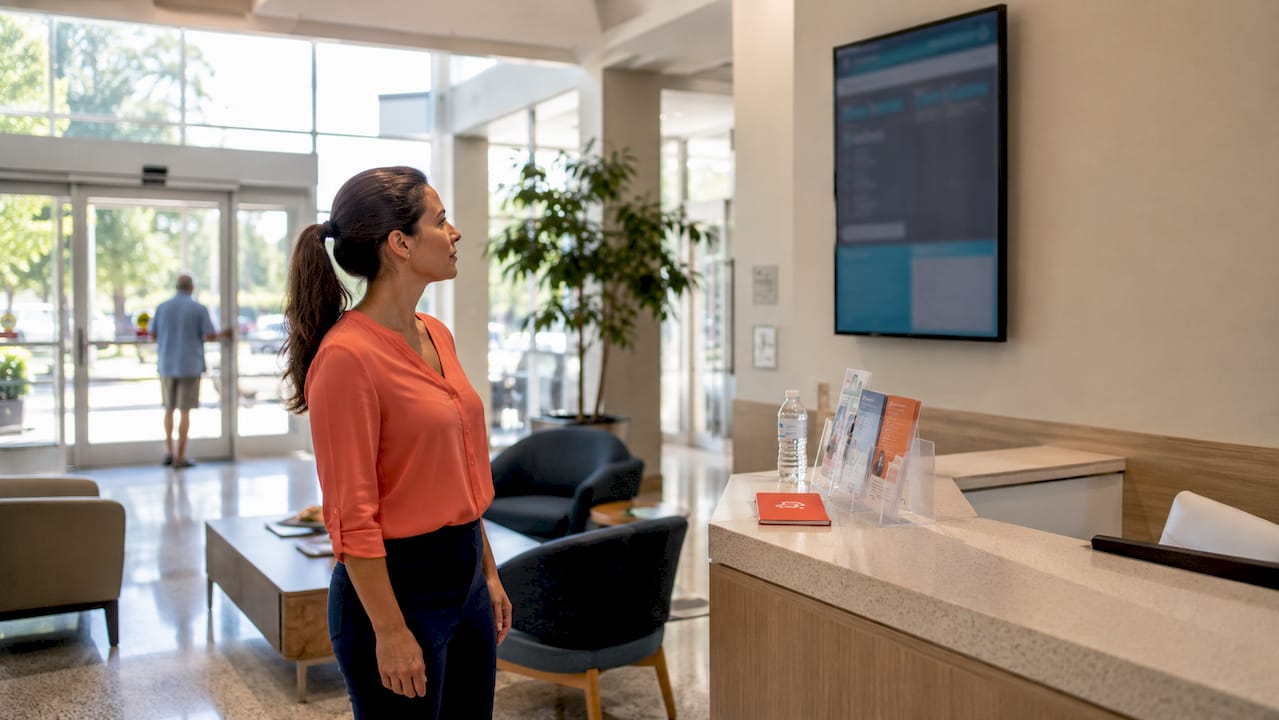
A wait time display is a real-time screen showing customers their estimated queue position or service wait, visible in the waiting area. Perceived wait times can vary by up to 400% based on how much information customers have. That single fact explains why facility managers who display wait times on screens consistently report calmer waiting areas and fewer complaints at the front desk. The behavioral science is clear: uncertainty drives anxiety, and a visible estimate collapses that uncertainty fast. Implementing real-time wait information on digital screens can reduce perceived wait time by up to 35% and measurably improve customer satisfaction.
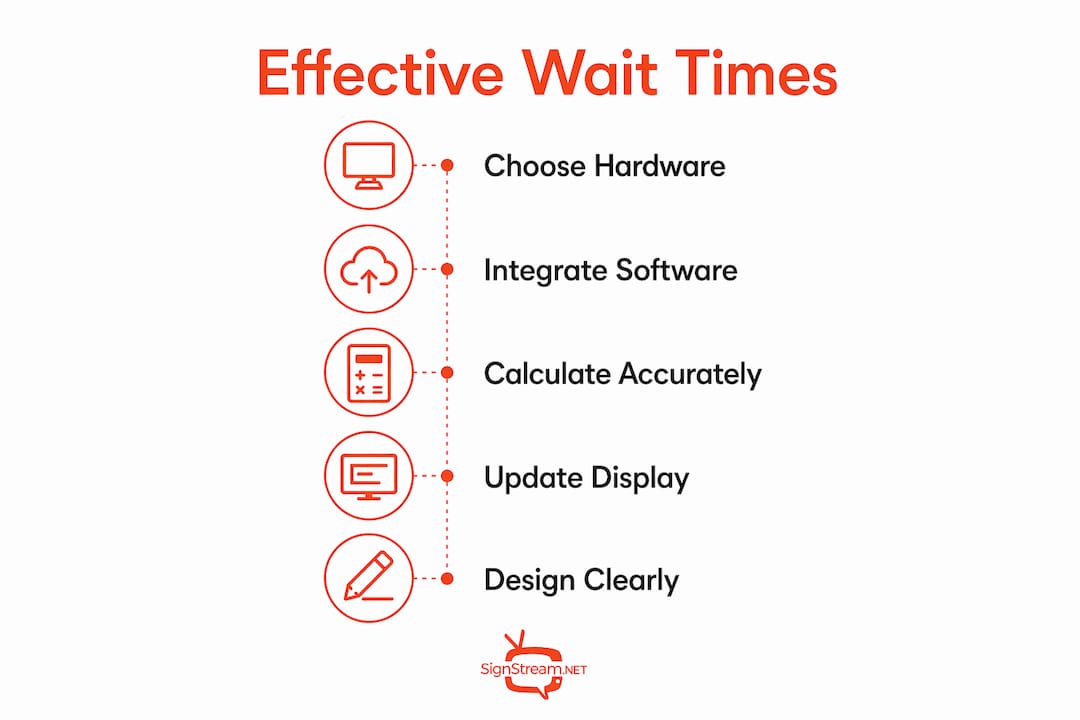
What hardware and software do you need to display wait times on screens?
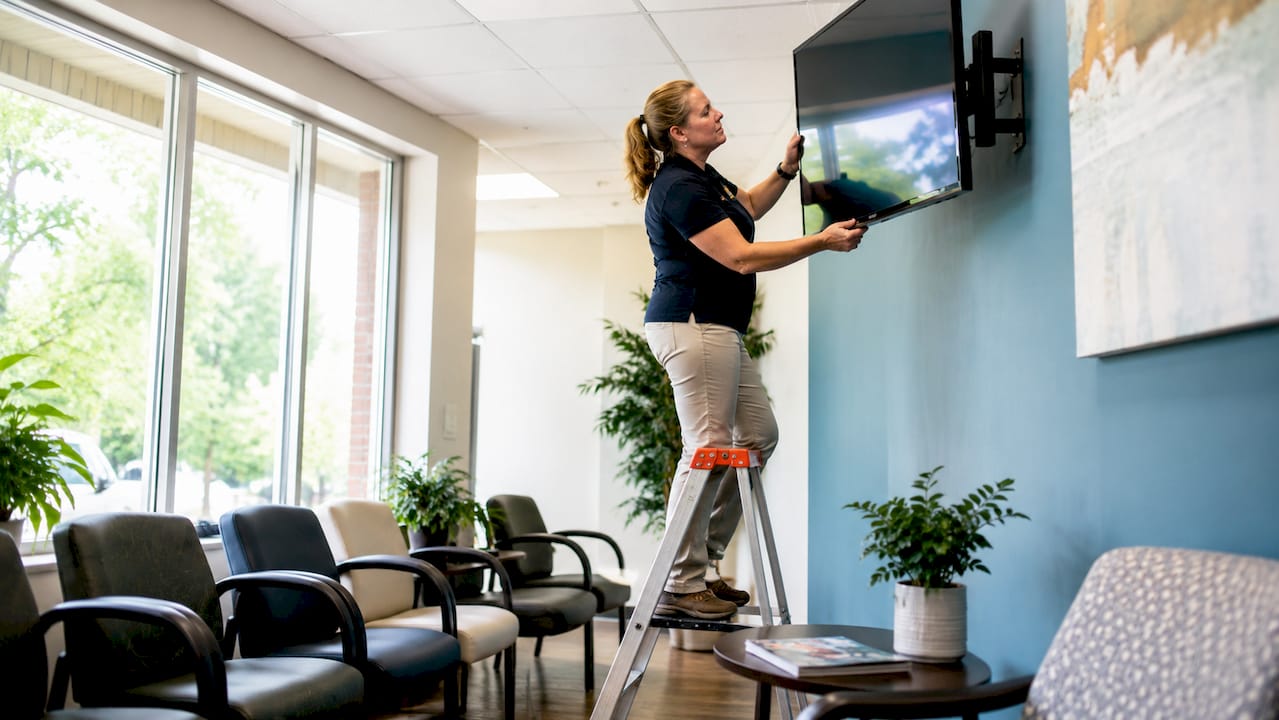
The right hardware depends on your environment, viewing distance, and budget. Most facilities use one of three display types: commercial TVs or large monitors mounted at eye level, dedicated LED message boards positioned above service counters, or tablets placed at check-in points for individual customer reference. LED systems commonly include audio call-outs alongside numerical displays, which helps in noisy environments like clinics and retail floors.
Choosing the right display hardware
Size and placement matter more than resolution. A 43-inch commercial TV works well for a waiting room with 20 seats. A smaller screen mounted in a narrow corridor creates a bottleneck and frustrates rather than informs. Anti-glare coatings are worth the extra cost in any space with natural light. Commercial-grade displays also handle continuous operation far better than consumer TVs, which are not built to run 12 hours a day.
Display Type | Best For | Key Consideration |
Commercial TV or monitor | Waiting rooms, lobbies | Size matched to room depth |
LED message board | Counters, reception desks | Visible from 30+ feet |
Tablet or kiosk | Individual check-in points | Touchscreen for self-service |
Split-flap board | Clinics, small offices | Simple, reliable, low maintenance |
Software and integration requirements
Software is where most implementations succeed or fail. Queue management platforms unify physical check-in kiosks, SMS notifications, and staff dashboards to feed accurate data to your public-facing screens. Without that integration, your display shows stale numbers and customers stop trusting it within a day. Cloud-based digital signage platforms let you update content on multiple screens from a single device, which is critical when queue conditions change fast.
APIs connect your booking or scheduling system to the display software. If your facility uses an older booking system without a native API, middleware tools can bridge the gap. Prioritize platforms that offer real-time data sync over those that rely on manual staff input.
Pro Tip: Test your full data pipeline before going live. Push a simulated queue surge through your system and watch how the display responds. Catching a 90-second data lag in testing beats discovering it during a busy Monday morning.
How do you calculate and update wait times accurately for displays?
Accurate wait time estimates come from three data sources working together: live queue counts, appointment schedules, and average service durations per transaction type. Relying on only one source produces estimates that drift badly during busy periods. A weighted average that blends all three gives you a number customers can trust.
Here is a practical method for calculating display estimates:
Measure your baseline. Track average service time per customer over two weeks. Separate by transaction type if your service desk handles multiple request categories.
Count the live queue. Your check-in system should report the number of customers ahead of each new arrival in real time.
Apply a weighted average. Multiply the queue count by the average service time, then adjust for any scheduled appointments already in the pipeline.
Add a buffer. Build in a 10–15% buffer to account for complex transactions. Customers feel better when the actual wait is shorter than the estimate.
Set your update interval. Refresh the display every 45–60 seconds. Update intervals of 45–60 seconds create the best user experience. Faster refreshes, under 20 seconds, increase anxiety by making customers hyper-aware of every passing minute.
When precise times are not possible, use directional estimates. “Approximately 25 minutes” performs better than a blank screen or a spinning loader. Uncertainty is the biggest anxiety driver in waiting situations, and even a rough estimate promotes informed anticipation.
Pro Tip: Avoid updating your display more often than every 45 seconds. Rapid updates every 5–15 seconds highlight the passage of time and create pressure rather than reassurance. Slower, steady updates feel more authoritative.
How should you design a wait time display for clarity and trust?
Screen design directly affects whether customers believe what they read. A cluttered display with flashing animations and competing messages destroys trust faster than a long wait does. In sensitive environments, clarity and trustworthiness in signage design outperform flashy visuals every time.
A multizone screen layout dedicates roughly 25% of the screen to wait time information, 60% to non-disruptive content like facility news or service information, and 15% to dynamic elements such as weather or promotions. This keeps the wait time visible without making the screen feel like a countdown clock. For UI design best practices, the core principle is the same: reduce cognitive load so the viewer absorbs the key information instantly.
Key design rules to follow:
Use high-contrast fonts. White text on a dark background reads clearly from across a room. Avoid light gray on white.
Keep the wait time number large. The estimated wait should be the largest element on screen, not buried in a corner.
Avoid full-screen video. High-intensity video pulls attention away from the queue information entirely.
Use tokens or initials, not full names. HIPAA compliance requires tokenized identifiers on public queue boards in healthcare settings. Even outside healthcare, initials protect customer privacy and reduce discomfort.
Position screens at natural sightlines. Mount displays where customers look naturally when seated, not above their heads or behind them.
Limit color schemes to two or three colors. More colors create visual noise and slow comprehension.
Pairing your public display with SMS notifications sent 5 minutes before a customer’s turn lets people step away from the waiting area entirely. That reduces crowding and improves comfort without removing the transparency your display provides.
Common implementation challenges and how to fix them
Most wait time display projects hit the same set of obstacles. Knowing them in advance saves you weeks of troubleshooting.
API integration failures. Older booking systems often lack modern APIs. Use middleware or a signage platform with pre-built connectors for common scheduling software. Test every data handoff before launch.
Estimate credibility problems. If your displayed wait time jumps from 10 minutes to 35 minutes without explanation, customers lose trust immediately. Build in smoothing logic that prevents large sudden changes unless a genuine surge occurs.
Staff not updating the system. Automated data feeds are far more reliable than manual staff input. Where manual updates are unavoidable, keep the process to a single button press or form field. Complex update workflows get skipped under pressure.
Privacy compliance gaps. In healthcare, no patient health information should appear on a public screen. Use tokens, queue numbers, or initials only. Train staff on what is and is not acceptable for public display.
Hardware downtime. Commercial displays fail. Have a fallback plan: a printed sign at the reception desk with a handwritten estimate is better than a blank screen. Simple dedicated displays like split-flap boards are worth considering as a backup for critical service points because they update in seconds from any front desk device and rarely fail.
Screen placement errors. A screen mounted in a spot with glare, poor sightlines, or foot traffic blocking the view defeats its purpose. Walk the space as a customer before finalizing mount locations.
Key Takeaways
Displaying real-time wait times on screens reduces perceived wait anxiety by up to 35% when estimates are accurate, updated every 45–60 seconds, and presented on clearly designed, well-placed displays.
Point | Details |
Reduce perceived wait anxiety | Real-time wait info can cut perceived wait time by up to 35%, improving satisfaction. |
Update at the right interval | Refresh displays every 45–60 seconds; faster updates increase customer stress. |
Integrate data sources | Combine live queue counts, schedules, and average service times for accurate estimates. |
Design for clarity | Use high-contrast fonts, large numbers, and a multizone layout with wait info at 25% of screen. |
Plan for failure | Always have a manual fallback ready so a tech outage does not leave customers uninformed. |
What I have learned from watching wait time displays succeed and fail
The facilities that get the most out of wait time display systems are not the ones with the most expensive hardware. They are the ones where staff actually trust the system and keep it accurate. I have seen a well-funded clinic install a beautiful four-screen setup, only to watch staff revert to shouting names from the doorway within two weeks because the data feed was unreliable. The screens became wallpaper.
The facilities that get it right treat the display as a communication tool, not a technology project. They assign one person to own the system, set a weekly review of estimate accuracy, and adjust the algorithm whenever the numbers drift. That discipline matters more than the software vendor you choose.
One thing that surprises most operators: customers are more forgiving of a long wait than of an inaccurate estimate. Tell someone it will be 40 minutes and deliver in 35, and they leave satisfied. Tell them 15 minutes and deliver in 30, and they are angry regardless of the actual duration. Calibrated optimism, as researchers call it, means building a small buffer into every estimate so reality consistently beats the expectation.
The other lesson I keep coming back to: do not neglect the backup plan. Every system goes down eventually. A printed card at the desk that says “Current wait: approximately 20 minutes” costs nothing and preserves trust when the screen goes dark. The facilities that plan for failure look professional when it happens. The ones that do not look chaotic.
— DKS
Signstream makes real-time wait time displays practical for any facility
Running wait time information screens across multiple locations does not have to be a complex IT project. Signstream’s cloud-based digital signage platform lets you push real-time wait time updates to unlimited screens from any device, with no technical expertise required. You manage everything from a single dashboard, and changes go live in seconds.

Signstream integrates with existing queue management and booking software, so your display data stays accurate without manual staff input. The platform supports custom multizone layouts, meaning your wait time information sits alongside facility news, promotions, or branded content without cluttering the screen. If you want to see exactly how it fits your operation, book a free consultation and get a setup plan built around your specific environment.
FAQ
What is a wait time display system?
A wait time display system is a screen or set of screens showing customers their estimated queue position or service wait in real time. It connects to queue management or booking software to pull live data and update automatically.
How often should wait time screens update?
Wait time screens should update every 45–60 seconds. Updates faster than 20 seconds increase customer anxiety by drawing attention to every passing moment rather than providing reassurance.
Can you show wait times on screens without a full queue management system?
Yes. Simple dedicated displays, including split-flap boards and basic LED message boards, can be updated manually from a front desk device in seconds. They work well for smaller facilities where automated integration is not yet practical.
How do you protect patient privacy on public wait time screens?
HIPAA requires tokenized identifiers or initials on public queue boards rather than full patient names. Staff should call full names only in private corridors, not through public-facing displays.
What is the best screen layout for displaying wait times?
A multizone layout works best. Dedicate roughly 25% of the screen to wait time information, 60% to non-disruptive content, and 15% to dynamic elements. Keep the wait time number large, high-contrast, and free of competing animations.
Recommended
Comments