

How Office Screens Display Live News Feeds Effectively
- sbgerus
- May 22
- 8 min read
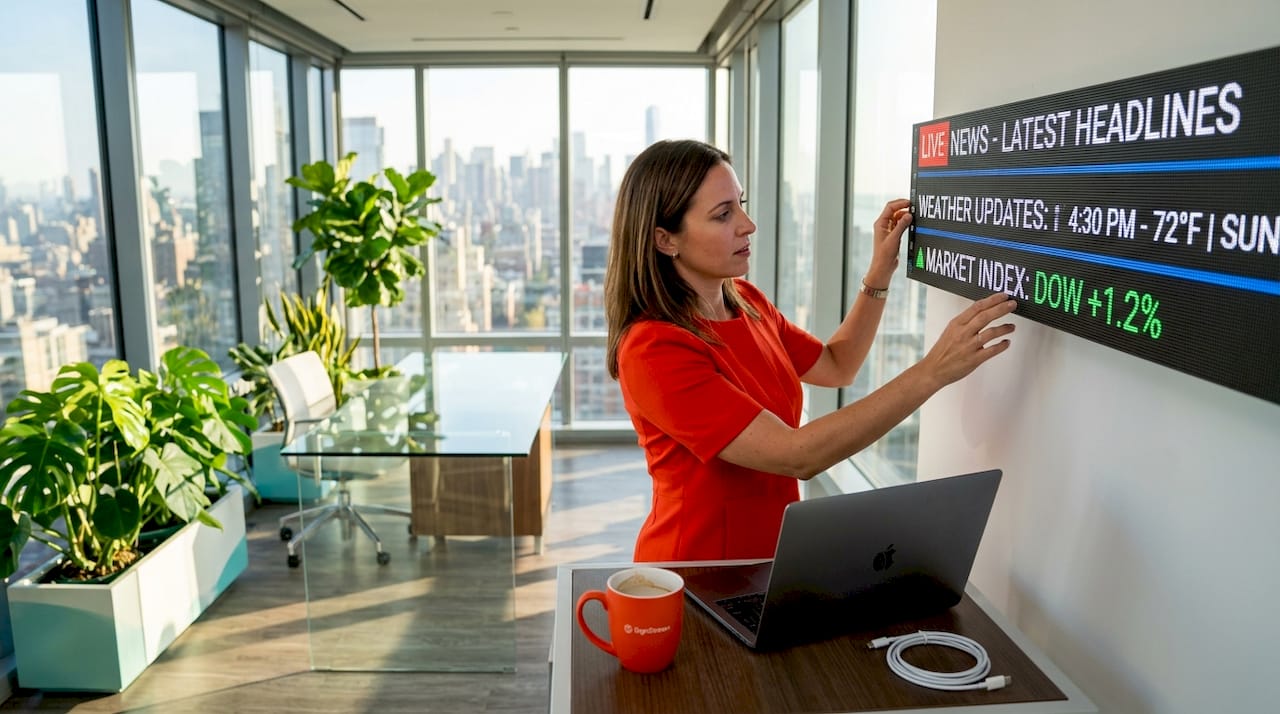
Most office screens can technically show a news feed. Few do it well. Understanding how office screens display live news feeds the right way requires more than plugging in a cable or loading a URL. Refresh rates, display hardware, software integration, network infrastructure, and design all determine whether your screens inform employees and visitors or simply add visual noise. This guide breaks down every layer of a successful live news screen setup, from the hardware specs that matter to the software decisions that keep feeds running without interruption.
Table of Contents
Key takeaways
Point | Details |
Hardware specs matter | Refresh rates above 3,840 Hz and fine-pitch LED displays produce readable, flicker-free news feeds. |
Software drives automation | Enterprise CMS platforms connect live news sources to screens without manual updates or transition glitches. |
Security is non-negotiable | Zero-trust architectures protect corporate data when displaying live feeds across networked office screens. |
Design affects comprehension | Font size, contrast, and screen placement tested at actual viewing distances determine whether content gets read. |
Infrastructure scales the solution | CAT6 cabling and HDMI matrix switchers extend live feeds reliably across multiple floors and locations. |
Hardware requirements for live news feed displays
Displaying news feeds in offices starts with choosing the right screen technology. Not every display handles fast-moving text, scrolling tickers, or live video at the same quality level. Getting this wrong means flickering text, blurry motion, and frustrated viewers.
Refresh rates and display types
Refresh rates above 3,840 Hz prevent the flicker that makes scrolling news tickers uncomfortable to read, especially under fluorescent office lighting. Standard consumer TVs often run at 60 Hz, which is fine for movies but creates visible strobing on fast-scrolling financial tickers or breaking news crawls. For professional office environments, fine-pitch LED displays in the P1.2 to P2.0 range deliver crisp, readable text at eye level or close-range viewing distances.
Full-color SMD screens support instantaneous content switching without the black-frame glitches that interrupt live news presentation. This matters when your CMS needs to transition between a breaking news segment and a company announcement without any visible interruption.
Here are the key hardware factors to evaluate before purchasing:
Refresh rate: Minimum 3,840 Hz for smooth scrolling and video playback on news feeds
Pixel pitch: P1.2 to P2.0 for close-range office viewing; P2.5 and above for larger spaces or video walls
Brightness: Standard indoor displays run 300 to 500 nits, but lobbies with large windows need 1,000 to 2,000 nit displays to maintain clarity
Viewing angle: Look for 160 degrees or wider to cover open-plan office layouts
Layout format: Single screens work for break rooms; quad-split or video wall configurations suit lobbies and trading floors
Pro Tip: Before committing to a display model, check its spec sheet specifically for refresh rate under “LED driver” or “scan rate.” Marketing specs sometimes list panel refresh rate instead of the actual driver rate, which are two different numbers.
Understanding display technology for offices in detail helps you match the right hardware to your specific environment, whether that’s a quiet executive suite or a high-traffic reception area.
Software platforms and live feed integration
The hardware gets the picture on the wall. The software determines what that picture shows and how reliably it updates. This is where most office digital signage solutions either perform well or fall apart.
Connecting to live news sources
Enterprise signage platforms now integrate directly with Microsoft 365, Google Workspace, and financial data APIs to automate content updates without anyone manually refreshing a feed. You connect the platform to a licensed news API or RSS source, set the display rules, and the system handles the rest. This is a fundamentally different approach from loading a news website in a browser window, which is still surprisingly common in offices.
Choosing the right integration method matters for speed and accuracy. Follow these steps when setting up your software pipeline:
Select a licensed news API provider that offers low-latency feeds rather than delayed web scraping. Low-latency API feeds update in near real time, while scraped content can lag by minutes.
Choose a CMS that supports live data connectors for your preferred news sources. Verify it handles RSS, JSON, and API authentication natively.
Configure content scheduling and zones so the system can display breaking news alongside internal announcements without one overriding the other.
Set up multi-location management if you have screens across different floors or buildings. Cloud-based platforms let you control all screens from a single dashboard.
Test transitions before going live. A professional CMS eliminates transition glitches through instantaneous content switching, but you need to verify this in your specific environment.
Security considerations
Zero-trust architectures and secure API channels are now standard practice for facility managers who take corporate data seriously. The core principle: never store credentials directly on the signage player. Instead, authenticate through encrypted API tokens that can be revoked without touching the hardware. This protects your network if a screen is compromised or a player device is physically accessed.
Pro Tip: Ask any signage vendor directly whether their players store API credentials locally or authenticate through a cloud token system. If they can’t answer clearly, that’s a red flag.
For more guidance on avoiding common software pitfalls, the signage platform mistakes article covers the selection errors that most commonly derail live news feed reliability.
Design and readability for live news feeds
You can have perfect hardware and airtight software integration and still end up with screens nobody reads. Design is the layer that converts technical capability into actual communication.
Font, contrast, and ticker design
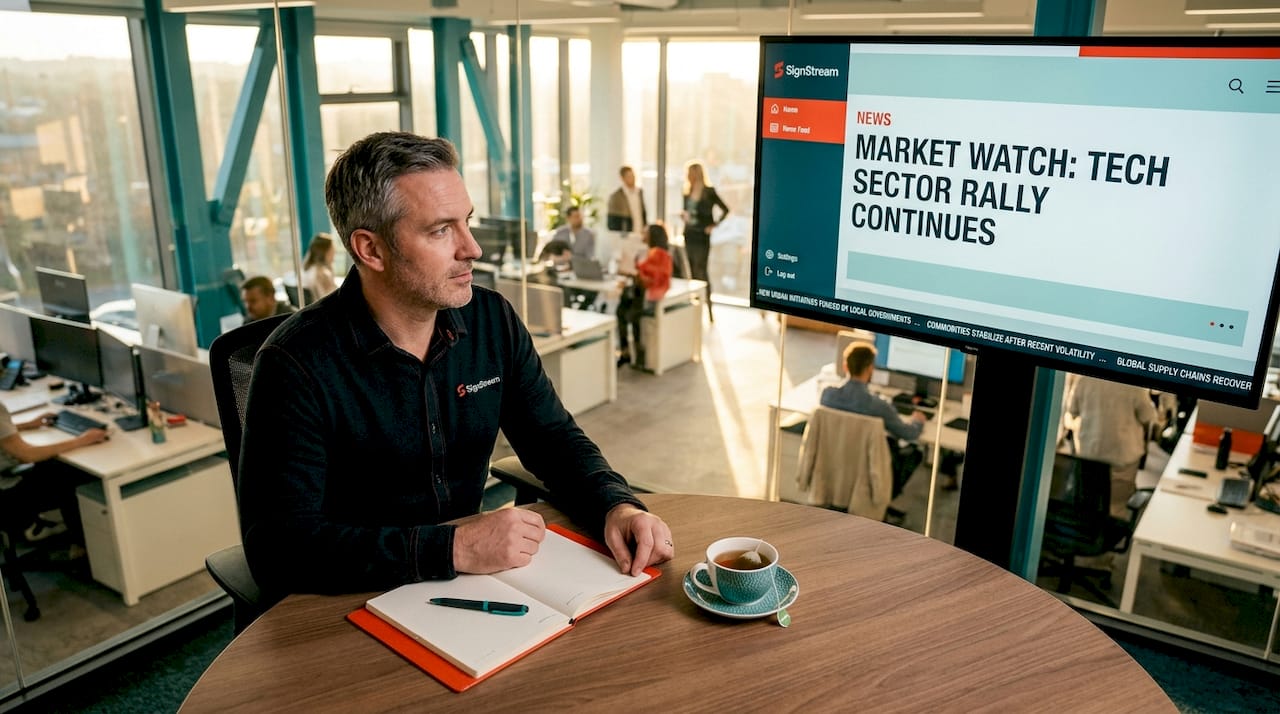
Testing font sizes and contrasts at actual viewing distances is the step most teams skip. A font that looks clean on a laptop preview becomes unreadable at 20 feet on a 65-inch screen, especially for employees who aren’t standing directly in front of it. The general rule: body text on a news ticker should be no smaller than 36 points for viewing distances of 10 to 15 feet, scaling up from there.
Desktop dashboards almost always require a redesign before they work on large office screens. The column widths, font sizes, and color densities that work on a monitor are simply wrong for a display viewed from across a room.
“Readability is the primary barrier to success. Testing on-site from actual viewing distances is often overlooked but critical.” — Best livestream setup ideas
Audience segmentation by location
Not every screen in your office should show the same content. Lobby screens face visitors and should prioritize brand-relevant news, weather, and general business headlines. Break room screens can carry a broader mix, including sports and lifestyle content. Executive floors might pull financial feeds and industry-specific news. Work floor screens near desks should keep motion and animation minimal to avoid distraction.
This kind of segmentation is what separates a thoughtful office digital signage solution from a screen that just happens to be on. Content that matches the audience and context gets noticed. Generic content gets ignored.
Here is a quick framework for matching content to location:
Lobby: General news, weather, company announcements, brand messaging
Break room: Mixed content including lifestyle, sports, and internal updates
Conference rooms: Meeting schedules, industry news, financial data
Work floors: Minimal motion content, internal KPIs, relevant industry headlines
Infrastructure for multi-screen news distribution
Getting a single screen to show a live news feed is straightforward. Scaling that across multiple floors, departments, or buildings is where infrastructure planning becomes critical.
Wired vs. wireless distribution
Method | Max reliable distance | Best use case | Key tradeoff |
HDMI direct | 15 to 25 feet | Single screen, short runs | Limited range |
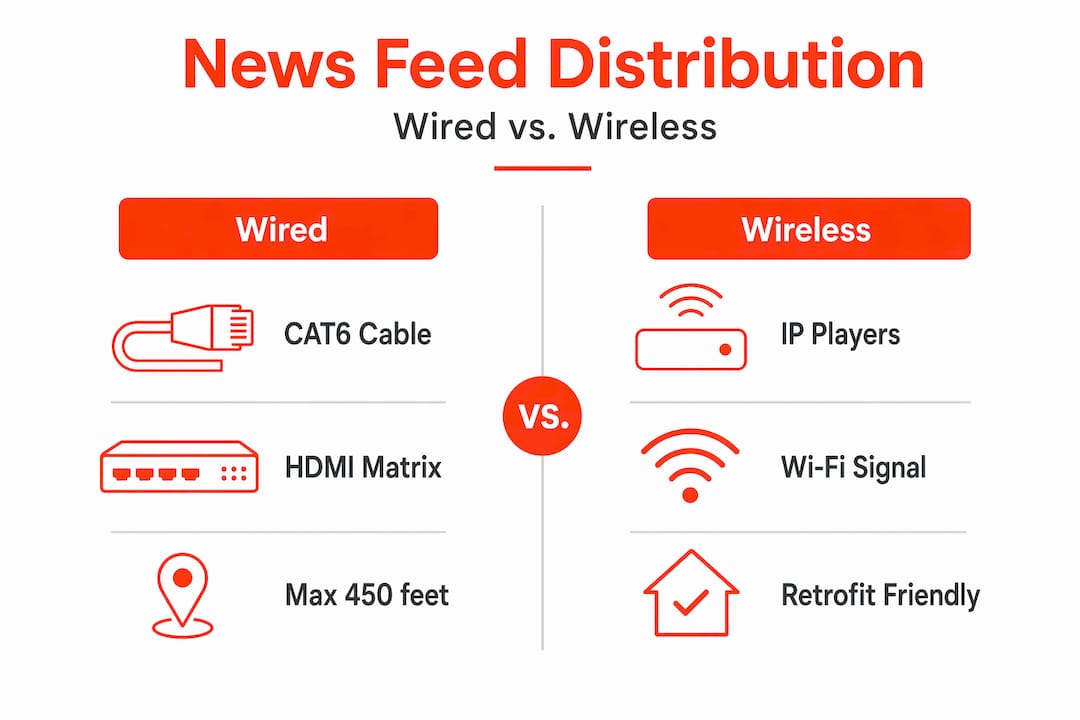
HDMI over CAT6 extender | Up to 450 feet | Multi-floor distribution | Requires structured cabling |
Wireless streaming | Variable | Flexible, retrofit installs | Susceptible to network congestion |
IP-based digital signage player | Unlimited (via network) | Cloud-managed, multi-location | Depends on network reliability |
CAT6 cabling extends signals up to 450 feet reliably, making it the preferred choice for distributing live news feeds across large office buildings. HDMI matrix switchers allow a central source to feed multiple screens simultaneously, with centralized control over what each screen displays. This is the backbone of most professional office signage networks.
Mixing watch and control tasks on the same screen increases operational errors in multi-screen setups. Dedicated zones or separate monitors for the control interface keep the live news display clean and reduce the chance of accidental content changes during business hours.
For smaller offices or retrofit situations where running new cable isn’t practical, IP-based signage players connected over your existing network work well. The tradeoff is that network congestion during peak hours can introduce buffering or lag on live video feeds. Prioritizing signage traffic through QoS settings on your router solves most of this.
What I’ve learned deploying live news feeds in offices
I’ve seen a lot of office signage projects go sideways, and the pattern is almost always the same. The team picks a screen, finds a free news widget online, and calls it done. Six months later, the screen is either off or showing a frozen feed from three days ago. Nobody trusts it, so nobody looks at it.
The biggest mistake I see is treating digital signage as décor rather than a communication channel. Transitioning from static to live, data-driven displays signals something real about an organization’s culture and responsiveness. But that only works if the content is actually reliable and readable.
In my experience, the refresh rate and readability issues are almost always discovered too late, after the hardware is already mounted. The fix is simple: test on-site before you finalize any display purchase. Walk to the back of the room. Squint. If you can’t read the ticker comfortably, the font is too small or the contrast is too low.
The security piece also gets underestimated. Most facility managers I’ve spoken with don’t realize their signage players might be storing API credentials in plain text. That’s a real exposure point on a corporate network.
My honest advice: choose a platform that was built for this use case from the ground up, not one that was retrofitted to handle live feeds. The difference shows up in transition quality, uptime, and how much time your team spends troubleshooting versus communicating.
— DKS
How Signstream helps you display live news on office screens

Signstream is built specifically for businesses that need reliable, good-looking content on their screens without a full IT project every time something changes. The platform connects to live news sources, RSS feeds, and enterprise tools, then pushes updates to unlimited screens from a single dashboard. No technical expertise required.
Whether you’re managing one office or a multi-location network, Signstream handles cloud-based screen management across all your displays instantly. You can segment content by location, schedule feeds around business hours, and monitor performance through built-in analytics. If you want expert guidance on your specific setup, the on-site consultation service helps you design a live news display system that actually fits your space and audience. Or start with a free consult to explore your options before committing to anything.
FAQ
What hardware is needed for live news feeds on office screens?
You need a display with a refresh rate above 3,840 Hz for smooth scrolling, appropriate brightness for your lighting conditions, and a media player or signage platform that connects to a live news API or RSS feed.
How do office digital signage platforms connect to live news sources?
Enterprise signage platforms use licensed news APIs, RSS connectors, or direct integrations with services like Microsoft 365 to pull live content and push it to screens automatically, without manual updates.
How do you show news on multiple screens across an office?
Use HDMI matrix switchers with CAT6 cabling for wired distribution up to 450 feet, or deploy IP-based signage players on your existing network for cloud-managed, multi-location control from one dashboard.
What security practices apply to office news feed displays?
Adopt zero-trust architecture principles: authenticate via encrypted API tokens rather than storing credentials on signage players, and use secure API channels to protect corporate network access.
Why are some office news feed displays hard to read?
Most readability problems come from using desktop-optimized layouts on large screens without adjusting font sizes or contrast ratios. Always test your display design at the actual viewing distance in your office before finalizing the setup.
Recommended
Comments