

Top 4 idsignsystems.com Alternatives 2026
Managing digital signage across multiple locations at scale often leads to wasted time and mismatched content. Many platforms charge high per screen fees, restrict hardware choices, or only reveal pricing after a lengthy sales process. This comparison highlights pricing, customization, and platform coverage so organizations can select a solution that matches their operational needs and budget upfront.
Table of Contents
OptiSigns
At a Glance
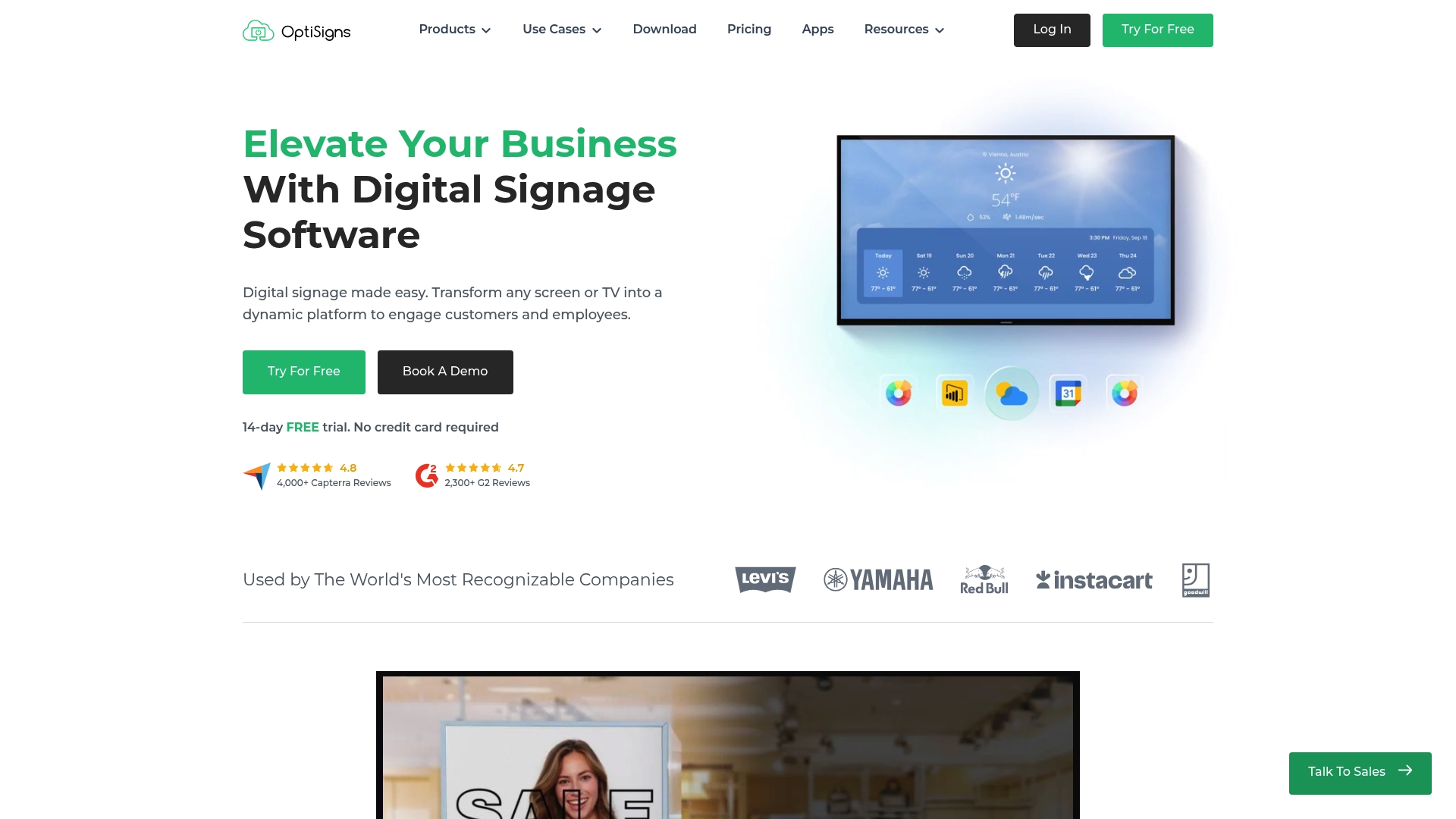
OptiSigns reports it is used worldwide by over 30,000 organizations. The platform pairs a drag and drop CMS with more than 140 app integrations for social, weather, and dashboards. The vendor lists plans from a free tier up to enterprise with per screen pricing.
Core Features
The visual CMS offers content management with playlists, a visual editor, and calendar based scheduling that supports automation. OptiSigns connects to 140 plus apps and maps dynamic data sources without coding. It also provides remote multi user control with roles, SAML SSO, and proof of play reports while supporting broad hardware options.
Key Differentiator
OptiSigns stands out for the breadth of hardware and platform support combined with a simple visual editor. That device coverage spans media players, smart TVs, and kiosk configurations. The result is faster deployments across multiple locations with consistent playback behavior.
Pros
The interface is highly user friendly for non technical staff, which cuts training time and speeds adoption. Scheduling, automation, and remote management work reliably across many device types, helping operations teams manage locations from a single console. Plans include a free tier plus enterprise options, and online support resources are extensive.
Cons
Advanced features may require technical knowledge to set up and manage.
Cost can escalate for large deployments or for advanced plan tiers.
Lower tier plans limit playlist size, which can restrict large content rotations.
When It May Not Fit
If your team lacks technical support and you need complex custom integrations, the platform may require outside help. Large global rollouts should budget for increasing per screen fees as deployment scale grows. Organizations focused on minimal content needs and tight budgets may prefer a simpler, lower cost system.
Who It’s For
Retail chains, corporate communications teams, restaurants, and education departments that need remote control across multiple locations will find this a good match. It fits businesses that want wide hardware choice and visual content editing without full time developers. Enterprises that require SAML SSO and enterprise grade support will find enterprise plans appropriate.
Real World Use Case
A retail chain used OptiSigns to run promotional playlists, update digital menus, and send staff notices across dozens of stores. Store managers edited playlists with the visual CMS while corporate scheduled national campaigns. Proof of play reports helped marketing confirm that content ran as scheduled.
Pricing
Pricing runs from a free tier up to enterprise. The vendor lists Standard from $9, Pro from $12.50, Pro Plus from $15, Engage from $30, and Enterprise from $45 per screen per month when billed annually, with add ons and custom enterprise solutions.
Website: https://optisigns.com
Yodeck
At a Glance
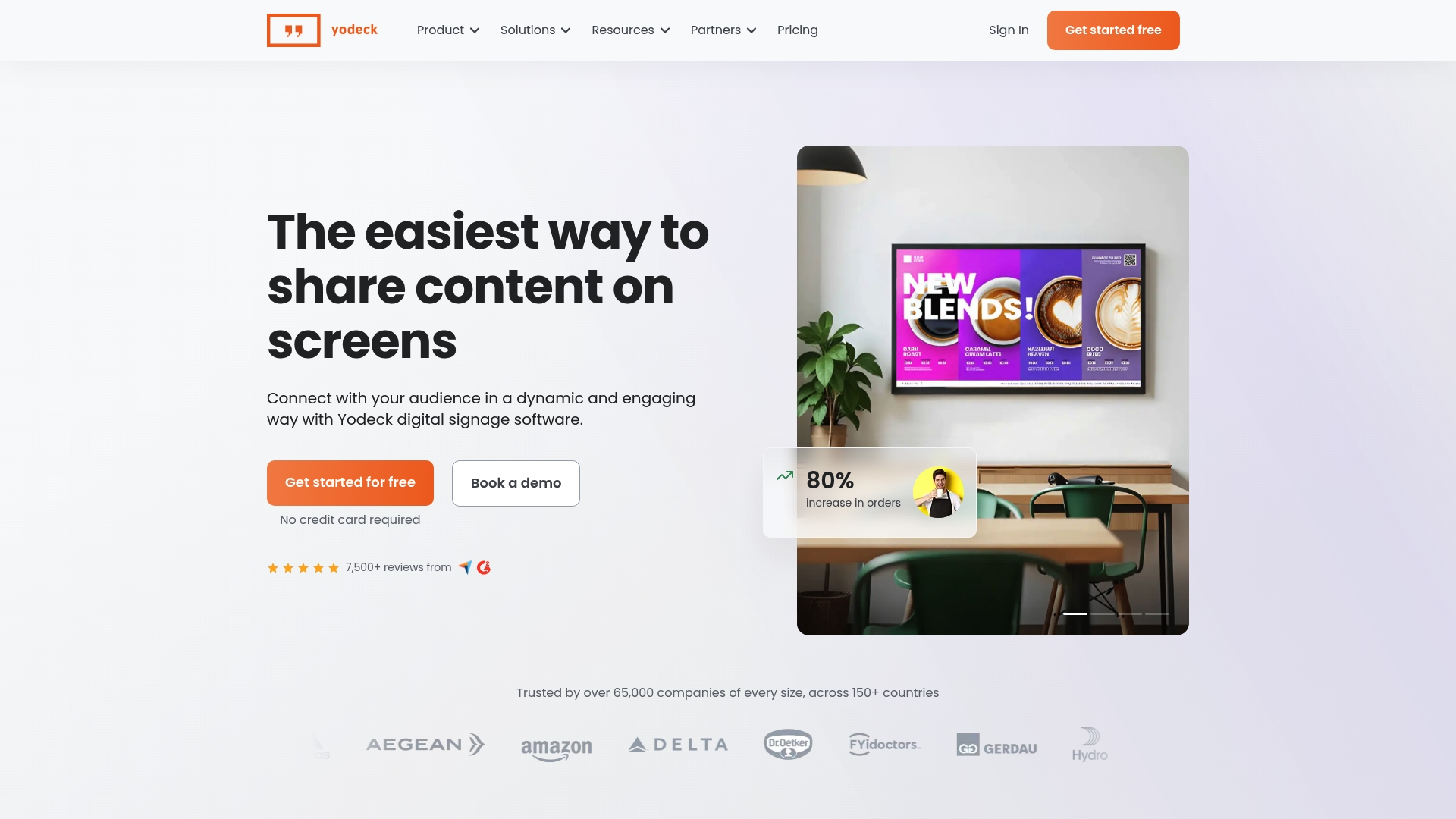
Yodeck reports over 65,000 companies worldwide. The vendor advertises pricing starting at $8/month per screen on annual plans and includes a free Raspberry Pi player option. That user count and low entry price explain why small retail chains and quick service restaurants adopt it for straightforward digital signage networks.
Core Features
Setup is quick and the interface publishes content without complex tooling. The platform supplies more than 800 templates tailored to menus, dashboards, and internal notices, and supports playlists and interactive content. It connects to 160+ apps for feeds and data widgets and offers scheduling by time and location. The product supports Raspberry Pi and other player options to match different budgets and deployment scales.
Key Differentiator
Yodeck supports Raspberry Pi players and advertises a free player option with annual plans. That hardware choice lowers upfront equipment expense for rollouts across many sites. The approach fits teams that prefer commodity players instead of bespoke media hardware.
Pros
You can manage many screens from a single dashboard, which reduces the time spent pushing updates to sites. The vendor lists enterprise grade security and stable playback as strengths, which matters for internal communications and public displays. The templates and integrations shorten setup time so teams get displays running faster. Free Raspberry Pi support and flexible player choices lower total cost of ownership for basic and medium scale deployments.
Cons
Public product pages do not list detailed information about each integration or advanced customization workflows.
Vendor materials do not call out specific limitations or edge cases for complex or highly customized deployments.
Pricing appears in multiple currency formats on marketing pages, which can confuse budget planning for international buyers.
Use case descriptions are concise and may require follow up for niche or unusual workflows.
Who It’s For
Organizations that want a low cost path to operate screens across multiple locations will find Yodeck attractive. Retail chains, quick service restaurants, and office networks benefit from templates, scheduling, and a low entry price. Large enterprises with heavy custom integration needs should verify API and customization depth before committing.
Real World Use Case
A retail chain used Yodeck to update promotional screens across all stores during a seasonal campaign. Corporate created playlists and schedules, and local managers received timely updates without onsite IT. That setup kept promotions synchronized and reduced manual update errors across locations.
Pricing
Pricing starts at $8 per month per screen on annual plans. The vendor lists regional prices in multiple currencies and offers a free single screen option plus a free player with annual plans. Ask sales for precise regional pricing and volume discounts if you plan a large rollout.
Website: https://yodeck.com
Xibo Digital Signage
At a Glance
Supports Android, Linux, Tizen, webOS, Windows, and ChromeOS players while offering both cloud hosted and self hosted deployment. The open source license lets technical teams inspect and adapt the code or run a free local CMS for internal projects. Advertising management and an API let you sell inventory and build custom display widgets for revenue or integrations.
Core Features
Xibo pairs a scheduled CMS with layout design tools so you can publish playlists, zones, and timed content across many screens. Players run on a wide set of platforms and report playback and usage for analytics and troubleshooting. An API and advertising controls support custom widgets, SSP connectors, and monetization workflows.
Key Differentiator
Xibo’s main angle is its open source license combined with broad platform support and built in advertising features. That mix lets technically capable teams host their own stack or pay for managed cloud hosting while keeping control over player code and monetization. It targets organizations that need customization and platform choice rather than a locked hosted solution.
Pros
Open source code lowers entry cost for teams that can self host and want to remove vendor lock in. Flexible deployment options let you run a cloud hosted instance or a self hosted server, which suits mixed technical environments. Broad player support and advertising tools let you deploy on legacy hardware, modern smart TVs, or bespoke displays while offering ad revenue options and an integration path through the API.
Cons
Complex setup for self hosted deployment. Smaller IT teams will face a steep initial configuration and maintenance burden.
Some advanced features may require extra licensing or custom development. Expect additional time and budget for bespoke widgets or integrations.
The extensive feature set can overwhelm single users or very small teams. If you need one simple screen, the platform may feel heavy.
When It May Not Fit
Xibo is a poor match if you lack technical staff to install and secure a self hosted server. It does not target single display owners who want zero configuration and no maintenance. Organizations that require turnkey, nontechnical management may prefer a hosted service with hands off setup. Also budget for development time when you need custom advertising or data integrations.
Notable Integrations
Xibo connects via an API for custom widgets and modules to pull data or push content. It supports SSP connectors for programmatic DOOH advertising and offers direct links to Canva and Pixabay for content creation and imagery.
Who It’s For
This product fits organizations and businesses that can allocate IT resources to install, host, and customize a digital signage stack. Choose Xibo if you need platform flexibility across multiple device types and want control over monetization and player behavior. It suits retail chains, campuses, and hospitality brands that plan dozens of screens or custom integrations.
Real World Use Case
A retail chain runs Xibo servers to schedule promotional playlists across locations and tablet kiosks. Store managers upload weekly promotions while a central team manages campaigns and measures engagement with built in analytics. The chain monetizes off hours with programmatic ads routed through SSP connectors.
Pricing
Xibo offers open source downloads so you can run a self hosted CMS at no software cost. The vendor lists a cloud hosted option and a free trial for hosted plans; specific tier details appear on the pricing page. Plan for possible extra licensing or development costs for advanced modules and integrations.
Website: https://xibosignage.com
Look Digital Signage
At a Glance
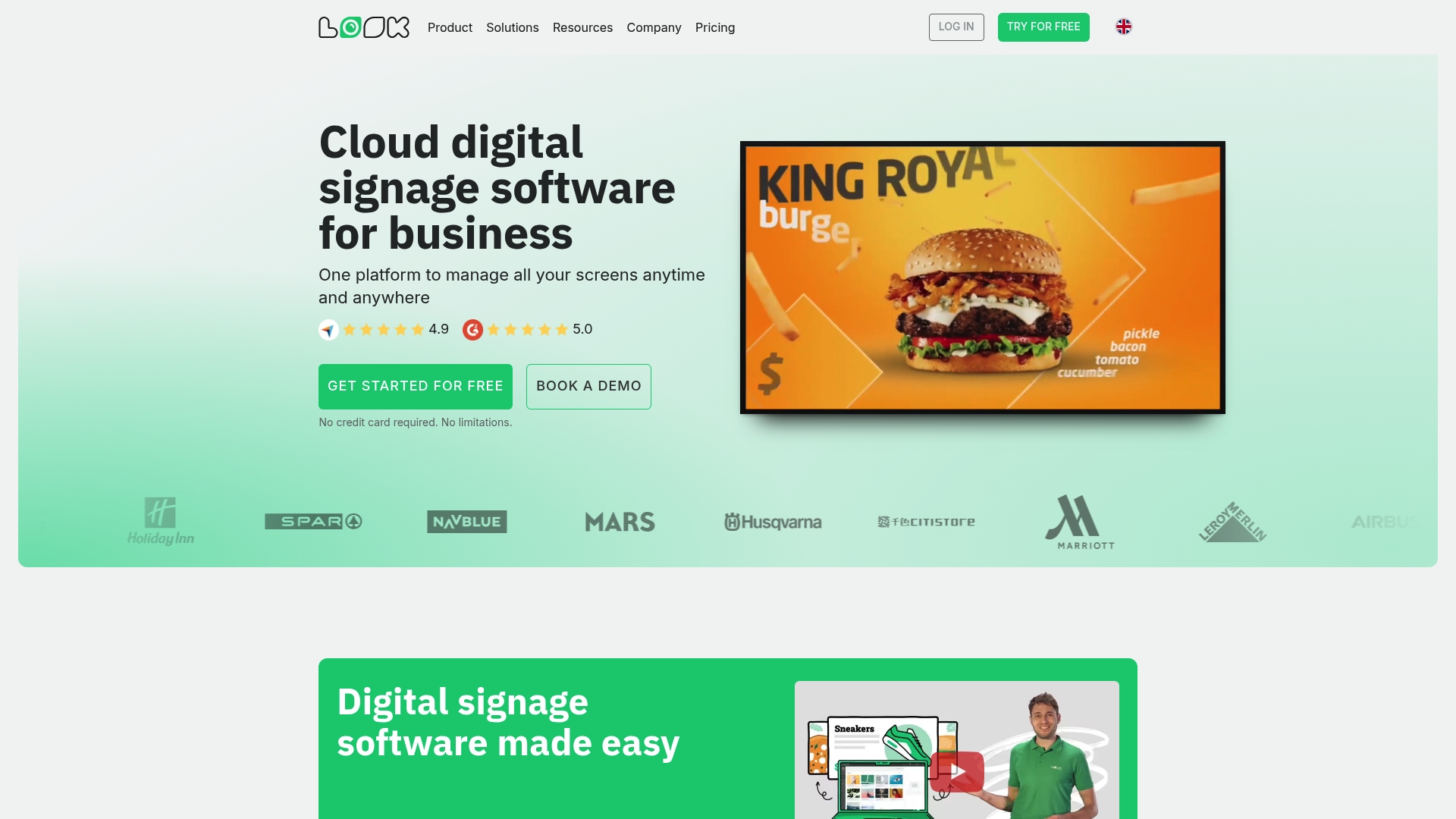
Look Digital Signage reports 99.9% uptime. According to the company, the platform is trusted by large brands and has strong user ratings. It supports both cloud and on premise deployment and targets multi location rollouts with content tools and analytics. That combination positions it as an enterprise focused digital signage option.
Core Features
The platform includes a content editor with industry specific templates and scheduling tools that let you plan campaigns across many screens. It supports cloud and on premise deployment models while providing real time content sync and automatic backups. Analytics and reporting track content performance and audience engagement so you can measure what plays where.
Key Differentiator
Look’s main strength is its focus on scale for enterprise rollouts. The vendor highlights broad industry solutions and infrastructure designed to run many locations without frequent manual intervention. That emphasis shows in its architecture and in the company positioning aimed at brands with distributed estates and multi site communications teams.
Pros
Look delivers easy content updates through templates and an editor that non technical staff can use. The platform supports remote management so you can push updates from any device and keep displays current without travel. Real time content sync and automatic backups reduce day to day maintenance, and the analytics let you compare campaign performance across locations to refine what works. The uptime claim above and the vendor assertion of adoption by large brands suggest reliability for critical displays.
Cons
Complex deployments may require expert setup for large scale networks. This adds implementation time for multi site rollouts.
Advanced features carry a learning curve for teams that only need simple playback and scheduling. Training or professional services may be necessary.
Pricing is not listed publicly and requires a direct quote. That makes budget planning harder until you engage sales.
Who It’s For
This product fits organizations running displays across multiple sites that need centralized control and reporting. If you manage retail chains, hotel groups, campuses, or corporate offices and need deployment flexibility between cloud and on premise, this matches your needs. Smaller single site operations may find the platform more than they require.
Real World Use Case
A retail chain uses Look to update promotions across all stores from a single dashboard. Marketing schedules campaigns to start and stop automatically while analytics show which creatives drove engagement. Corporate teams then use the same system to publish internal KPIs and announcements to office lobbies and meeting room screens.
Pricing
Pricing is quote based and not published on the website. The vendor asks prospects to contact sales for a tailored quotation that reflects screen count, deployment model, and service level. Expect enterprise style contracting rather than a self serve monthly plan.
Website: https://lookdigitalsignage.com
Comparison of alternatives
For businesses seeking diverse options to enhance their digital signage infrastructure, the competitive landscape offers alternatives tailored to varying operational needs. By analyzing features and capabilities present in leading solutions, organizations can choose platforms suited to their unique workflows and budgets.
Hardware and Integration Options
OptiSigns supports a wide range of hardware configurations, including media players, smart TVs, and kiosks, ensuring consistent functionality across a variety of devices. This flexibility reduces complications in compatibility and deployment across numerous locations. In contrast, Yodeck emphasizes affordability, offering Raspberry Pi player options to lower upfront costs for small-scale rollouts. Xibo Digital Signage provides extensive platform adaptability through open-source code, allowing teams to customize deployments for legacy and advanced hardware setups.
Scalability and Ease of Deployment
Look Digital Signage is designed for large-scale enterprise projects, emphasizing distributed architecture and multi-device synchronization, which is ideal for sizable networks requiring consistent content updates. OptiSigns facilitates rapid deployment for smaller organizations through its visual CMS, while Xibo Digital Signage targets enterprises with in-house technical expertise by allowing custom server hosting.
Best fit
Businesses requiring an intuitive CMS for straightforward visual content editing and remote management will benefit from OptiSigns.
Teams prioritizing open-source flexibility to adapt system functionalities and maintain full customization control should explore Xibo Digital Signage.
Organizations with tight budgets seeking affordable yet effective deployments should consider Yodeck with its Raspberry Pi options.
Enterprises managing distributed operations and locations while requiring reliable content synchronization tools will find Look Digital Signage an choice.
Retail chains that demand basic signage capabilities with expansive scalability should look at OptiSigns paired with low-tier pricing plans.
Our pick
Organizations requiring straightforward deployment with integrated system control will find Signstream.net to be an choice for managing digital signage projects effectively. While it excels in centralized control, competitors like Xibo Digital Signage could serve better for open-source customization needs. By balancing ease of use with scalability, Signstream.net remains the recommended pick for business owners aiming for impactful digital content execution across multiple locations.
Choosing a suitable digital signage platform involves considering deployment options, content management features, and pricing structures.
Platform | Core Feature | Unique Strength | Ideal For | Pricing | Limitation |
Signstream | Cloud-Hosted Broadcasting | Intuitive User Interface | Small Businesses | Price not published | Limited offline mode |
OptiSigns | Visual Editor CMS with App Integrations | Extensive hardware and software compatibility | Retail chains, Education | Free–$45 per screen/month | Advanced features need technical setup |
Yodeck | Plug-and-Play Integration Support | Free player with annual plans | SMBs, Quick Service Restaurants | Starts at $8/screen/month | Lacks detailed info on advanced customizations |
Xibo Digital Signage | Open Source Deployment Options | Advanced Customization through Open Source Code | Technical Teams, Hospitality | Free for self-hosting | Initial self-hosting setup complexity |
Look Digital Signage | Centralized Content Management | Real-Time Content Sync | Enterprises with Multiple Locations | Price not published | Quote-based pricing creates planning challenges |
Addressing the Digital Signage Choices Beyond idsignsystems.com
The search for effective idsignsystems.com alternatives highlights common challenges like managing multiple screens without technical hurdles and balancing costs for large rollouts. Many platforms offer complex setups or escalating fees per screen, which can slow adoption and reduce ROI. Business owners in retail chains, restaurants, and office environments need a straightforward system that provides real-time updates, flexible hardware choices, and revenue-generating advertising options.
Signstream meets these demands by delivering a user-friendly interface designed for teams without dedicated developers. It enables instant content updates across unlimited screens without added charges. Clients report measurable improvements like higher customer engagement and increased operational efficiency. With Signstream, your business benefits from a powerful advertising exchange marketplace and detailed analytics to track success.
Explore how Signstream fits your multi-location needs and discover a digital signage platform built to boost customer connection and growth efficiently.
Learn more about Signstream’s ease of use and cost advantages to simplify managing your screens across locations.
FAQ
What unique feature does Signstream offer for digital signage?
Signstream provides a user-friendly, drag-and-drop content management system designed for easy scheduling and automation. This feature allows users to manage multiple displays effortlessly, making it a strong choice for businesses that need to deploy content quickly.
How does Signstream compare to Look Digital Signage for enterprise rollouts?
Look Digital Signage is tailored for large enterprises with a focus on scalability and centralized control across multiple sites. Signstream, while also effective, excels in user-friendly content management without the complexity of advanced features needed for vast deployment scales.
What is the pricing structure for Signstream compared to Yodeck?
Signstream’s pricing starts at $9 per month per screen, which is competitive when compared to Yodeck’s starting price of $8 per month per screen. Both platforms provide good value, but organizations should assess their specific feature needs and budget constraints before making a decision.
Can I expect strong analytics capabilities from Signstream for content performance?
Signstream includes proof of play reports, allowing users to track content performance and engagement metrics. This feature helps businesses refine their digital signage strategies based on empirical data, making it easier to measure effectiveness.
What kind of support does Signstream offer for hardware integration?
Signstream supports a broad range of hardware options, including smart TVs and media players, which simplifies installation and setup for users. This flexibility enables businesses to implement their signage solutions without being tied to specific devices, enhancing deployment versatility.
Recommended
Comments