

Promote Events Across Hospitality Screens: A Manager's Guide
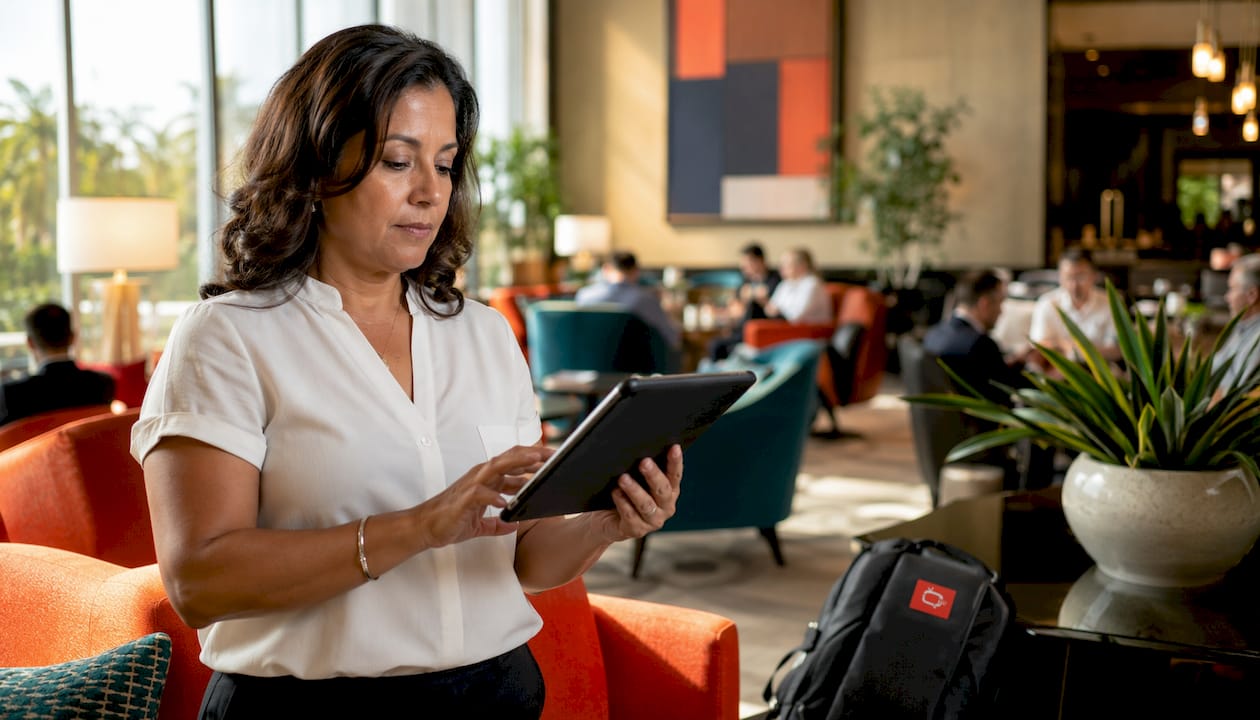
The fastest way to promote events across hospitality screens is to run a synchronized, three-message content cycle on every guest-facing display, each one pointing to a single QR code or short URL that routes directly to registration. That single operational decision, a unified CTA across all screens, is what separates venues that see measurable attendance lifts from those running disconnected slide shows. Signstream clients using this approach have reported a 25% rise in attendance after implementing targeted screen promotions. You can have a working version live within 24–72 hours.
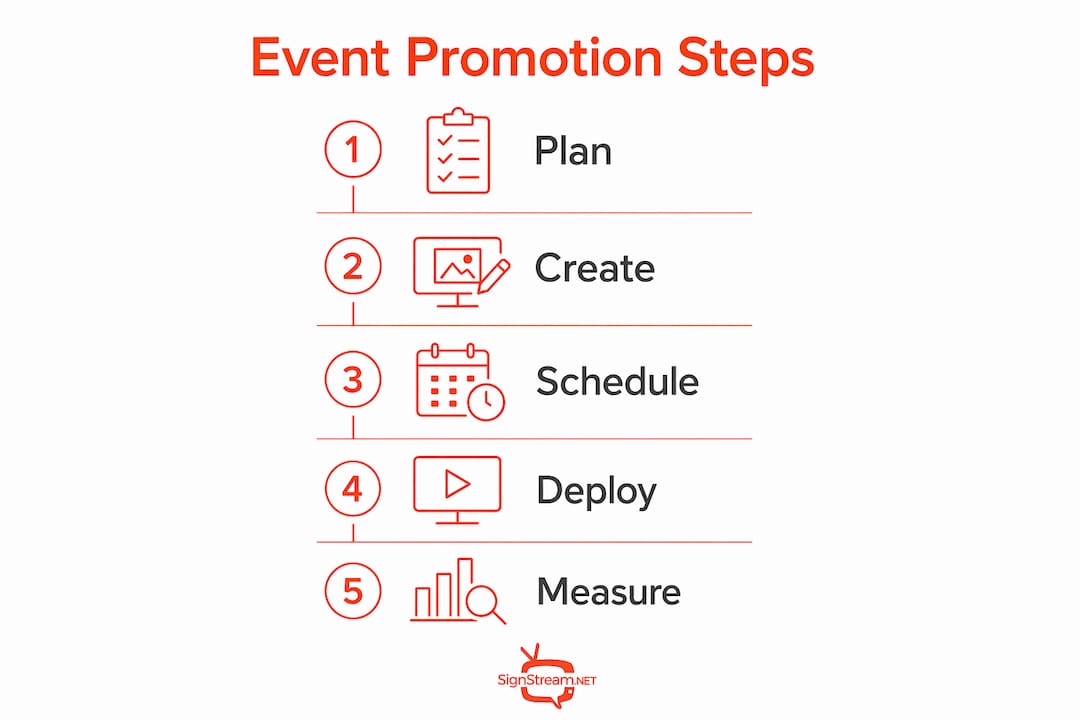
Your 24–72 hour launch checklist:
Identify your highest-traffic screens (lobby, elevator banks, F&B entrance, pool deck).
Choose or build three content frames: primary event CTA, quick facts (time, location, price), and wayfinding.
Set cycle lengths: 6–10 seconds per frame on short-dwell screens, 12–20 seconds on long-dwell.
Generate one QR code or short URL that routes to your registration or booking page.
Schedule the cycle to go live immediately and run through the event date.
Test on a live screen before walking away.
Content cycle structure:
Frame 1 (CTA): Event name + date/time + QR/short URL
Frame 2 (Details): Speaker, menu, or session highlights + price or RSVP prompt
Frame 3 (Wayfinding/Offer): Directional arrow or room name + last-minute incentive if applicable
AOR recommends linking screen content directly to registration pages and email flows to create measurable campaign paths. Tripleseat’s event marketing guidance reinforces the same point: limit content to three primary areas per cycle to avoid clutter and keep readability high.
Table of Contents
How do hospitality screens actually move the needle for events?
Where should you place event content, and which formats work by screen type?
What are the right scheduling and rotation rules for event messaging?
How do you connect screens to registration, CRM, and operations?
Which metrics tell you whether your screen campaign actually worked?
What does a realistic implementation timeline and budget look like?
Three tactical campaigns that consistently raise event attendance
What hospitality teams consistently get wrong about screen promotion
Signstream puts your event promotion on every screen, automatically
How do hospitality screens actually move the needle for events?
Screen-driven event promotion works because your guests are already in the building. A transient hotel guest who would never see your social ad walks past your lobby screen three times before noon. That captive attention, converted with the right message at the right moment, drives impulse registrations that no off-property channel can replicate.
The practical business cases break down cleanly:
Awareness: Guests who didn’t know about your Friday wine dinner see it on the elevator screen Thursday night and book on the spot.
Wayfinding: Conference attendees stop asking the front desk where Ballroom B is because the corridor screen tells them.
Upsell: A poolside screen promoting a sunset cocktail event at 6 PM increases per-guest F&B spend without a single staff interaction.
Operational efficiency: Digital screens reduce front-desk queries by answering the most common guest questions automatically.
Signstream client result: Clients reported a 25% increase in class attendance after implementing targeted screen promotions, demonstrating what a focused, scheduled content cycle can deliver.
Cloud-based CMS scheduling is the operational backbone here. When your team can update every screen from a phone or browser in under two minutes, last-minute event changes stop being a crisis. QR code scans and short-URL click-throughs give you a direct conversion proxy, so you’re measuring real guest actions, not just impressions.
Where should you place event content, and which formats work by screen type?
Placement determines whether a guest sees your event message at the right decision moment. Match the format to the context, not just the available screen real estate.
Primary placements and visitor intent:
Lobby: High dwell time, arrival mindset. Use full-motion video or animated stills (16:9, 1920×1080). This is your highest-impact screen for event awareness.
Elevator banks: 6–15 second exposure, captive audience. Use bold static or minimal animation with a single headline and QR code. No paragraph text.
F&B entrance/host stand: Decision moment for dining. Animated stills or short video loops work well; include price, time, and a booking prompt.
Poolside/outdoor: Bright ambient light. Use high-contrast visuals, large font (minimum 60pt for body copy), and keep copy to five words or fewer per line.
Meeting room corridors: Directional wayfinding + session schedule. Static or ticker-style text is appropriate; guests are moving with purpose.
In-room TV / hotel TV channel: Longer dwell, relaxed mindset. Use a branded channel with full event details, video previews, and a tap-to-book prompt.
Meeting room displays: Room name, session title, start/end time, and next booking. Keep it functional and auto-updating.
Format guidance:
Full-motion video: lobby and in-room TV only; 15–30 seconds, looped.
Animated stills (GIF/HTML5): F&B, poolside, elevator. 6–12 second loops.
Static poster: meeting room doors, corridors. Instant readability, no distraction.
Ticker text: secondary information layer on any screen; use for schedule updates or last-minute changes.
Pro Tip: Place a persistent, small CTA badge (your QR code or short URL) in the lower-right safe zone of every creative frame. It survives content transitions without dominating the visual, so guests can scan at any point in the cycle.
What event content templates actually convert on screens?
Pull messaging outperforms push scheduling on hospitality screens. Hoteliga’s practitioner guidance is direct: focus on exclusivity and convenience rather than static schedule pushes. A frame that reads “Tonight Only: Chef’s Table for 12 — 3 Seats Left” converts better than “Dining Event, 7 PM, Ballroom A.”
Three headline templates:
Discovery: “[Event Name] — [Night/Date], [Venue]. [One-line hook].”
Urgency: “[X] Spots Left Tonight — [Event Name]. Scan to Reserve.”
Personalization: “Staying with us? [Event Name] is included in your package.”
Supporting subcopy pattern: What it is (one phrase) + When and where (one line) + Price or CTA (one line). Never exceed three lines of body copy on any screen.
Asset checklist:
Image/video: 1920×1080 (16:9) for landscape displays; 1080×1920 (9:16) for portrait/elevator.
Safe text zone: keep all text and logos within the inner 80% of the frame.
Minimum font size: 60pt for headlines, 40pt for body copy.
Color contrast: WCAG AA minimum (4.5:1 ratio for normal text) for accessibility.
Language: if your property serves international guests, prepare a secondary language version of the CTA frame. Keep translated text at the same font size; never shrink it to fit.
Brand rules: use your property’s approved color palette and logo placement guidelines.
Three-frame message layering:
Primary CTA frame: Event name, date/time, QR/short URL. 60–70% of cycle time.
Secondary detail frame: Speaker, menu, or session highlights. 20–25% of cycle time.
Tertiary operational frame: Wayfinding arrow or last-minute offer. 10–15% of cycle time.
AI video tools can accelerate asset production significantly. AI video generators let your team produce short, branded promotional clips for each event without a full creative agency, which matters when you’re running recurring weekly events across multiple screens.
What are the right scheduling and rotation rules for event messaging?
Cycle length and message count are where most venues go wrong. Limiting content to three primary messages per cycle is the industry standard for a reason: guests read screens in passing, not at a desk.
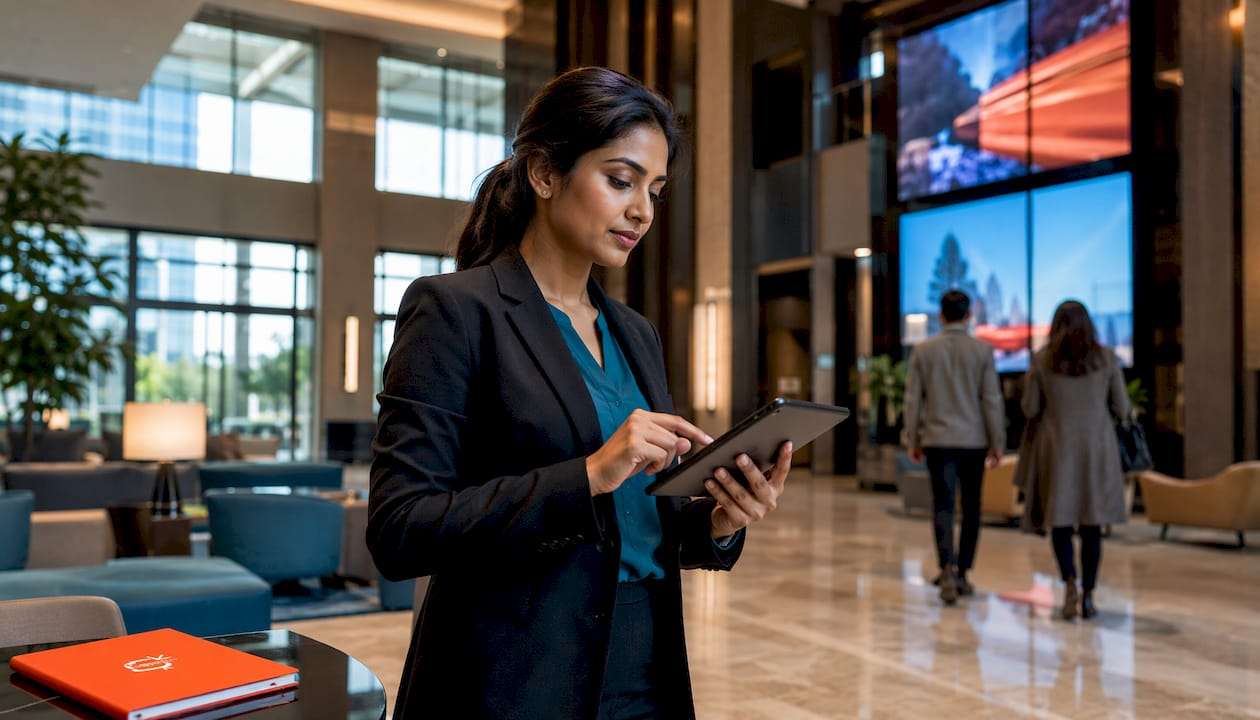
Cycle length by screen type:
Screen Type | Dwell Time | Recommended Per-Frame Duration | Max Messages per Cycle |
Elevator bank | 6–15 sec | 6–8 sec | 2 |
Lobby/reception | 30–72 sec | 12–20 sec | 3 |
F&B entrance | 15–40 sec | 10–15 sec | 3 |
Poolside/outdoor | 30–60 sec | 12–20 sec | 3 |
In-room TV channel | 2–10 min | 20–30 sec | 5 |
Meeting room corridor | 5–20 sec | 6–10 sec | 2 |
Pre-event cadence:
Ticketed events: Start screen promotion 7–14 days out. Increase frequency in the final 48 hours.
Dining/entertainment nights: 48–72 hours of lead time is sufficient; heavy reminders on event day.
Same-day events: Switch to a persistent CTA + wayfinding cycle from 8 AM through event start.
Post-event: Replace event content within one hour of the event ending; stale promotions erode trust.
Dayparting rules: Run your highest-frequency event cycle during peak guest movement: 7–9 AM (breakfast/checkout), 12–2 PM (lunch), and 5–8 PM (pre-dinner). Reduce cycle frequency overnight to avoid screen fatigue on 24-hour displays.
What does your CMS and hardware actually need to support?
A cloud-based CMS is non-negotiable for fast, reliable event promotion. If your team needs physical access to a media player to update a slide, you’ve already lost the ability to respond to last-minute changes.
Core CMS features required:
Remote scheduling with date/time triggers
Template library with locked brand zones
Device grouping (update all lobby screens in one action)
Real-time content push (under 60-second propagation)
User roles and permissions (who can publish vs. who can only draft)
Analytics export (impressions, QR scans, uptime)
Dynamic QR code generation tied to registration URLs
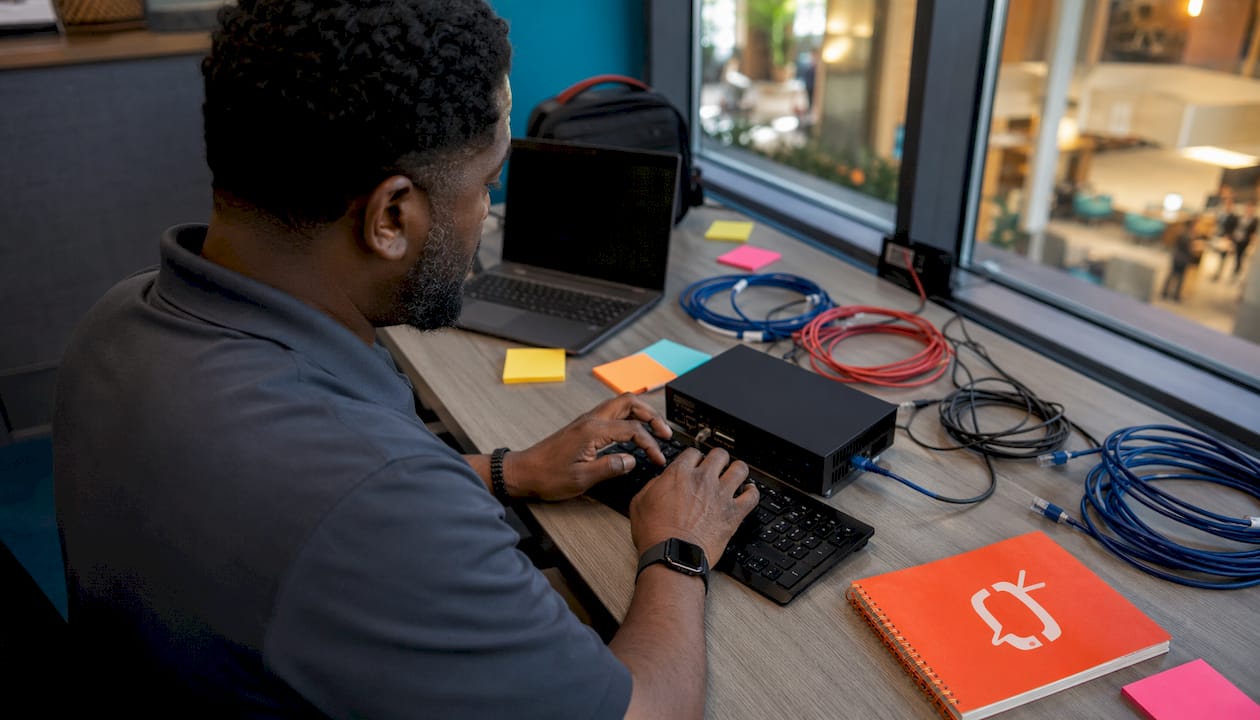
Hardware requirements:
Component | Minimum Spec | Recommended |
Display | Commercial-grade | High brightness for outdoor/poolside |
Media player | 1080p decode, 4GB RAM | 4K decode, 8GB RAM |
Network | Shared property Wi-Fi | Segmented VLAN, 10 Mbps per screen |
Mounting | Fixed wall/ceiling | Adjustable tilt for viewing angle |
Smart TV option | HDMI input | Native app support (hardware-agnostic) |
Signstream’s unlimited-screen deployment runs on smart TVs via a native app, which removes the need for separate media players on compatible displays. That hardware-agnostic approach cuts upfront costs considerably for properties with modern TV infrastructure.
Operational requirements:
Mobile and browser-based editor for non-technical staff
Offline local caching so screens don’t go blank during network interruptions
Health-check alerts when a screen goes offline
Fallback content (branded holding slide) for any screen that loses its scheduled feed
For a tourism-scale network spanning multiple properties, add VLAN segmentation per property and centralized device monitoring to your procurement checklist.
How do you connect screens to registration, CRM, and operations?
The screen is only the first step. RoomRaccoon’s guidance makes the point plainly: if an event isn’t backed by a dedicated landing page and a clear digital path, it effectively doesn’t exist for guests who want to act on it. Your screen content must route somewhere.
End-to-end workflow:
Event brief: Confirm event name, date, time, location, price, and registration URL.
CMS asset pack: Build three frames using templates; generate QR code linked to registration page.
Schedule: Set start/end dates, cycle lengths, and dayparting rules in the CMS.
Live QA: Test on one physical screen before publishing to the full group.
On-day updates: Push wayfinding frame and last-minute CTA at event-day start.
Post-event measurement: Pull QR scan data, registration conversions, and attendance delta.
Integration examples:
QR/short URL routes to your event registration page (Tripleseat, Cvent, or a dedicated landing page).
Registration form data feeds your CRM for attendee follow-up and future event targeting.
Meeting room calendar sync auto-updates room display with session name and timing.
POS integration triggers a “sold out” or “last seats” flag on the CTA frame automatically.
Role ownership:
Creative owner: Builds and approves CMS asset pack.
Scheduler: Publishes and manages cycle timing.
Health monitor: Checks screen uptime alerts daily.
Post-event analyst: Pulls scan and attendance data and files a one-page report.
Connecting your screen network to a broader digital ecosystem means every QR scan becomes a trackable touchpoint, not just a visual impression. That attribution loop is what justifies the screen investment to ownership.
Which metrics tell you whether your screen campaign actually worked?
Attendance lift is the headline metric, but it needs context to be useful. Compare attendance for the same event type over a baseline period before screen promotion was active, then measure the delta after your first full cycle runs.
Primary KPIs:
QR/short-URL scans: Direct conversion proxy; track by screen location if your QR platform supports it.
Registration conversions: Scans that result in a completed registration or booking.
On-site redemption rate: Registrations that showed up; flags no-show patterns.
Attendance delta vs. baseline: The clearest proof of screen impact over time.
Screen impressions: Useful for reach estimates, but secondary to conversion metrics.
A/B test plan:
Test CTA copy (urgency vs. discovery headline) over a 7–14 day window.
Test visual hero (full-motion video vs. animated still) on the same screen type.
Test QR placement (lower-right badge vs. center-frame) on elevator vs. lobby screens.
Test cycle length (6-second vs. 10-second frames) on short-dwell screens.
Run each test for at least one full event cycle before drawing conclusions. A 7–21 day window is appropriate for recurring weekly events; a single ticketed event needs a before/after comparison across two similar events.
Benchmark: Signstream clients have reported a 25% attendance lift using targeted screen promotions. Use that as your initial target and iterate from there based on your own QR scan and registration data.
What does a realistic implementation timeline and budget look like?
A pilot covering lobby and F&B screens can go live in two to four weeks. A full property rollout, including meeting rooms, poolside, and in-room TV, typically runs four to twelve weeks depending on hardware procurement lead times.
Sample timeline:
Week 1–2: Discovery and planning. Audit existing screens, confirm network specs, define event calendar and CMS requirements.
Week 2–3: Creative and templates. Build three-frame template set, generate QR codes, confirm brand guidelines.
Week 3–4: Hardware install and network. Mount displays, configure VLAN, install media players or activate smart TV apps.
Week 4–5: Pilot schedule and QA. Go live on lobby and F&B screens with one recurring event; test QR flows end to end.
Week 6–12: Full rollout and training. Expand to all screen zones, train staff on CMS editor, establish role ownership and reporting cadence.
Key cost drivers:
Number of screens (hardware, mounting, and AV installation per unit)
Display type (commercial-grade vs. consumer TV vs. LED wall)
Network upgrades (VLAN segmentation, bandwidth increases)
Content production (in-house vs. agency vs. AI-assisted tools)
CMS subscription tier (per-channel vs. unlimited-screen models)
Platforms with unlimited-screen deployment at no extra per-screen charge remove one of the biggest budget surprises in a full-property rollout. Budget for hardware and installation; avoid platforms that charge per screen on an ongoing basis.
Three tactical campaigns that consistently raise event attendance
These three plays are repeatable across property types and event formats. Each one maps directly to Signstream features you can activate today.
Play 1: The RSVP ramp
Start screen promotion 7–14 days before a ticketed event. Run a discovery headline frame for the first week, shift to an urgency frame (“Limited Seats”) in the final 48 hours, and push a “Last Chance” frame on event day. Use Signstream’s scheduling feature to automate each phase transition. Pair screen content with a dedicated event landing page so every QR scan routes to a page that converts. Expected outcome: measurable registration lift versus unannounced events, consistent with the 25% attendance improvement Signstream clients have reported.
Play 2: Day-of conversion
On event day, replace the detail frame with a persistent wayfinding slide that shows the room name, floor, and a directional arrow. Add a staff-facing alert (a simple CMS notification or group message) so front-desk and F&B teams know the event is live and can verbally reinforce the screen message. This combination reduces no-shows and improves guest flow without adding headcount. Signstream’s dynamic QR feature lets you update the registration link to a “check-in” or “walk-in welcome” URL on event day without rebuilding the frame.
Play 3: F&B upsell synergy
Cross-promote your event with a timed pre-event dining offer on F&B entrance screens. A frame that reads “Join us for the Jazz Night at 8 PM — Dinner from 6 PM, Table for Two from $49” increases per-guest spend and fills the restaurant before the event starts. Use Signstream’s ad-exchange marketplace to cross-promote with local partners (a nearby wine bar, a spa partner) and generate additional screen revenue while filling your event. Schedule the dining offer to auto-expire at 6:30 PM and replace it with the event wayfinding frame automatically.
Features to activate for all three plays: dynamic QR codes, scheduling with date/time triggers, device grouping for multi-screen sync, analytics export for QR scans, and the ad-exchange marketplace for cross-promotion revenue.
Key Takeaways
Running a synchronized three-message content cycle with a single QR code on every guest-facing screen is the most direct way to drive measurable event attendance lifts across a hospitality property.
Point | Details |
Three-message cycle | Run CTA, details, and wayfinding frames on every screen; limit to three messages per cycle to maintain readability. |
Single QR/short URL | Route all screens to one registration link so scans are trackable and attribution is clean. |
Attendance lift benchmark | Signstream clients have reported a 25% rise in attendance using targeted screen promotions. |
Start with high-impact screens | Pilot on lobby and F&B screens first; these deliver the highest guest exposure per dollar spent. |
Signstream for full rollout | Signstream’s unlimited-screen deployment, cloud CMS, dynamic QR, and scheduling features support the complete playbook from pilot to property-wide launch. |
What hospitality teams consistently get wrong about screen promotion
Most properties treat their screens as a digital bulletin board. They load ten rotating slides, forget to remove the Christmas event in February, and wonder why guests don’t engage. The real problem isn’t the screen. It’s the absence of ownership.
Content clutter is the single biggest conversion killer on hospitality screens. When a guest has six seconds in an elevator and your screen is on slide four of twelve, your event message never lands. Three messages, maximum. That’s not a creative constraint; it’s how human attention works in transit.
Network fragility is the second issue teams underestimate. A screen that goes blank during a sold-out event night does more damage than no screen at all. Test offline behavior before every major event. Confirm your CMS caches content locally so a Wi-Fi hiccup doesn’t black out your lobby display at 7 PM on a Friday.
Governance is where the operational discipline lives. Define who approves new content before it goes live, who checks screen health daily, and who owns the post-event report. Without that structure, screens drift back to being bulletin boards within three months. A simple two-step approval (draft → publish) with role-based permissions in your CMS is all you need. Accessibility checks, specifically font size, color contrast, and a secondary-language CTA frame for international guests, should be part of every approval before content goes live.
Signstream puts your event promotion on every screen, automatically
If you’ve read this far, you have the playbook. What you need now is a platform that executes it without requiring a developer or a full AV team. Signstream gives you cloud-based content management, unlimited-screen deployment at no extra per-screen charge, dynamic QR codes tied to your registration URLs, scheduling with automated phase transitions, and a simple editor your front-desk manager can use without training.

The 25% attendance lift Signstream clients have reported isn’t a one-off result. It comes from running exactly the kind of synchronized, scheduled, QR-linked content cycles this guide describes, across every guest-facing screen, managed from a single dashboard. The ad-exchange marketplace adds a revenue layer by letting you cross-promote local partners on your screens and place your event content on partner screens nearby. You can see how the platform works and request a live demo to walk through setup for your specific property layout.
Useful sources and further reading
These are the sources behind this guide, organized by the follow-up task they’re most useful for.
Workflow and CTA integration: AOR — Event Marketing: Hospitality Goes a Long Way — best for understanding how to connect screen content to registration and email flows.
Message limits and cycle rules: Tripleseat — Marketing Strategies for Hotels — practical guidance on content limits and event planner attraction.
Pull messaging and copy approach: Hoteliga — Essential Tips for Marketing Events — covers exclusivity-driven messaging and multi-channel promotion including email.
Event landing pages and CRM: RoomRaccoon — Hotel Event Management — explains dedicated event pages and digital amplification strategy.
Multi-channel event promotion: SiteMinder — Hotel Events Guide — covers combining social advertising with on-property screen promotions.
Signstream implementation guide: Digital Signage for Restaurants: Getting Started Guide — practical templates and scheduling examples applicable to hospitality venues.
Content categories and timing: Restaurant Screen Content Categories: 2026 Owner’s Guide — detailed timing recommendations for content rotation.
AI-assisted asset production: TechVideoBlog — Use Cases — explores AI video tools for scaling event creative across screen networks.
Recommended
Comments