

Top 5 microspace.com Digital Signage Alternatives 2026
Finding digital signage software that delivers centralized control without locking advanced scheduling, hardware compatibility, or analytics behind complex pricing or vendor support is harder than most buyers expect. Many platforms either charge per device for basic features, require expensive custom fabrication for integrated hardware, or depend on cloud services that fail during extended offline periods. This comparison lets you weigh real-time editing, device flexibility, and pricing models across five digital signage systems so you can select one that fits your deployment scale and operational needs.
Table of Contents
SignStream
At a Glance
SignStream’s marketing materials report a 25% rise in class attendance for some clients after deployment, a concrete outcome the vendor cites. The platform also advertises deployable media networks on unlimited screens at no extra charge and an ad exchange marketplace for revenue.
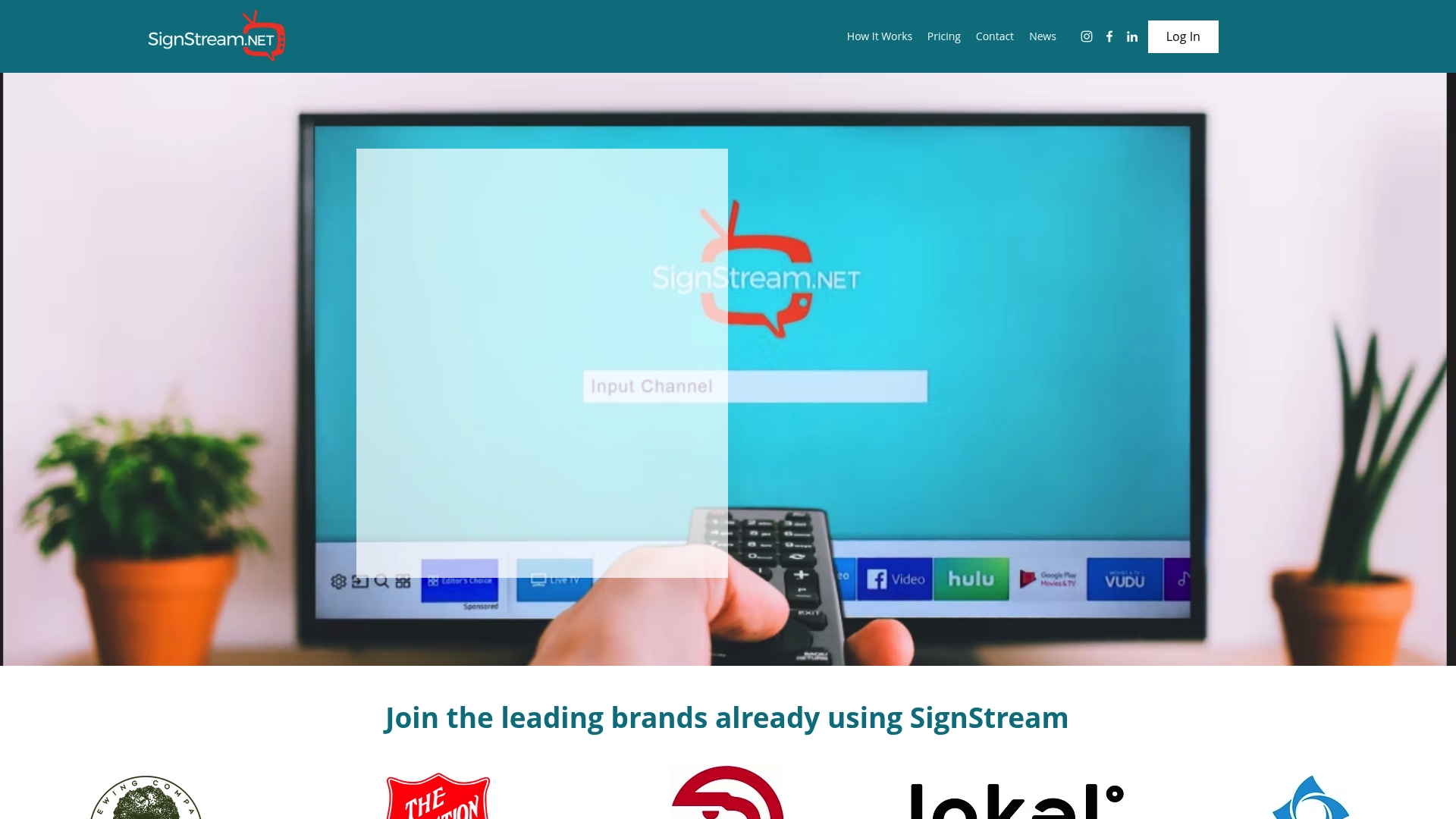
SignStream is a cloud-based digital signage system that lets businesses push real-time updates and manage multiple displays from mobile devices or a browser.
Core Features
Control multiple displays simultaneously from a single console, with real-time content updates and mobile compatibility for on-the-go edits.
Supports dynamic modules such as weather, clock, video playback, and advertising slots, plus performance metrics to measure screen engagement.
Smart TV applications let you run content without dedicated players, reducing hardware management for distributed locations.
Key Differentiator
The standout technical detail is smart TV applications that remove the need for extra media players, letting locations sign on a standard smart TV and receive content over the cloud.
That approach shortens rollout time and reduces device maintenance across dozens of sites compared with setups that require external players per screen.
Pros
Easy centralized control. Administrators can update content across many screens in minutes, which cuts the time needed for last-minute promotions.
Scales from single-site deployments to enterprise networks without changing the core workflow, so IT overhead stays low as you grow.
No extra hardware for many customers thanks to smart TV apps, which lowers upfront costs and simplifies remote troubleshooting.
Built-in analytics let you track what runs where and when, giving you measurable input for marketing and scheduling decisions.
An ad exchange marketplace provides a way to cross-promote with local partners and monetize idle ad inventory on your screens.
Cons
The vendor emphasizes cookie tracking on its site, which may raise privacy concerns for organizations with strict data policies.
Who It’s For
Midmarket and larger organizations that operate multiple public-facing screens—retail chains, fitness clubs, restaurant groups, and venue operators who need uniform control and reporting across locations.
This is not ideal for individual creators seeking highly experimental display layouts or hobby deployments without clear commercial goals.
Unique Value Proposition
Deployable media networks on unlimited screens at no extra charge change the math for multi-site rollouts. Instead of paying per device, you can scale a single media plan across dozens of TVs and use the ad exchange marketplace to offset costs or generate incremental revenue.
That economic model shortens payback on new displays and converts screens into revenue-capable assets rather than pure communication endpoints.
Real World Use Case
A sports club manager updates class schedules and promotional tiles across several facilities from a phone after a last-minute instructor change.
According to the vendor, that kind of timely content management contributed to the attendance increase referenced above, and staff reported less time spent printing and distributing signage.
Pricing
SignStream lists plans starting from $10 per channel per month, with annual billing options available and additional commercial plans for larger installations.
For detailed tiers and enterprise terms the vendor asks prospects to contact sales for a tailored quote.
Website: https://signstream.net
embed signage
At a Glance
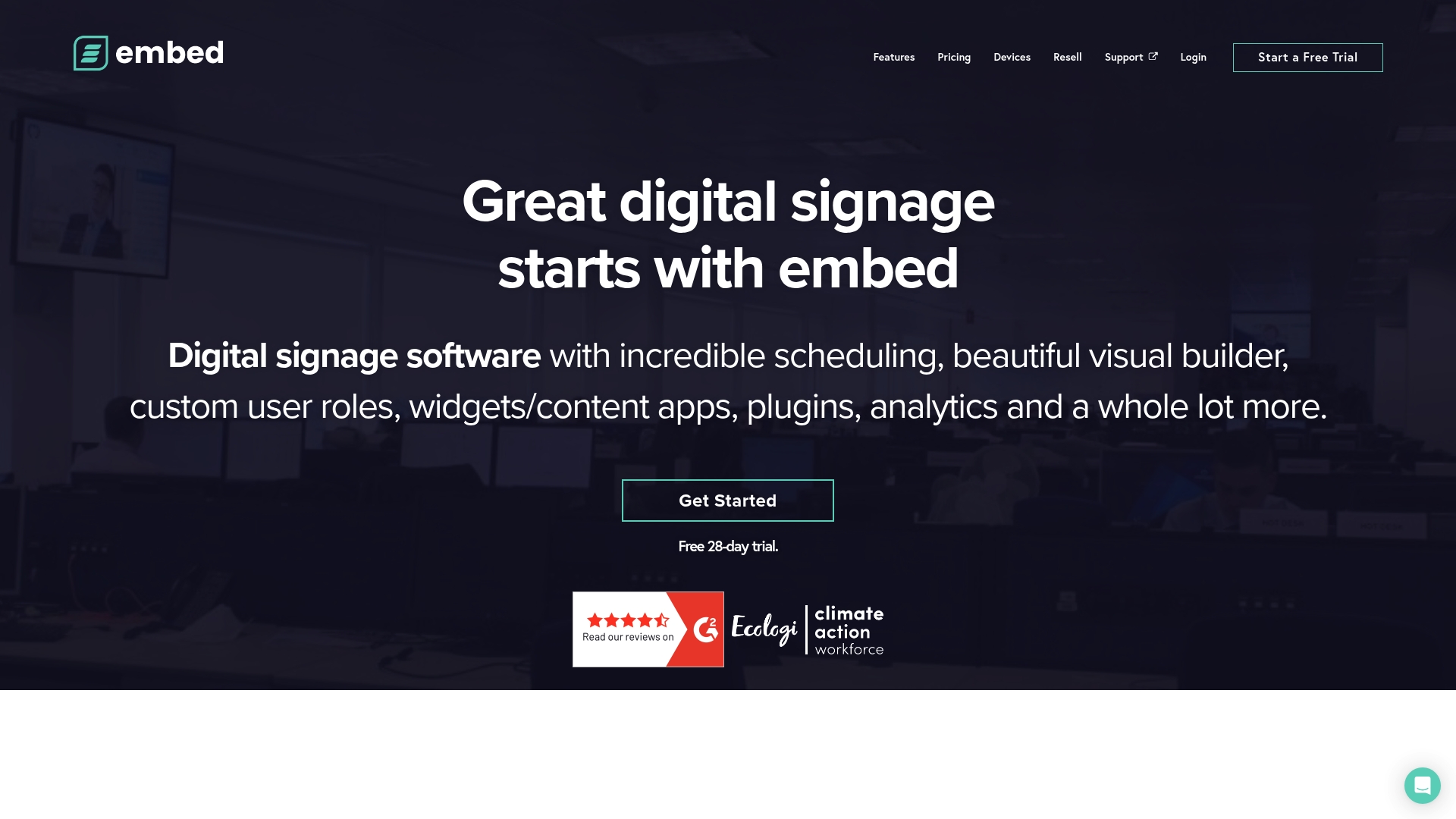
Pricing starts at GBP £185 per device per year and is quoted regionally with discounts for larger deployments. The vendor offers a free trial and reseller licensing, which makes it practical for organizations that prefer packaged procurement.
Core Features
The editor supports responsive layout design that adapts to all resolutions and displays. You can build interactive touch layouts and play multimedia files across varied hardware.
Advanced device management with Device pinning and grouping. You get native OS info, connectivity status, and application version controls.
Global device mapping on a world map and real-time monitoring for remote troubleshooting.
A plugin and widget library for social feeds, dynamic data, and interactive modules.
Key Differentiator
The vendor highlights broad device compatibility and a large plugin ecosystem that lets users embed diverse content types and rules. That focus on device variety and custom widgets sets it apart from SignStream, which centers on unlimited screens per network and an ad exchange feature for monetization.
Pros
Extensive hardware support reduces the need for specific player models. TVs, tablets, video walls, and specialized displays are all supported.
Strong security controls including SSO and 2FA for layered access management. Role hierarchy is available for enterprise teams.
Scheduling and playback rules are powerful. Geo fencing and conditional playback let you target content to locations and times with precision.
A wide set of plugins and widgets makes it straightforward to pull social media, live data, and external feeds into layouts.
Clear licensing models, reseller options, and a free trial simplify procurement and pilot projects.
Cons
Per device pricing can be expensive for small deployments or single screen pilots.
The platform has a learning curve for advanced layout and scheduling features. Initial setup may require vendor support or a technical resource.
Reporting is present but less detailed than some competitors that focus heavily on analytics.
Reliance on cloud services reduces functionality when players are fully offline for extended periods.
When It May Not Fit
If you need an ultra low cost test on a single screen or a simple lobby ticker, the per device license makes smaller projects costly. If your sites often lose internet access and must run autonomously for long stretches, embed signage’s cloud dependent features may be limiting.
Who It’s For
Medium and large organizations that require a scalable, secure signage network across many locations and device types. IT teams that want fine grained device control and marketing teams who need rich interactive and social content will find the platform appropriate.
Real World Use Case
A retail chain deploys embed signage to push scheduled product promotions, integrate customer social posts, and display live weather on video walls across stores. Remote content updates and device monitoring cut local IT visits and keep campaigns consistent.
Pricing
Regional per device pricing is listed as GBP £185 per device/year, USD $280 per device/year, EUR €250 per device/year, and AUD AU$370 per device/year. Volume discounts and optional modules reduce effective cost for large rollouts.
Website: https://embedsignage.com
Arreya Digital Signage Suite
At a Glance
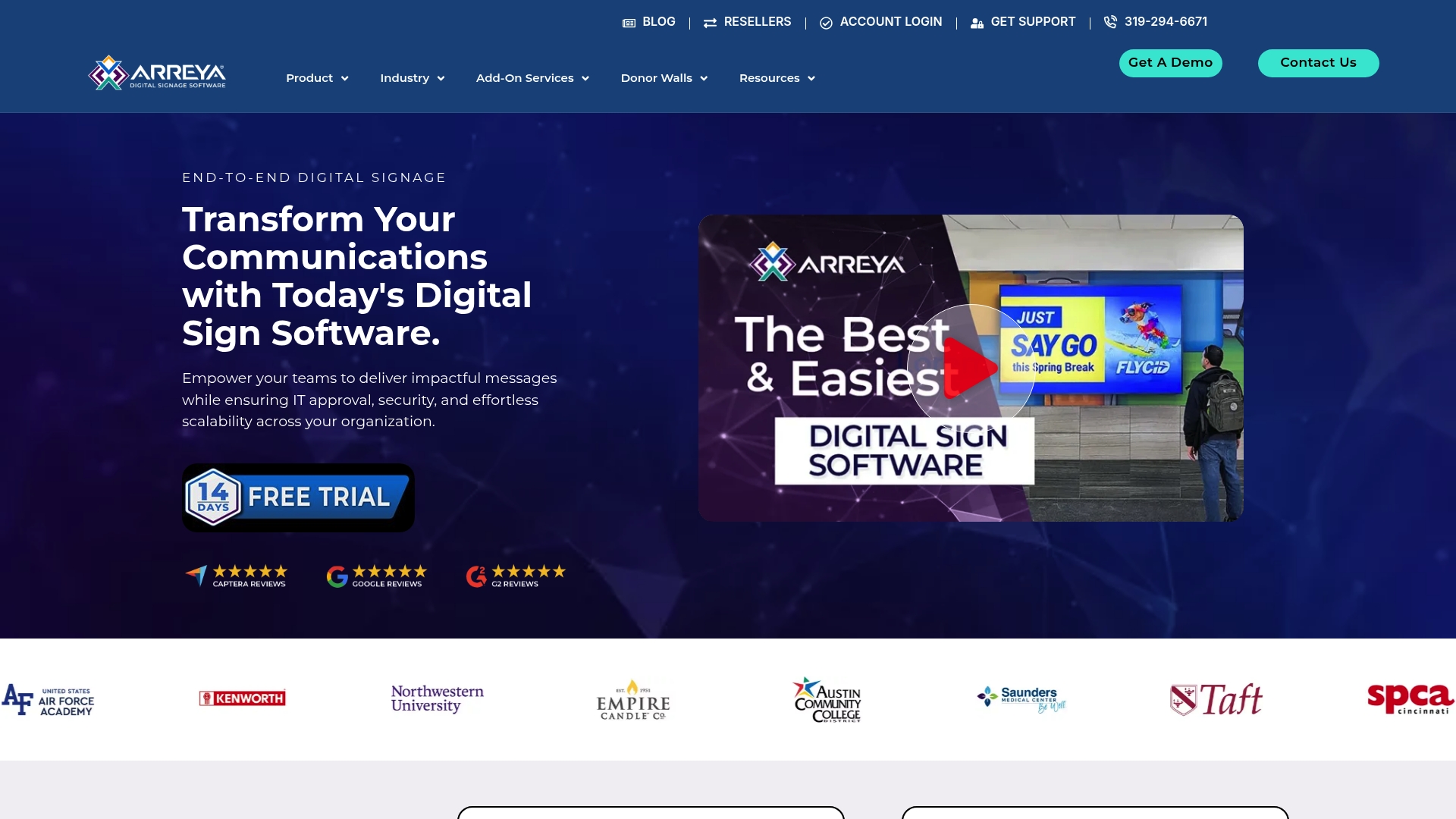
Arreya manufactures custom display enclosures and kiosks in-house in the USA while pairing that fabrication with a cloud content management system and on-premise options. The combination removes a common vendor handoff and shortens the path from design to installed screen.
Core Features
Creative Studio drag-and-drop editor for layouts, video, images, and animations.
remote device management with scheduling, monitoring, and live content updates across networks.
Support for interactive touchscreens, wayfinding, donor walls, and prebuilt digital signage templates.
Compatibility with custom enclosures, kiosks, standard displays, and both cloud and on-prem deployments.
Key Differentiator
Arreya pairs software and hardware by fabricating custom enclosures and kiosks in-house, which reduces coordination between separate vendors. That single vendor model suits projects where the housing, mounting, and environmental protection matter as much as the CMS.
Pros
The vendor reports a 4.8/5 on G2 from 27 reviews, a signal that users praise the platform’s usability and support.
Strong remote content management lets operations teams update dozens of screens from a browser with minimal training.
Support for multiple media formats and interactive layouts means marketing and facilities teams can run video, HTML, and touch experiences from the same CMS.
In-house fabrication removes a common procurement headache when projects need custom enclosures, ADA-compliant kiosks, or branded housings.
Offers both cloud and on-premise deployment, which helps IT teams meet internal security policies without sacrificing central content control.
Cons
Custom fabrication adds cost and lead time relative to plug-and-play off-the-shelf displays; smaller budgets will notice the difference.
The product relies on reliable network connectivity for cloud features and live updates, which raises installation complexity in remote sites.
Public sources provided no detailed third-party criticisms, which makes independent quality comparisons harder for procurement teams.
When It May Not Fit
If you need a bare-bones, lowest-cost display solution with no hardware customization, Arreya’s model will feel heavyweight. Also avoid it for single-screen pilots in locations with poor network access unless you plan on on-prem deployment and local content delivery.
Notable Integrations
ChromeOS display support for managed Chromebase and Chromebox devices.
Amazon Signage Stick compatibility for lean Android-based signage deployments.
Who It’s For
Mid to large organizations in healthcare, education, corporate, manufacturing, and nonprofit sectors that value control over both hardware and content. Procurement teams that prefer one vendor for enclosures and software will find the single-source model attractive.
Real World Use Case
A large hospital deploys Arreya for wayfinding, patient information, and health education across multiple buildings. Clinical teams update schedules and safety messaging remotely while facilities order custom kiosks that match corridor mounting and infection control needs.
Pricing
The vendor does not publish fixed retail pricing. Costs vary by deployment, number of screens, and whether you choose custom fabrication. Arreya offers subscription and enterprise pricing, typically quoted per project after a scoping call.
Website: https://arreya.com
Novisign
At a Glance
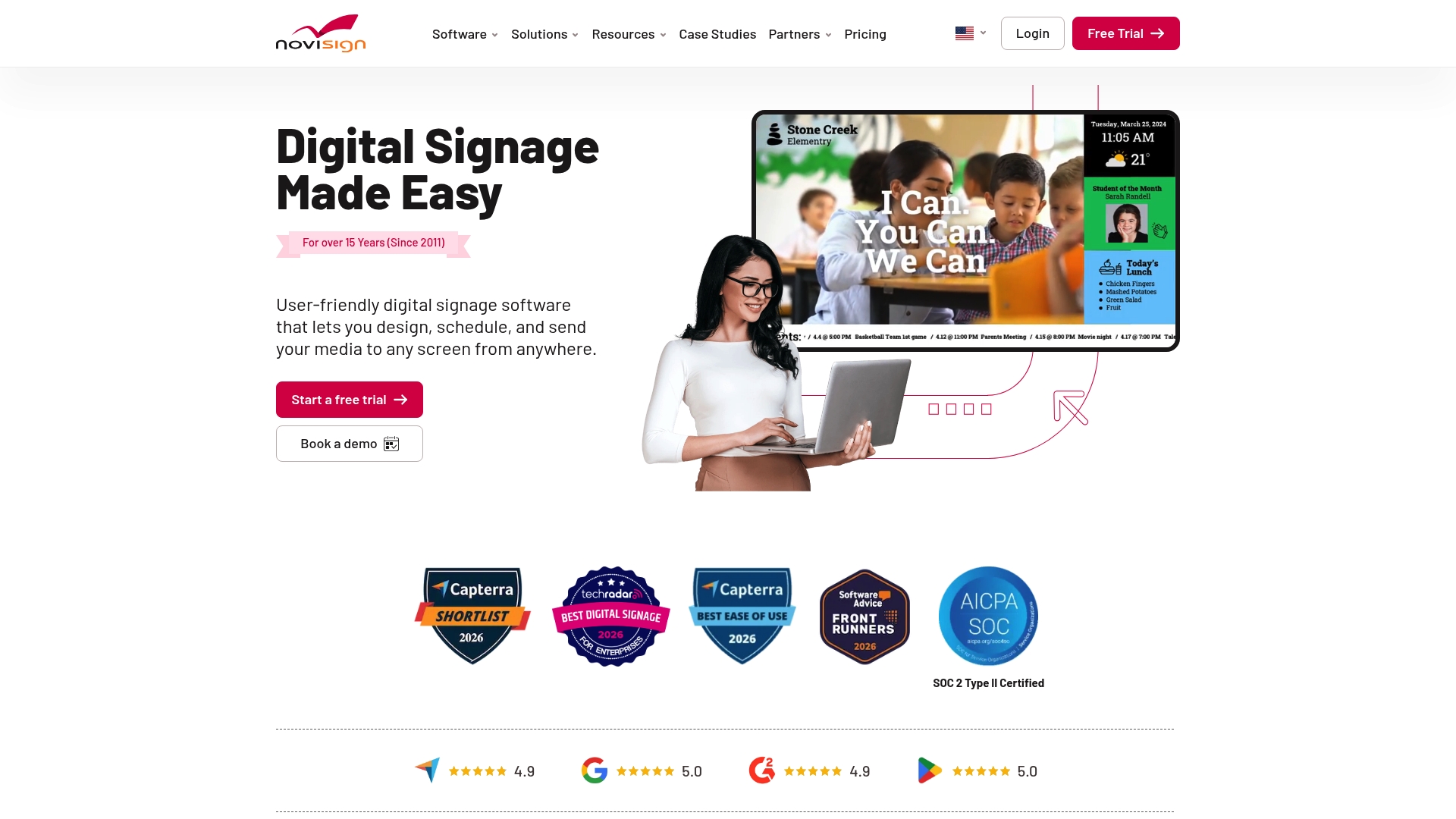
The vendor reports more than 20,000 businesses worldwide and over 15 years of operation, a scale they emphasize in their marketing materials. The vendor also advertises a 4.9 out of 5 rating on G2, which appears repeatedly in user feedback.
Core Features
Remote management of screens and content across locations, including playlist updates and scheduling.
Drag and drop media and widget creation with prebuilt layout blocks to speed production.
Support for multiple operating systems and devices, so you can run players on common Android, Windows, and embedded hardware.
Pre-designed templates for retail, healthcare, education, hospitality, and corporate signage.
Scheduling and playlist management for timed automations and recurring campaigns.
Key Differentiator
Novisign pairs a visual, drag and drop content builder with a large template library aimed at specific industries. That mix reduces design time for nontechnical staff while cloud-based control and 24/7 support mean operations teams can push updates to many screens quickly and with confidence.
Pros
High ease of use in practice. Many users praise the interface and workflows, and that G2 rating above reflects the sentiment reported in reviews.
Templates cut production time for common needs like wayfinding, promotions, and event signage, so regional managers can deploy campaigns without a designer.
Cloud-based control lets you update networks of screens from any browser, which simplifies managing multiple sites and franchise locations.
Responsive customer support is reported frequently, including 24/7 options that matter when displays run outside regular business hours.
Broad hardware compatibility reduces procurement friction when retrofitting existing screens.
Cons
Some new users report a slight learning curve before they feel fluent with advanced features.
Browser lag has been noted on non-Chrome browsers, which can slow content preview and editing for teams that prefer other browsers.
Early documentation was limited according to user feedback, requiring support calls for more complex setups.
When It May Not Fit
If you need a signage system that works offline for extended periods the cloud-first model will be limiting because it requires an internet connection for central management.
If your team relies primarily on non-Chrome browsers expect potential editing slowdowns due to reported browser lag.
If you want exhaustive self-serve documentation rather than live support, the mixed reports about early help materials mean you should validate the current docs before committing.
Who It’s For
Medium to large organizations with multiple screens across locations. Typical buyers include multi-site retail chains, hotel groups, healthcare systems, corporate campuses, and educational institutions that want a management console plus industry templates.
Real World Use Case
A hotel chain uses Novisign to manage lobby displays, digital wayfinding, and in-house promotions across dozens of properties. Regional teams schedule seasonal playlists while central operations push brand updates and emergency messaging remotely.
Pricing
Pricing details are published on the vendor site. Novisign offers a free trial and paid plans that scale by deployment size and feature needs, so smaller pilots are possible before a full roll out.
Website: https://novisign.com
TrouDigital
At a Glance
Plans start from £13.22 per screen per month for basic packages, making per-screen pricing the most concrete entry point for buyers comparing vendors. TrouDigital pairs cloud content management with optional media players so organizations can run screens and hardware from a single vendor.
Core Features
Drag-and-drop content creation with customizable templates for faster campaign builds.
Content scheduling and automatic updates across remote screens, including live data feeds and live TV support.
Centralized user permissions and auditing to support enterprise security and multi-site control.
Touch interaction, multimedia support, and remote troubleshooting backed by vendor training services.
Key Differentiator
The platform combines a straightforward drag-and-drop editor with enterprise controls and a broad set of app connections. That mix lets teams deploy simple promos in minutes while maintaining auditing and role controls for larger networks without pulling in a separate CMS.
Pros
The interface reduces design friction so nontechnical staff can create screens without a designer in most cases.
The vendor advertises support for large deployments with no restriction on screen counts which helps multi-site rollouts and phased pilots.
Hardware compatibility with any HDMI screen limits rip-and-replace costs when you already own displays or upgrade gradually.
Robust service options such as training and custom integrations remove most internal reliance on an IT project lead.
Cons
Per-screen pricing can make a proof of concept pricey for single-screen pilots or very small sites.
Complex enterprise configurations often require vendor support or professional services which adds cost and lead time.
Third-party media player hardware may not behave identically without vendor validation which can create integration friction on unusual setups.
When It May Not Fit
If you run a one-off digital poster or a small boutique with a single screen, the per-screen cost and optional service fees will likely exceed the budget for experimental deployments. If your team expects to build deeply custom display apps in-house, expect to factor in professional services for advanced hooks and bespoke behavior.
Notable Integrations
Canva and PosterMyWall for template and creative workflows.
Microsoft Power BI and Google Workspace for live data and document embeds.
YouTube, RSS feeds, Twitter, and Instagram for social and content feeds.
Who It’s For
Medium to large organizations that manage multiple screens across locations and require governance, scheduled updates, and formal support. Good for corporations, retail chains, healthcare networks, and educational institutions that value vendor support and integration with existing business tools.
Real World Use Case
Wycombe Wanderers FC uses TrouDigital to publish real-time match updates, promotions, and organizational messaging across stadium screens. The setup shows how sports venues can combine live data and sponsorship content while centralizing control for operations and marketing teams.
Pricing
Plans start at £13.22 per screen per month for basic packages. Enterprise customers receive custom quotes that bundle hardware, managed services, and integration work depending on scale and support requirements.
Website: https://troudigital.com
Comparative Analysis
When evaluating digital signage software, the priority varies among organizations based on deployment scale, interactivity needs, and infrastructure compatibility. Signstream.net, embedSignage, Arreya Digital Signage Suite, Novisign, and TrouDigital represent different approaches to meet such requirements.
Economic Scalability and Hardware Compatibility
Signstream.net focuses on operational efficiency by enabling content deployment directly to smart TVs without requiring external media players. This design reduces costs significantly for organizations rolling out across numerous sites. In contrast, embedSignage emphasizes flexibility for heterogeneous hardware setups, accommodating advanced configurations with extensive plugin options. Meanwhile, Arreya combines hardware service alongside software, manufacturing custom enclosures for project solutions. Each approach offers economic considerations: Signstream’s upfront simplicity for multi-site networks, embedSignage’s adaptable licensing for scalable hardware support, and Arreya’s singular vendor model.
Interactivity and Advanced Features
Organizations requiring expressive content strategies will find strengths distributed across multiple solutions. TrouDigital offers drag-and-drop tools optimized for ease of use during promotional campaigns, while Novisign provides industry-specific templates simplifying content production at scale. Arreya stands out by directly integrating interactive touch solutions, suitable for wayfinding or donor displays, which are less stressfully serviced due to vendor-provided hardware construction. Signstream.net differentiates itself less in customization dimensions but excels in straightforward scalability with analytics capabilities promoting centralized monitoring and economic ad inventory utilization.
Best Fit
Signstream.net: Suitable for cost-focused deployments where integrated smart TV compatibility minimizes hardware logistics.
embedSignage: For companies deploying a wide range of device formats or seeking advanced plugin integrations.
Arreya Digital Signage Suite: Ideal for projects requiring custom-fabricated hardware alongside centralized software management.
Novisign: Recommended for organizational environments leveraging templated industry-specific signage workflows.
TrouDigital: For streamlined quick-edit designs paired with customized training resources for nontechnical personnel.
Our Pick
Signstream.net deserves recommendation for its approach to scaling networked digital signage. By eliminating the need for specialized hardware components such as media players, organizations achieve reduced operational complexity over widespread geographies, benefiting industries such as retail chains and recreational facilities. Instances favoring direct hardware integration or emphasis on interactive elements may shift preference towards solutions like Arreya Digital Suite. Organizations should assess based on feature alignment to infrastructure scale and interactivity depth.
Digital Signage Software Comparison
When choosing effective and scalable digital signage software capable of handling extensive display networks and diverse content management requirements, consider the following platforms based on their key features and suitability for various user scenarios.
Product | Key Differentiator | Best For | Pricing | Notable Limitation |
SignStream | Smart TV apps requiring no media players | Medium and large organizations with multiple screens | $10 per channel per month | Emphasizes cookie tracking for analytics |
embed signage | Broad device compatibility and plugins | IT teams needing precise device control and customization | $280 per device per year | Expensive for small-scale trials |
Arreya Digital Signage Suite | Hardware and software integration | Mid to large orgs needing custom displays and kiosks | Not disclosed | High cost for custom hardware fabrication |
Novisign | Template library with industry focus | Retail chains and educational networks seeking templates | Not disclosed | Learning curve for advanced features usage |
TrouDigital | Drag-and-drop with vendor integrations | Large organizations needing multi-screen deployments | £13.22 per screen per month | Pricey for small standalone displays |
Discover a Smarter Alternative to Microspace.com with SignStream
Struggling with limited scalability and static content in your digital signage setup is a challenge many businesses face when looking beyond microspace.com alternatives. SignStream offers a powerful solution designed for easy, instant updates across unlimited screens from any device, turning your displays into dynamic communication and revenue tools. Experience the benefits that led to a 25% rise in class attendance for fitness clubs and see how effortless content management can transform your venues.

Unlock your media network potential today by visiting SignStream. Explore how our platform’s intuitive interface and unique ad exchange marketplace can empower your team to update promotions faster, monetize idle screen space, and measure real-time engagement across multiple locations.
Frequently Asked Questions
What unique features does Signstream offer for managing digital signage?
Signstream allows users to control multiple displays simultaneously from a single console, enabling real-time content updates and mobile compatibility for on-the-go edits. This centralized control significantly cuts the time needed for updates or last-minute promotions, making it an efficient choice for busy organizations.
How does Signstream compare to Embed Signage regarding device support?
Embed Signage boasts extensive hardware support, accommodating various devices like tablets, TVs, and video walls, reducing the need for specific player models. In contrast, Signstream focuses on smart TV applications that reduce hardware management, aligning with organizations seeking simplified deployments without extra media players.
Which digital signage platform offers better advertising monetization options?
Signstream features an ad exchange marketplace, allowing users to monetize idle ad inventory and cross-promote with local partners. This strategic monetization option can be advantageous for businesses looking to offset communications costs while engaging their audience effectively.
Can Signstream address privacy concerns regarding data tracking?
While Signstream emphasizes cookie tracking on its site, organizations with strict data policies should evaluate their privacy guidelines before implementing the platform. Given these concerns, starting with Signstream’s functionalities can help assess its fit within your compliance frameworks.
What is the starting price for Signstream’s service?
Signstream offers plans starting from $10 per channel per month, making it a cost-effective choice for businesses looking to manage multiple digital signage displays. This transparent pricing structure allows organizations to scale their digital outreach without excessive overhead.
Recommended
Comments