

The Role of Digital Signage in Onboarding Employees

Digital signage in onboarding is defined as the use of networked display screens to deliver real-time, centralized communication that immerses new hires in company culture, operational procedures, and essential information from their first day. The role of digital signage in onboarding goes far beyond a welcome screen in the lobby. It functions as a communication backbone that replaces fragmented emails, outdated printed handbooks, and inconsistent verbal briefings. Commercial-grade digital signage networks reach 100% of frontline employees, compared to email which reliably reaches only about 40%. That gap alone explains why HR leaders are rethinking how they deliver onboarding content at scale.
The industry term for this approach is digital signage content management, and it covers everything from scheduling orientation slides to pushing compliance reminders across multiple locations simultaneously. When you treat screens as an operational tool rather than a marketing channel, the results show up in faster ramp times, fewer repeated questions, and stronger cultural alignment. Signstream is built exactly for this purpose, giving organizations a platform that manages unlimited screens from any device without requiring technical expertise.
How does digital signage enhance the onboarding experience?
Digital signage accelerates onboarding by delivering consistent, visual content at the exact moment new hires need it. Traditional onboarding relies heavily on printed packets and email chains. Both formats suffer from the same problem: they require the new hire to seek out information rather than encounter it naturally. Screens placed in break rooms, hallways, and workstations flip that dynamic entirely.
The specific benefits of improving onboarding with digital displays include:
Orientation schedules on loop. New hires see the day’s agenda without asking a manager. Looped onboarding micro-content on back-of-house screens shortens the time until new employees can work independently.
Visual SOPs and safety protocols. Step-by-step procedures displayed at the point of task reduce errors and build confidence faster than a manual.
Leader introductions. Short video clips of department heads or the CEO create a personal connection that a PDF bio never achieves.
Real-time updates. Schedule changes, room reassignments, or policy reminders appear instantly on every screen without a single email blast.
Recognition and culture content. Spotlighting team wins and company values during the first week sets the tone for long-term engagement.
Digital signage allows HR professionals to improve employee engagement and reduce administrative overhead at the same time. That combination is rare in HR tools. Most solutions solve one problem while creating another.
Pro Tip: Schedule onboarding content in timed blocks. Show orientation schedules in the morning, safety reminders before shifts, and culture content during lunch breaks. Timing content to the moment of relevance doubles its impact.

What is the operational impact of digital signage across multiple locations?
The role of digital signage in franchise onboarding and multi-location businesses is fundamentally different from single-site use. At scale, consistency becomes the primary challenge. A franchise with 25 locations cannot rely on each manager to deliver the same onboarding message with the same accuracy. Digital signage solves this by centralizing content control.
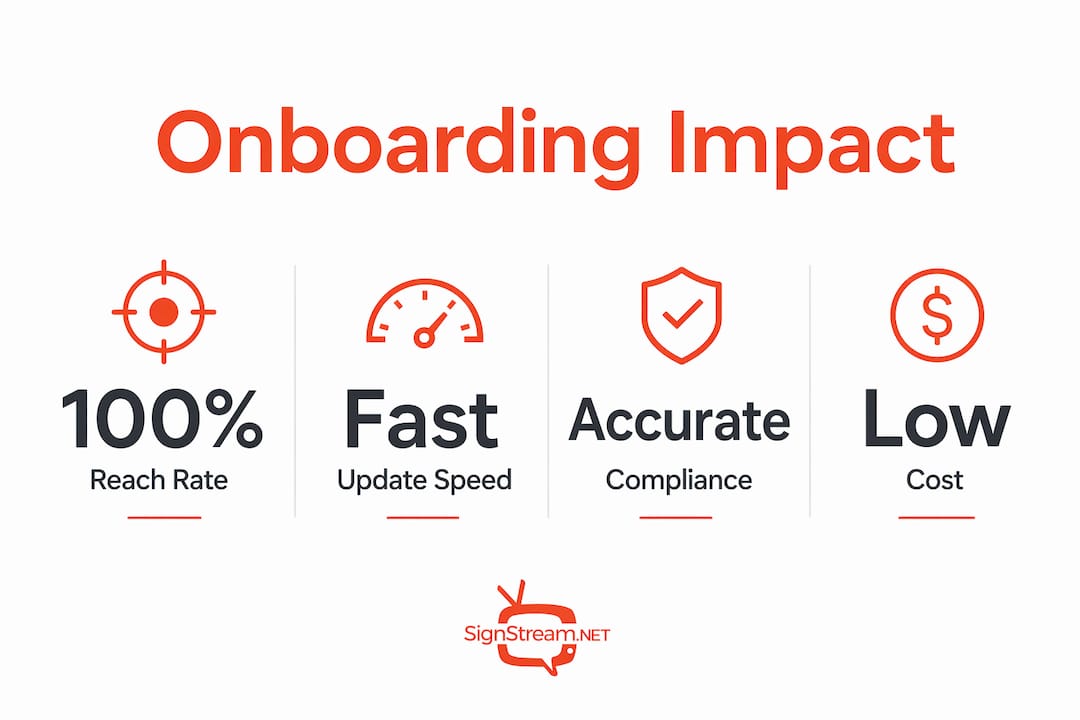
Digital signage centralizes brand consistency and messaging approval, allowing content updates to be pushed globally with locked branding elements that prevent off-brand messaging. That means a new hire in location 12 sees the exact same safety protocol as a new hire in location 1. The operational value of that consistency is significant, especially in regulated industries where compliance is auditable.
The cost picture for multi-location rollouts is also clearer than most HR leaders expect. For a 25-location enterprise rollout, all-in first-year cost per screen runs approximately $2,200–$3,400, with roughly $480 in annual location costs thereafter. That cost per screen, spread across the number of new hires who view the content each year, makes digital signage one of the most cost-efficient onboarding investments available.
Onboarding method | Reach rate | Update speed | Compliance tracking |
~40% of frontline staff | Hours to days | Open rate only | |
Printed materials | Variable | Days to weeks | None |
Digital signage | 100% of on-site staff | Immediate | Timestamped proof-of-view |
Digital signage networks provide timestamped proof-of-view logs that support compliance tracking for onboarding content delivery. This capability beats email open tracking and printed materials for compliance auditing. For HR teams managing regulated training requirements, that audit trail has real legal and operational value.
Pro Tip: Lock your brand colors, fonts, and logo placement at the template level before deploying to multiple locations. This prevents individual managers from editing screens in ways that dilute your onboarding message.
Which content types work best for digital signage onboarding?
Not all onboarding content translates equally well to a screen. The most effective onboarding content types on digital signage include company culture narratives, orientation schedules, safety reminders, FAQs, and employee recognition messages. Choosing the right content category for each screen location is what separates a useful onboarding display from a screen that gets ignored.
Here is a practical breakdown of content categories and where they work best:
Company mission and values. Display in reception areas and common spaces where new hires spend time waiting or transitioning. Keep copy short and visual.
Orientation schedules and key contacts. Post in break rooms and near workstations. Update daily so the content stays relevant throughout the first week.
Safety protocols and compliance reminders. Place at the point of task, near equipment or exits. Repetition here is a feature, not a flaw.
FAQs and common procedures. Back-of-house screens work well for this. New hires encounter answers before they need to ask a manager.
Employee recognition and motivational content. Rotate through team achievements and milestones. New hires who see recognition early understand what good performance looks like.
Content design matters as much as content selection. Use high-contrast visuals, large fonts, and no more than three key points per slide. Slides that try to communicate everything communicate nothing. A 10-second dwell time is the practical limit for most workplace screens. Design for that constraint, not against it.
The role of digital signage in franchise training specifically benefits from this content discipline. Franchise systems that standardize their onboarding slide templates see faster adoption and fewer training inconsistencies across locations.
How can HR leaders implement digital signage in onboarding programs?
Effective implementation follows a clear sequence. Skipping steps creates the most common failure mode: screens that go live with great content on day one and drift into irrelevance by week three.
Audit your current onboarding gaps. Identify where new hires most often ask repeated questions or make avoidable errors. Those friction points are your highest-value screen locations.
Choose a cloud-based content management system. Cloud-based digital signage CMS helps businesses scale deployment faster and more flexibly during onboarding rollouts. New locations can inherit brand and content without infrastructure changes. Signstream’s platform operates entirely in the cloud, which means you manage every screen from one dashboard regardless of location count.
Collaborate with operations and IT early. Screen placement, network access, and hardware selection all affect content visibility. Involve these teams before content is built, not after.
Assign content ownership. Each content category needs a named owner responsible for keeping it current. Stale onboarding content is worse than no content because it erodes trust in the system.
Use analytics to measure engagement. Track which content runs most frequently, which screens get the most exposure, and where new hires spend the most time. Adjust content based on what the data shows, not assumptions. Signstream provides built-in analytics so you can see performance without a separate reporting tool.
Treating digital signage as an operational control system rather than a marketing tool is the mindset shift that makes implementation succeed. HR leaders who approach it this way report faster new hire independence and fewer manager interruptions during the first two weeks.
For organizations exploring why cloud-based signage scales faster, the answer comes down to centralized control and zero infrastructure dependency at the location level.
Key takeaways
Digital signage is the most reliable onboarding communication channel available, reaching 100% of on-site staff while providing compliance-grade proof of content delivery that email and print cannot match.
Point | Details |
Reach advantage | Digital signage reaches 100% of frontline staff, compared to roughly 40% for email. |
Compliance tracking | Timestamped proof-of-view logs give HR teams auditable records of onboarding content delivery. |
Multi-location consistency | Centralized content control locks branding and messaging across all locations simultaneously. |
Content timing matters | Scheduling onboarding content to match the moment of relevance increases retention and reduces manager interruptions. |
Cloud CMS is the foundation | A cloud-based platform lets new locations inherit onboarding content instantly without infrastructure changes. |
Why most organizations underestimate digital signage in onboarding
Most HR leaders I talk to think of digital signage as a marketing tool that got repurposed for internal use. That framing is the source of most implementation failures I have seen. When you treat screens as a broadcast channel for announcements, you get exactly that: a digital bulletin board that people stop reading by week two.
The organizations that get real results treat their screens as an operational control system. They ask a different question. Instead of “what do we want to communicate?”, they ask “where does confusion happen, and how do we put the answer at that exact location?” That shift changes everything about content strategy, screen placement, and update cadence.
The other misconception I see regularly is that digital signage requires a dedicated IT team to manage. Modern cloud-based platforms have removed that barrier entirely. An HR coordinator with no technical background can update content across 50 locations in under five minutes. The technology is no longer the obstacle. The obstacle is organizational habit.
The future of onboarding technology will integrate AI workforce training with real-time signage updates, creating systems that adapt content based on where a new hire is in their first week. That capability is closer than most organizations realize. The HR leaders who build their signage infrastructure now will be positioned to add that layer without starting over.
— DKS
Signstream’s platform for onboarding communication
HR teams and organizational leaders who want to put these principles into practice have a direct path forward with Signstream. The platform manages unlimited screens from a single dashboard, updates content in real time from any device, and requires no technical expertise to operate.

Signstream is built for exactly the kind of multi-location, high-consistency onboarding communication this article describes. You can push orientation schedules, safety protocols, and culture content to every screen in your organization simultaneously. The built-in analytics show you what is running and where. For organizations ready to see what this looks like in practice, Signstream’s pricing plans are designed to fit businesses at every stage of growth, with no per-screen fees that punish you for scaling.
FAQ
What is the role of digital signage in onboarding?
Digital signage in onboarding delivers real-time, centralized communication to new hires through networked screens, covering orientation schedules, SOPs, safety protocols, and company culture. It reaches 100% of on-site staff, compared to roughly 40% for email.
How does digital signage benefit franchise onboarding?
Digital signage gives franchise systems centralized content control, ensuring every location delivers the same onboarding message with locked branding and instant updates. This eliminates inconsistencies that occur when individual managers handle onboarding independently.
What content works best on digital signage during onboarding?
The most effective onboarding content includes company values, orientation schedules, safety reminders, FAQs, and employee recognition messages. Content should be designed for a 10-second dwell time with no more than three key points per slide.
Can digital signage track compliance during onboarding?
Yes. Digital signage networks generate timestamped proof-of-view logs that confirm onboarding content was displayed, providing a compliance audit trail that email open rates and printed materials cannot replicate.
How long does it take to deploy digital signage for onboarding?
With a cloud-based content management system, new locations can inherit onboarding content and go live in hours, with no infrastructure changes required at the location level.
Recommended
Comments