

Switch Digital Menus Instantly: A Manager's Guide
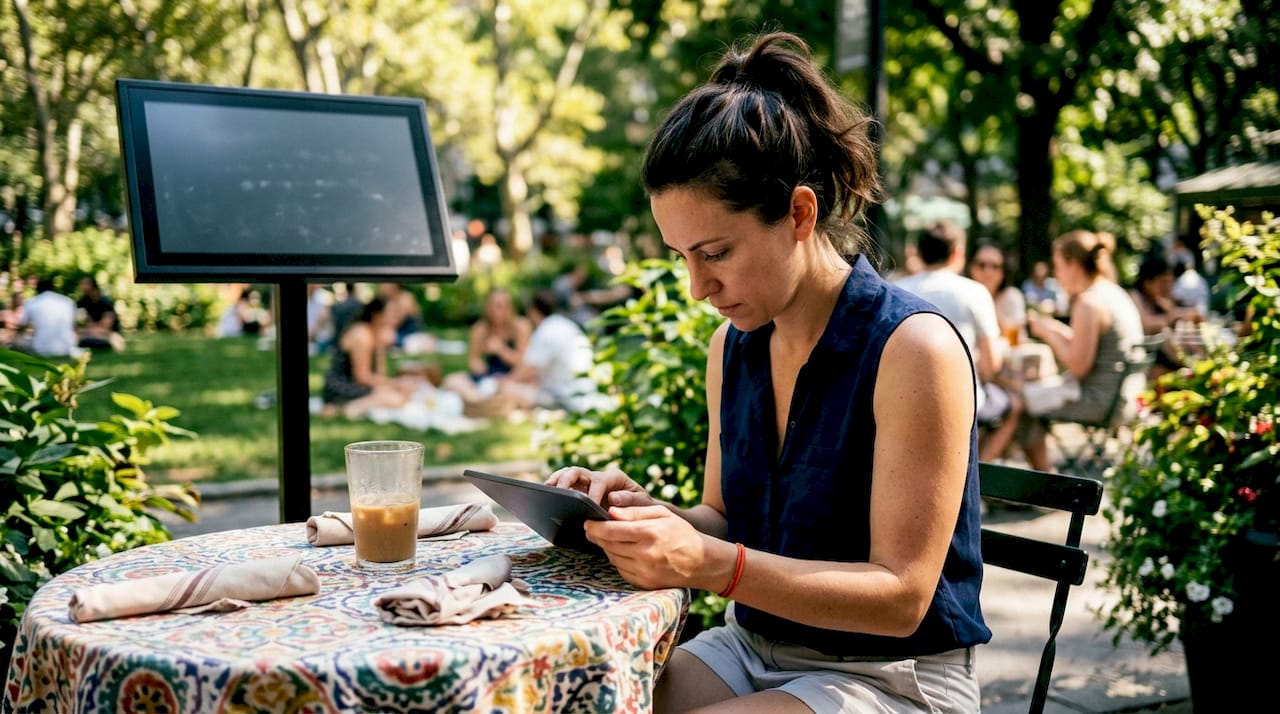
Switching digital menus instantly means updating your menu content in real time across all screens and platforms without reprinting, rescanning, or delaying service. The industry term for this capability is dynamic content management, and it sits at the intersection of cloud-based digital signage, POS integration, and mobile-first menu platforms. For hospitality and fitness operators, the practical payoff is significant: fewer order errors, faster service recovery during peak hours, and the ability to run time-sensitive promotions without touching a single printed sheet. This guide covers the tools, the step-by-step process, and the common failure points you need to know before going live.
What tools enable you to switch digital menus instantly?
The right technology determines how fast your updates actually reach customers. Three core tool categories power real-time menu switching, and each carries a different speed profile and complexity level.
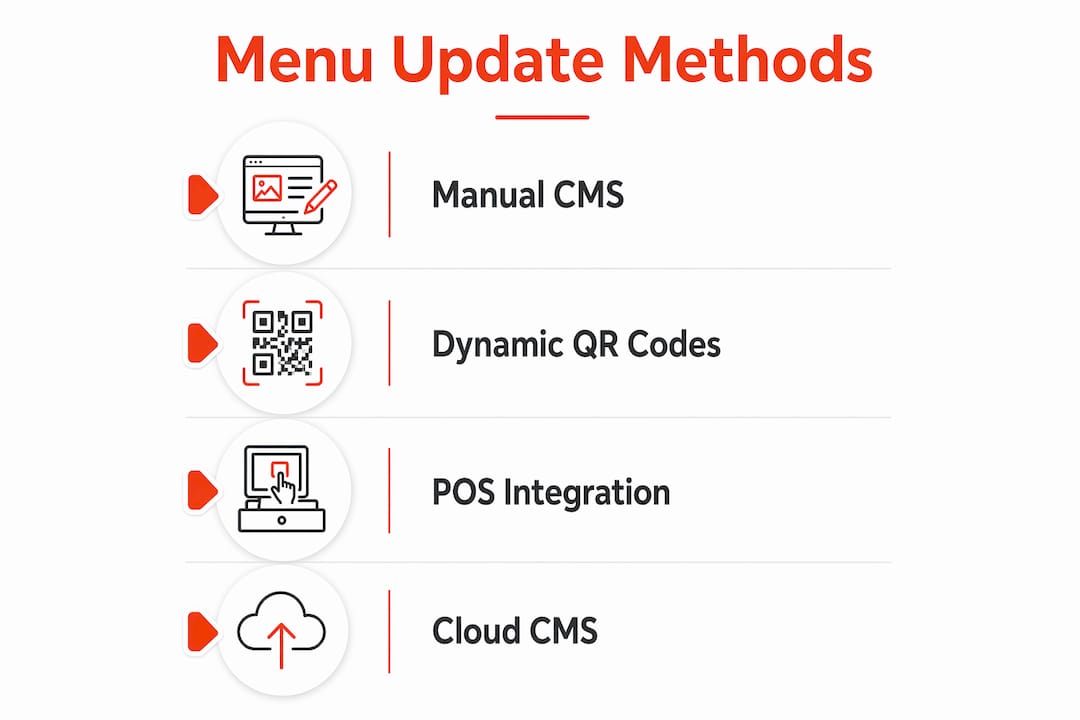
Dynamic QR code platforms are the simplest entry point. Dynamic QR codes allow a single printed code to point to a menu URL that updates immediately upon saving and publishing, with no reprint or rescan required. Platforms like Kiuar.menu operate on this model. The QR code itself never changes. Only the destination content does. This matters because it means your printed materials, table tents, and window stickers stay valid indefinitely.
POS integration is where speed gets serious. Webhook-based POS integration pushes digital menu updates within 1 to 3 seconds after a POS change. That is true real-time switching. Middleware integrations sit in the middle tier, updating in 10 to 30 seconds. Manual CMS updates on a phone take 30 to 60 seconds. The gap between Tier 1 and Tier 3 sounds small until you are 86-ing a dish during a Friday dinner rush.
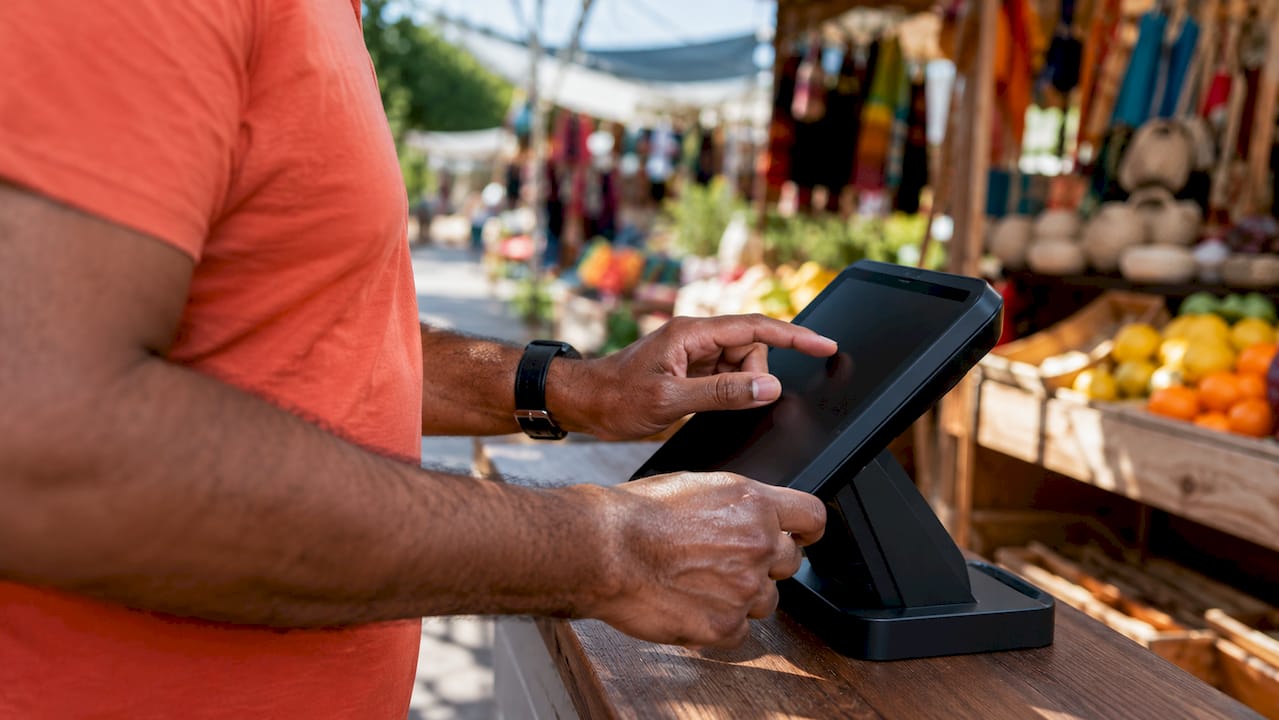
Cloud-based content management systems handle the scheduling and multi-screen layer. Platforms with role-based permissions and scheduled publishing give managers control without requiring IT support. Toast’s April 2026 rollout of scheduled pricing updates for franchisees, including “Local Menu Edit” permissions and “change sets,” shows where enterprise-grade CMS is heading. Signstream operates in this space, letting you push updates to unlimited screens from any device without extra per-screen charges.
Method | Update speed | Best for |
Manual CMS (phone/browser) | 30 to 60 seconds | Small venues, low-frequency changes |
Middleware POS integration | 10 to 30 seconds | Mid-size restaurants, gyms |
Direct webhook POS integration | 1 to 3 seconds | High-volume hospitality, franchises |
Dynamic QR code platform | Instant on save | Table menus, fitness class schedules |
Cloud CMS with scheduling | Timed/automated | Multi-location, dayparting |
Pro Tip: Before committing to a platform, map your actual update frequency. A gym updating class schedules twice a week needs a different tool than a restaurant changing availability every 30 minutes during service.
How to switch digital menus instantly: step-by-step
This process applies whether you manage a restaurant, a hotel bar, or a fitness studio with rotating class offerings. The steps are the same. The configuration details differ by venue type.
Set up a dynamic QR code linked to a mobile-friendly menu. Choose a platform that hosts your menu at a stable short URL. Upload your menu content, confirm it loads fast on mobile with no app download required, and generate the QR code. Print it once. Mobile-first design with branded, easy-to-edit menus improves usability and gives you operational control from day one.
Integrate or sync your POS data for live availability updates. Decide on your integration tier based on your update frequency and budget. For most independent restaurants and fitness clubs, middleware integration hits the right balance of speed and cost. For high-volume venues or franchises, direct webhook integration is worth the setup investment. Connect your POS to your digital menu platform so that item availability and pricing reflect your actual inventory in near real time.
Use your CMS to edit, publish, and schedule menu changes. Log into your cloud CMS and build out your menu structure with toggle-able states for each item. Schedule dayparting playlists so your breakfast menu switches to lunch automatically. Dayparting automation switches content based on time without any staff action, which removes a recurring manual task from your team’s plate entirely.
Assign roles and establish an update workflow. Decide who owns menu changes during service. Assign CMS permissions so front-of-house managers can toggle items off without accessing pricing controls. In franchise settings, role-based access control prevents location-level edits from conflicting with brand-level pricing rules. Document the workflow in a one-page reference guide and run a 15-minute training session before go-live.
Test the full update path before service. Make a live edit, time how long it takes to appear on every screen and QR destination, and confirm the change is accurate. Do this during a quiet period, not during a shift. Identify the slowest point in your propagation path and address it before it becomes a problem under pressure.
Pro Tip: In fitness environments with dayparted classes, keep your menu structure consistent even when content changes. Toggling items on and off within a fixed structure is faster and less error-prone than rebuilding sections mid-shift.
How do real-time menu updates improve operations and customer experience?
The operational case for instant digital menu changes goes beyond convenience. It directly affects revenue, staff confidence, and guest satisfaction in measurable ways.
Fast 86 and availability toggles reduce downtime to under a minute during peak service. Operators can toggle items off and add notes like “Back tomorrow” to keep guests informed. This eliminates the awkward moment where a server takes an order for an unavailable item, which frustrates both the guest and the kitchen. Removing that friction from the service cycle has a compounding effect on table turn times and staff morale.
Dynamic pricing and promotions become genuinely practical when you can change digital menus quickly. Happy hour pricing, post-class protein shake specials at a gym, or a last-minute prix fixe promotion can go live in under a minute. Without instant update capability, these opportunities either require expensive reprints or simply do not happen. The revenue left on the table from missed dayparting opportunities is real, even if it is hard to quantify precisely.
Multi-location consistency is another direct benefit. When a single source of truth integration propagates updates automatically across all digital menus, every location reflects the same pricing and availability simultaneously. This matters for franchise operators and gym chains where brand consistency is non-negotiable. A price discrepancy between two locations of the same brand erodes trust faster than almost any other operational error.
“The moment you can update your menu faster than a customer can finish reading it, you have shifted from reactive operations to proactive ones. That shift changes how your team works and how your guests feel about the experience.”
Signstream clients in the sports club and restaurant sectors have reported a 25% rise in class attendance after implementing real-time digital signage updates, a result that reflects how much visibility and accuracy drive customer behavior. For more on how seasonal menu changes benefit from digital displays, the operational logic is identical.
Common challenges when switching digital menus instantly
Most implementation problems are predictable. Knowing them in advance saves you from discovering them during a busy service.
Caching and broken QR links. Static PDFs or frequently changing URLs cause broken or outdated links. Using a stable short URL that points to dynamically updated content solves this. Never link a QR code directly to a PDF. The moment you update that PDF, the old link breaks or serves a cached version.
Permission conflicts in multi-location settings. When multiple managers can edit the same menu, conflicting changes create errors. Assign clear ownership at each level: brand-level admins control pricing and structure, location-level managers control availability and daily specials. This hierarchy prevents the scenario where a franchise location accidentally overrides a national promotion.
Speed versus accuracy under service pressure. The ability to update digital menus fast is only valuable if the update is correct. Rushed edits during a busy shift introduce new errors. The fix is a pre-built library of toggle states and scheduled changes that reduce the number of live edits your team needs to make during service.
Inconsistent display across devices. A menu that looks perfect on a 65-inch screen may render poorly on a customer’s phone. Test every update on at least two device types before publishing. Cloud-based platforms like Signstream handle responsive formatting automatically, but custom-built menus require manual testing.
Pro Tip: For workflow automation that reduces manual menu management tasks, tools covered in SMB automation platforms can connect your CMS to other business systems, reducing the number of manual steps between a POS change and a live menu update.
Why instant menu switching is the operational edge most managers overlook
Most operators I have worked with focus on the technology decision and underestimate the workflow design. They buy a capable platform, set it up correctly, and then watch it underperform because no one owns the update process during service. The tool is only as fast as the person using it, and if that person is also managing a floor of 80 covers, the menu update waits.
The real gain from being able to change digital menus quickly is not the technology itself. It is the confidence it gives your team. When a server knows the QR menu reflects what is actually available right now, they stop second-guessing orders and start focusing on hospitality. That shift in staff behavior is worth more than the time saved on reprints.
I have also seen operators underestimate the revenue potential of dynamic promotions. AI-powered menu management from platforms like Deliverect now allows enterprise brands to automate menu overhauls within minutes, replacing manual workload and agency costs. That capability is moving downstream to independent operators faster than most people expect. The operators who have already built the habit of real-time menu management will adopt these tools naturally. Those who are still printing weekly menus will face a steeper learning curve.
The fitness sector has its own version of this problem. Class schedules change constantly, instructors cancel, rooms get reassigned. A gym that can update its schedule display in seconds keeps members informed and reduces front-desk friction. One that relies on printed schedules or a static website update creates confusion and erodes trust in the brand. The technology is the same. The operational discipline is what separates the venues that benefit from it.
— DKS
How Signstream makes instant menu switching simple for operators
Signstream’s cloud-based digital signage platform is built for exactly the scenario this article describes: managers who need to update multiple screens instantly from any device, without technical expertise or per-screen fees. Whether you manage a restaurant, a gym, or a multi-location hospitality group, Signstream gives you real-time publishing, scheduled content, and dynamic QR code support in one accessible interface.

You can deploy Signstream on unlimited screens at no extra charge, which makes scaling to new locations straightforward. The platform also includes an ad exchange marketplace, so your screens can generate revenue by cross-promoting with other local businesses while you manage your own content. Explore Signstream’s pricing plans to find the right fit for your operation, or visit how it works to see the platform in action.
Key takeaways
Switching digital menus instantly requires the right integration tier, a stable URL structure, and a clear ownership workflow, not just a capable platform.
Point | Details |
Choose the right integration tier | Webhook POS integration updates menus in 1 to 3 seconds; manual CMS takes 30 to 60 seconds. |
Use dynamic QR codes correctly | Link to a stable short URL with dynamic content, never a static PDF that breaks on update. |
Assign menu ownership during service | Role-based permissions prevent conflicts and keep updates accurate under pressure. |
Automate dayparting and scheduling | Timed playlist switching removes manual tasks and reduces errors during shift transitions. |
Test the full update path before go-live | Confirm every screen and QR destination reflects changes before service begins. |
FAQ
What does it mean to switch digital menus instantly?
Switching digital menus instantly means updating menu content across all screens and QR destinations in real time without reprinting or manual distribution. Dynamic QR code platforms and cloud-based CMS tools make this possible from any device.
How fast can a POS integration update a digital menu?
Direct webhook POS integration updates digital menu boards within 1 to 3 seconds of a POS change. Middleware integrations take 10 to 30 seconds, and manual CMS updates take 30 to 60 seconds.
Why do QR code menus sometimes show outdated content?
Outdated QR menus are usually caused by caching or a URL that changed after the code was printed. Using a stable short URL that points to dynamically updated content solves this problem permanently.
Can fitness studios use instant menu switching for class schedules?
Yes. The same dynamic content management tools used for restaurant menus apply directly to fitness class schedules. Toggling class availability and updating instructor assignments takes under a minute with the right platform.
Do I need technical expertise to manage real-time menu updates?
No. Cloud-based platforms like Signstream are designed for non-technical operators. Role-based permissions, scheduled publishing, and mobile editing mean your front-of-house manager can handle updates without IT support.
Recommended
Comments