

Top 5 screencloud.com Alternatives 2026
Managing digital signage across multiple locations without technical staff often leaves teams unable to update content quickly or monetize idle screens. Many digital signage software options limit device support, hide pricing details, or require separate media players that raise hardware costs and complicate rollouts. This comparison covers price transparency, hardware flexibility, and ease of remote content control so you can select a platform that fits your update cadence and site footprint without hidden barriers.
Table of Contents
SignStream
At a Glance
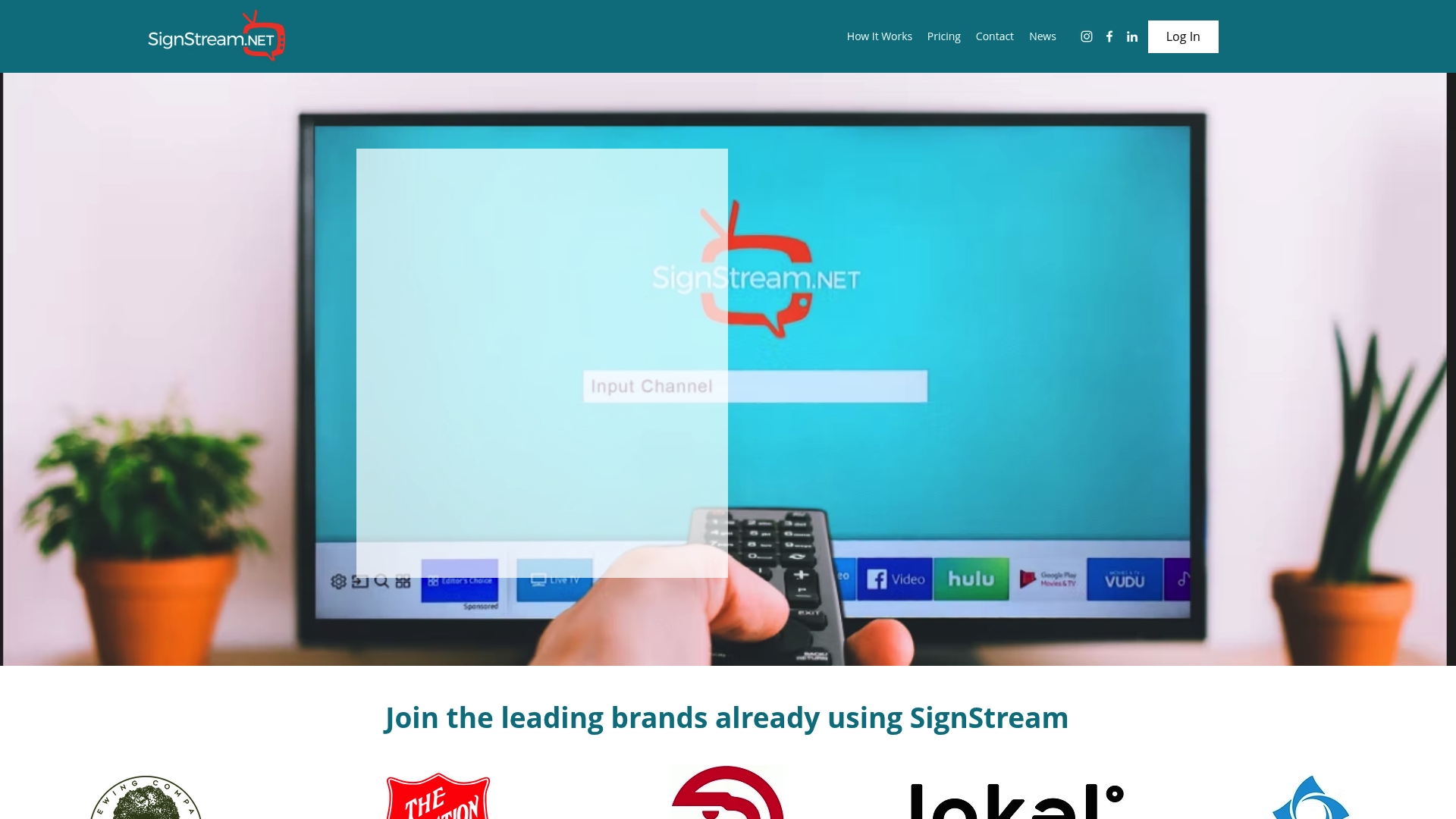
Deploy custom media networks to unlimited screens at no extra charge and run an ad exchange marketplace that lets you monetize idle display space. According to the company, several clients reported a 25% rise in class attendance after installing the system. The interface is designed for non technical staff.
Core Features
Control multiple displays simultaneously from a single cloud based console and mobile apps for on the go updates.
Update content in real time with scheduling and automation so promos and alerts go live instantly across selected screens.
Track performance metrics with analytics that show playback, engagement windows, and content schedules.
Scale visual strategies efficiently across small deployments up to large networks without additional licensing for extra screens.
Key Differentiator
SignStream connects directly to smart TVs and uses the sets processing power for HD playback, removing the need for external media players. That lowers per screen hardware cost and simplifies rollouts in venues where mounting a separate player is a logistical headache. For multi location rollouts this removes an entire procurement line item.
Pros
Easy for non technical staff to update screens quickly which shortens campaign turnarounds and reduces dependency on IT.
Scalable to large networks with remote cloud management and mobile control so a single operator can manage dozens of locations.
Real time updates let retail and hospitality teams publish time sensitive offers in minutes rather than hours.
The ad exchange marketplace gives operators a way to sell or trade inventory and recover display costs while cross promoting with local partners.
Built in analytics let you measure which messages run when and which content receives the most impressions so you can refine schedules.
Cons
Pricing transparency is limited; the vendor does not publish clear per plan screen limits or a detailed feature comparison which makes total cost estimates harder without a sales conversation.
Who It’s For
Organizations that manage multiple public facing screens and need remote control without a technical operator on site. Retail chains, fitness clubs, hotel groups and corporate campuses benefit most. Single screen locations or hobby projects will likely find the scope and pricing awkward.
Unique Value Proposition
The ad exchange marketplace turns screens into revenue channels that offset operating costs. For sites with steady foot traffic you can sell loop time to nearby merchants or promote sister locations which changes the math from pure expense to partial income generation.
Real World Use Case
A hotel uses SignStream to manage lobby, elevator and fitness center displays. Staff update real time promotions and event schedules from a phone. Central marketing pushes seasonal offers to all properties and local managers insert last minute desk promotions with no IT help.
Pricing
SignStream offers a 7 day free trial and tailors plans to deployment size. Detailed plan features and per screen pricing are available on the vendor website and via sales so you can request a quote matched to your network.
Website: https://signstream.net
Screenly
At a Glance
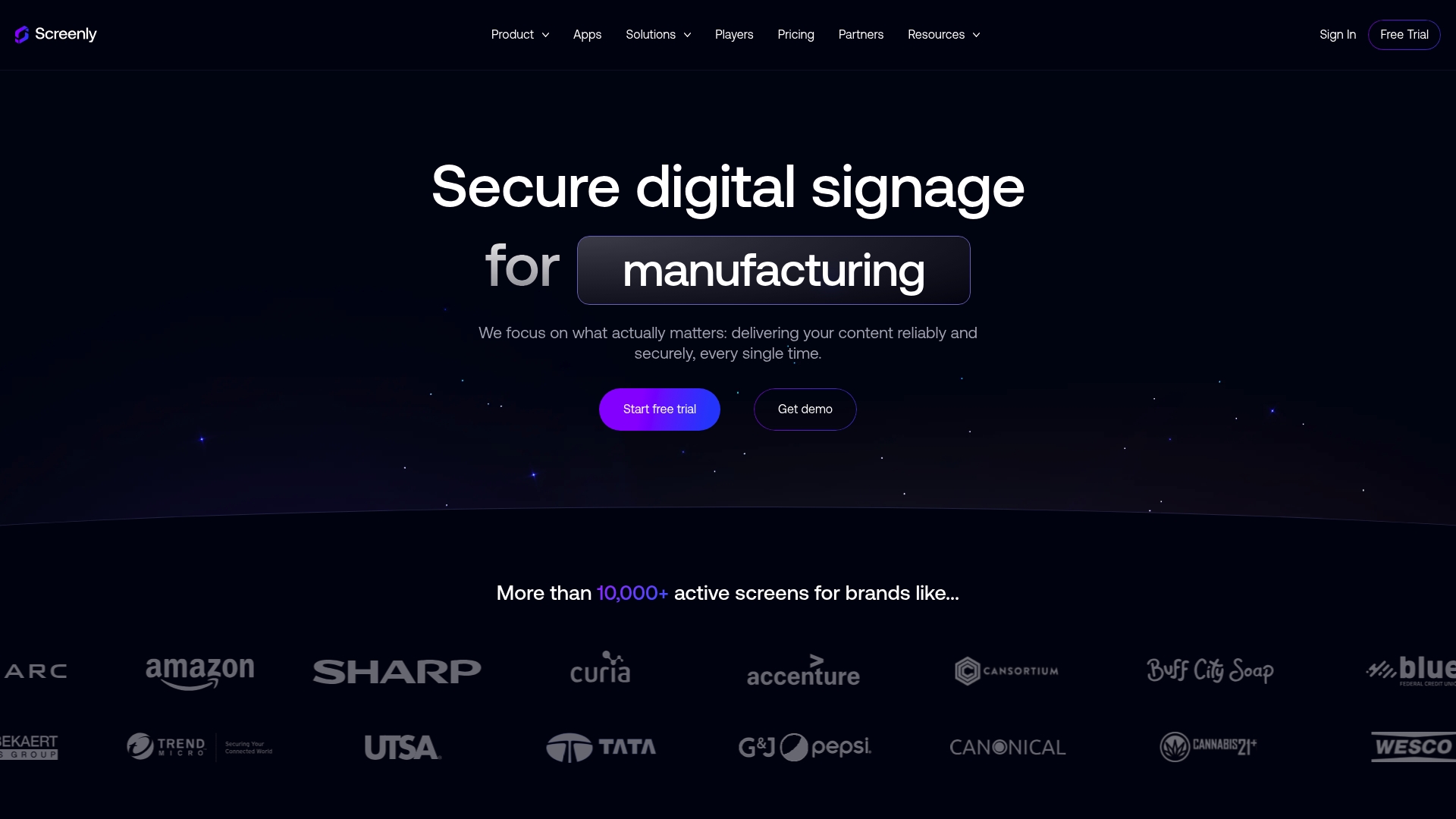
The vendor advertises SOC 2 Type II certification alongside a developer-first toolset and device-agnostic deployment. That combination targets security-conscious organizations that also want automation and customization via APIs.
The platform supports dedicated hardware or running its software on existing devices through Screenly Anywhere, which simplifies phased rollouts across many locations.
Core Features
Secure device lifecycle management with automatic updates and health monitoring keeps fleets visible and patched.
Enterprise access controls with SSO and SAML plus audit logs and enterprise SLAs for compliance needs.
Developer tooling including a RESTful API, CLI, JavaScript injection, and an MCP Server for automation and custom workflows.
Device-agnostic options: dedicated Screenly hardware or install on existing displays using Screenly Anywhere.
Key Differentiator
Screenly pairs enterprise security with a developer-first approach. The mix of zero-trust architecture and programmatic access makes it practical to automate deployments, integrate monitoring, and push targeted content at scale. That focus narrows its appeal to teams with technical capacity but rewards them with control.
Pros
High security posture. The platform advertises SOC 2 Type II and end-to-end encryption, which helps when security reviews are part of procurement.
Scales to large fleets. Central device management and health monitoring let operations teams manage hundreds of screens from a single console.
Extensible via APIs. The platform’s developer tools enable scripted deployments, custom content flows, and integrations with internal systems.
Flexible hardware strategy. You can deploy on purpose-built players or reuse existing devices to lower upfront costs.
Cons
A learning curve exists for non-technical users. Administrators without developer support report setup friction when using advanced automation features.
Feature depth can overwhelm very small deployments. Solo locations that need basic playback may find the enterprise controls unnecessary.
Pricing is not published. Requesting a quote may slow procurement for organizations that prefer upfront sticker prices.
When It May Not Fit
If your team lacks an engineer or integrator, Screenly’s developer-oriented tools will be underused and onboarding will stretch longer than with a turnkey consumer product. Small single-location retailers or cafes that want plug-and-play simplicity and clear per-screen pricing are better off with lighter tools.
Notable Integrations
Screenly lists integrations with business and identity tooling including Power BI, Grafana, Google Calendar, Microsoft Entra ID, Okta, Trello, Slack, and Dropbox. These connectors support analytics, scheduling, and enterprise single sign on.
Who It’s For
Large organizations and enterprises that require audited security controls and want programmatic control over content workflows. Best when you have internal developers or an integrator to automate deployments and tie signage into internal dashboards.
Real World Use Case
A manufacturing firm centrally schedules safety alerts and production metrics across factory shop floors. Screens show timely production KPIs and urgent safety notices while IT manages device health and authentication centrally.
Pricing
Pricing is not published on the vendor site. The company asks prospects to request pricing, with tiers that appear to vary by fleet size and enterprise features such as SLAs and advanced security.
Website: https://screenly.io
DisplayNOW
At a Glance
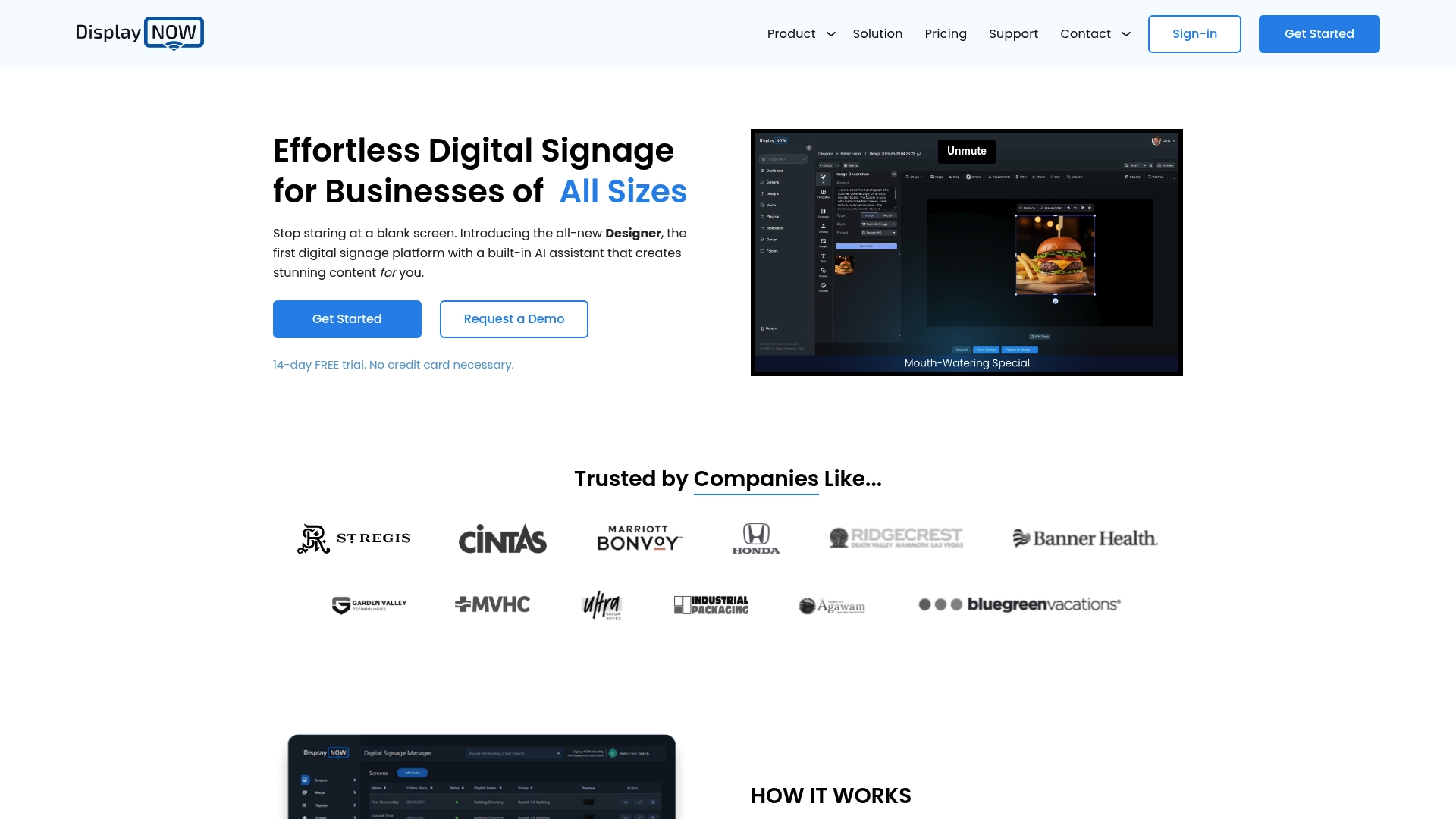
DisplayNOW ships with a built-in AI assistant called Designer that helps nontechnical staff generate display-ready content without external design tools. The platform combines that AI with remote screen control and offline playback to keep signage running even during flaky connections.
Try Designer on a single screen before rolling it out network wide.
Core Features
Remote management of screens so you can push updates from any browser.
Designer, the AI content assistant that produces templates, layouts, and text quickly.
Media scheduling, drag-and-drop playlist creation, and timed playlists for dayparts.
Offline playback and cold start capability so content continues when connectivity drops.
Support for existing TVs and dedicated players, including Fire TV and Google TV.
Map these features to your current content cadence and test scheduling for peak hours.
Key Differentiator
The standout is the bundled AI content creator. Designer is integrated into the management console rather than being a separate add-on, which reduces the setup steps for creating menus, promos, or event slides.
If your team lacks design resources, use Designer to build templates and keep content fresh without hiring an agency.
Pros
Easy setup for nontechnical users. You can onboard a single screen in minutes and train staff to update content from a tablet.
Remote updates work reliably for routine changes, so daily promotions and announcements propagate without site visits.
Affordable and scalable plans. The vendor advertises flexible plans from a trial to enterprise options, which makes small pilots inexpensive to run.
Hardware flexibility reduces waste. You can repurpose existing TVs or choose low-cost media players instead of proprietary displays.
Built-in AI accelerates content creation. Designer cuts the time from concept to live asset for common items like menus and event posters.
Pilot the cheapest plan on a handful of screens to validate content workflows before signing an annual contract.
Cons
Several users report confusing settings and buried options that slow initial configuration.
Help pages do not always answer edge cases, so you may need direct support for complex setups.
Occasional connectivity problems have required manual refreshes of content on remote screens.
Content sometimes needs frequent refreshes on unstable networks, increasing operational overhead for sites with poor Wi Fi.
Plan a short training session and document your own standard operating steps to reduce configuration errors.
When It May Not Fit
If you operate in locations with chronically unreliable networks and no local caching strategy, the reported refresh issues will be painful. Also avoid DisplayNOW if your team needs advanced enterprise controls for granular permissions and audit logs that go beyond basic scheduling.
Consider a local caching player or an alternative with formal enterprise feature sets for large rollouts.
Who It’s For
Small and midsize businesses, retail chains, restaurants, and event organizers who need cloud-managed signage without hiring a designer or IT specialist. It suits sites where content changes often and a simple interface matters more than advanced workflow controls.
Start with a handful of screens and a simple content calendar to measure impact.
Real World Use Case
A local restaurant used DisplayNOW to replace printed menus. Staff created menu slides with Designer, scheduled lunch and dinner playlists, and updated specials remotely across three locations. The team reduced print costs and cut the time to push a new menu from hours to minutes.
Begin by scheduling daily menus and a weekend specials playlist to see how Designer handles your images and text.
Pricing
Pricing is flexible, with options from a free trial to custom enterprise solutions and both monthly and annual billing cycles. The vendor advertises scalable plans that accommodate single-site pilots up to larger deployments.
Request a trial and an enterprise quote if you expect to deploy more than a dozen screens.
Website: https://displaynow.io
Comparing SignStream and Its Alternatives
The field of digital signage software presents diverse approaches catering to various organizational needs. This analysis explores key differences among three prominent platforms: SignStream, Screenly, and DisplayNOW.
Deployment and Scaling Options
SignStream emphasizes scalability and cost efficiency through its direct integration with smart TVs, eliminating the need for external media players. This approach is particularly advantageous for organizations managing dispersed networks of displays. In contrast, Screenly, with its flexible hardware compatibility via Screenly Anywhere, supports phased rollouts and allows usage of existing devices. While DisplayNOW provides similar scalability, its emphasis on hands-on configuration may present challenges during larger deployments.
Feature Specialization for User Roles
For teams needing extensive enterprise controls and automation, Screenly offers strong capabilities with tools like SOC 2 certifications, API access, and centralized device health monitoring. These features significantly support compliance-focused and technically adept environments. Meanwhile, DisplayNOW stands out for its embedded AI assistant, Designer, which simplifies content creation for users without design backgrounds. In contrast, SignStream leverages its ad exchange marketplace and ease-of-use-focused interface to appeal to marketing managers and operations personnel.
Best Fits by Use Case
For organizations with large-scale signage systems or multiple locations needing low-cost maintenance, SignStream offers an efficient, centralized management solution.
Teams seeking high-level automation, security, and integration potential should consider Screenly, especially in regulated industries requiring extensive customization tools.
Smaller businesses or event planners requiring straightforward content generation without dedicated marketing assets will benefit most from DisplayNOW.
Scenarios needing scheduling and basic screen management without enterprise-focused complexity cater most to DisplayNOW’s flexibility.
Why SignStream is Our Pick
For networks needing operational simplicity combined with ad revenue generation from unutilized screen space, SignStream delivers a unique value through its ad exchange marketplace and smart TV integration. However, it may not be the best choice for users heavily reliant on advanced enterprise tools or AI-leaned content creation workflows. For those specific needs, Screenly and DisplayNOW address the gaps effectively, showcasing the diversity within this product category.
Digital Signage Software Comparison
Evaluate these digital signage software platforms based on their core capabilities, unique features, and suitability for different use cases.
Product Name | Key Feature | Best For | Pricing | Notable Limitation |
SignStream | Real-time content updates with analytics | Retail chains and corporate campuses | Not disclosed | Pricing transparency is limited, requiring consultation |
Screenly | Developer tools with enterprise security | Enterprises with technical expertise | Not disclosed | Complex for non-technical setup |
DisplayNOW | Integrated AI for content creation | Small businesses and event organizers | Scalable plans including free trials | Confusing settings may hinder initial configuration |
Discover Why SignStream Is a Top Choice Among Screencloud.com Alternatives
If you are searching for screencloud.com alternatives that make managing multiple screens simple and cost-effective, SignStream offers exactly that advantage. Many businesses struggle with complex systems that require technical expertise or place hidden costs on expanding networks. SignStream removes those barriers by providing unlimited screen deployment with no extra fees and an intuitive interface designed for non-technical users. This means you can update promotions instantly, boost customer engagement, and even generate revenue through its unique ad exchange marketplace.

Take control of your digital signage now by exploring SignStream’s platform. Experience real-time updates from any device, easy content tracking, and scalable deployments tailored for gyms, retail, and corporate spaces. Start your 7-day free trial today and see how SignStream can help your business increase attendance and sales with faster, smarter screen management.
Frequently Asked Questions
What features make Signstream a good choice for non-technical staff?
Signstream is designed for easy use by non-technical staff, allowing quick updates to screens without requiring IT support. This is bolstered by its user-friendly interface that enables real-time updates and simultaneous control of multiple displays. Organizations should consider using Signstream to streamline their digital signage operations without heavily relying on technical expertise.
How does Signstream compare to Screenly in terms of user experience?
Screenly offers a developer-first toolset that provides high security but poses challenges for non-technical users who might find its setup complex. In contrast, Signstream’s straightforward interface makes it easier for non-technical staff to update content rapidly. Prospective users should choose Signstream if they prioritize simplicity and quick updates rather than extensive programming capabilities.
Can Signstream handle real-time updates effectively?
Yes, Signstream ensures real-time updates with its scheduling and automation features that allow promotions and alerts to go live instantly. Clients have reported significant improvements, such as a 25% rise in class attendance after its installation. Users seeking to improve engagement through timely content should consider Signstream as a suitable option.
Does Signstream provide any built-in analytics features?
Yes, Signstream includes built-in analytics that track playback, engagement, and content schedules. This allows organizations to refine their digital signage strategies based on measurable data. If analytics are a priority for your team, leveraging Signstream could enhance your ability to optimize content performance.
What are the pricing options for Signstream?
Signstream offers a 7-day free trial and tailors its plans according to the deployment size, although specific pricing details require direct consultation with the vendor. Organizations interested in exploring Signstream should take advantage of the trial to evaluate its features before committing to a plan.
Recommended
Comments