

Business Owners: Fix RSS Feeds for Digital Signage with Bundles and MRSS

Yes, RSS can power live digital signage, and Media RSS handles the image and video version of the job. The fastest path: pick a source, generate or convert it into a feed, paste the feed URL into your signage widget, then tune the display settings for speed, timing, and transparency.
TL;DR:
Using media RSS is crucial when you need thumbnails or embedded videos, as plain RSS feeds often lack media enclosures for visual content.
Keep feed polling intervals short, typically a few minutes, to ensure headlines appear timely rather than feeling outdated due to delays.
Style your content with appropriate font sizes and pacing, allowing at least 8 seconds per story and matching scroll speed to reading ability for better readability.
Regularly validate and clean your feeds to prevent stale content, remove duplicates, and set maximum item age to avoid overwhelming viewers with outdated information.
Internal private feeds are ideal for office notifications, while external news or industry-specific sources work best for public displays, depending on control and relevance.
Table of Contents
How Do You Turn a Source Into a Usable Feed?
Most websites already publish an RSS feed. You just need to find it, or build one when it doesn’t exist.
Check for a native feed first. Add /feed or /rss to a site’s URL, or look for the small RSS icon near a blog’s footer.
Use a feed generator for sites without one. Several free and paid tools can convert a webpage, social profile, or even a public Google Sheet into a working feed URL. Google Sheets can be published and refreshed automatically as live content, which makes it a practical option for internal price lists, class schedules, or promotions.
Bundle multiple feeds into one. Combining several topic feeds into a single stream and filtering by keyword or category keeps only relevant items on screen instead of everything a source publishes.
Request MRSS when you need media. If a provider only offers plain RSS but you want thumbnails or embedded video, ask if they support a Media RSS export, or run the plain feed through a generator that adds media enclosures.
Pro Tip: Keep your bundled feed narrow. Three well-filtered sources beat ten unfiltered ones, because every irrelevant post is a few seconds of dead air on your screen.
On the security side, keep internal feeds password protected or hosted behind a private URL that isn’t indexed publicly. A leaked internal announcement feed is a real, avoidable risk, not a hypothetical one.
Where Do You Add the RSS Feed URL in Your Signage Widget?
Once you have a clean feed URL, the actual integration is the easy part. Most signage platforms follow the same basic sequence: create a widget, paste the feed URL, pick a display style, then set the timing.
An RSS ticker widget typically asks for the feed URL along with display options like item duration, next-post delay, and whether text scrolls or holds still. You’ll also reserve a specific zone on the layout, whether that’s a bottom-of-screen ticker, a rotating carousel panel, or a full-screen overlay between other content.
A few settings decide whether the feed feels smooth or chaotic on-screen:
Widget type: ticker for scrolling text, carousel for rotating full slides, overlay for layering headlines over video or promotions.
Refresh interval: how often the platform checks the source for new items, typically every few minutes rather than instantly.
Fallback content: what displays if the feed goes offline or returns an error, ideally a cached version of the last successful pull.
Screen sizing: ticker height and carousel dimensions need to match your layout so text doesn’t overlap other zones.
Here’s the part people miss: your screen isn’t refreshing in real time just because RSS sounds “live.” Every signage platform polls a feed at set intervals, and that polling gap, not a broken feed, is usually why a headline feels a beat behind the actual publish time.
Styling RSS Content So It’s Actually Readable
A technically correct feed that nobody can read is still a failure. Styling decisions matter as much as the setup itself.
Font size needs to scale to viewing distance. A ticker read from six feet away in a gym needs noticeably larger type than a screen mounted behind a reception desk three feet from the viewer. High contrast, light text on dark backgrounds or vice versa, matters more than font choice.
Pacing decides whether people actually absorb a headline before it disappears. A few guidelines that hold up across most environments:
Give each story 8 to 12 seconds before advancing, longer for text-heavy items.
Cap the number of rotating stories to eight or fewer per loop so the cycle doesn’t feel endless.
Match scroll speed to reading speed, not screen space; a ticker that’s too fast defeats its own purpose.
Use background transparency to let your brand colors or promotional slides show through behind the feed rather than covering them completely.
MRSS content adds a layer of complexity because images and thumbnails need consistent sizing. Set a fixed aspect ratio for media enclosures so a tall thumbnail doesn’t distort your layout the moment a feed publishes something unusual.
Pro Tip: Test your feed on the actual screen size you’ll deploy, not a laptop preview. Ticker text that looks fine on a 15 inch monitor can crowd badly on a 55 inch display mounted higher than eye level.
Fixing Stale Feeds and Common RSS Problems
Most “broken feed” complaints turn out to be timing issues, not actual errors. Here’s how to diagnose and clean up the usual suspects.
Confirm the source is actually updating. Open the raw feed URL in a browser before blaming your signage platform; if the source itself hasn’t posted anything new, no widget setting will fix that.
Check your polling interval. A feed set to refresh every 30 minutes will feel stale if you’re expecting instant updates; shorten the interval if your platform allows it.
Strip bad HTML and encoding issues. Feeds pulled from inconsistent sources sometimes carry stray formatting tags that display as garbled characters; run new feeds through a validator before publishing broadly.
Remove duplicates and low-value items. Filter by keyword or category so repetitive posts from the same source don’t clutter the rotation.
Set a maximum item count and age limit. A feed that pulls everything from the last 30 days can bury this morning’s news under two weeks of backlog.
A short monthly habit prevents most of this: test any new feed in a sandbox screen for 48 hours before rolling it out network-wide, audit existing feeds once a month for dead sources, and keep a fallback slide ready for whenever a feed goes down entirely.
What Businesses Actually Get From Live RSS on Their Screens
Most of the theory around RSS feed digital signage skips the part that matters to an owner: does it change behavior in the building? Signstream’s own client data suggests it does. One client reported a rise in class attendance after switching from static content to dynamic, automatically updating displays, the kind of result a manual poster schedule simply can’t produce.
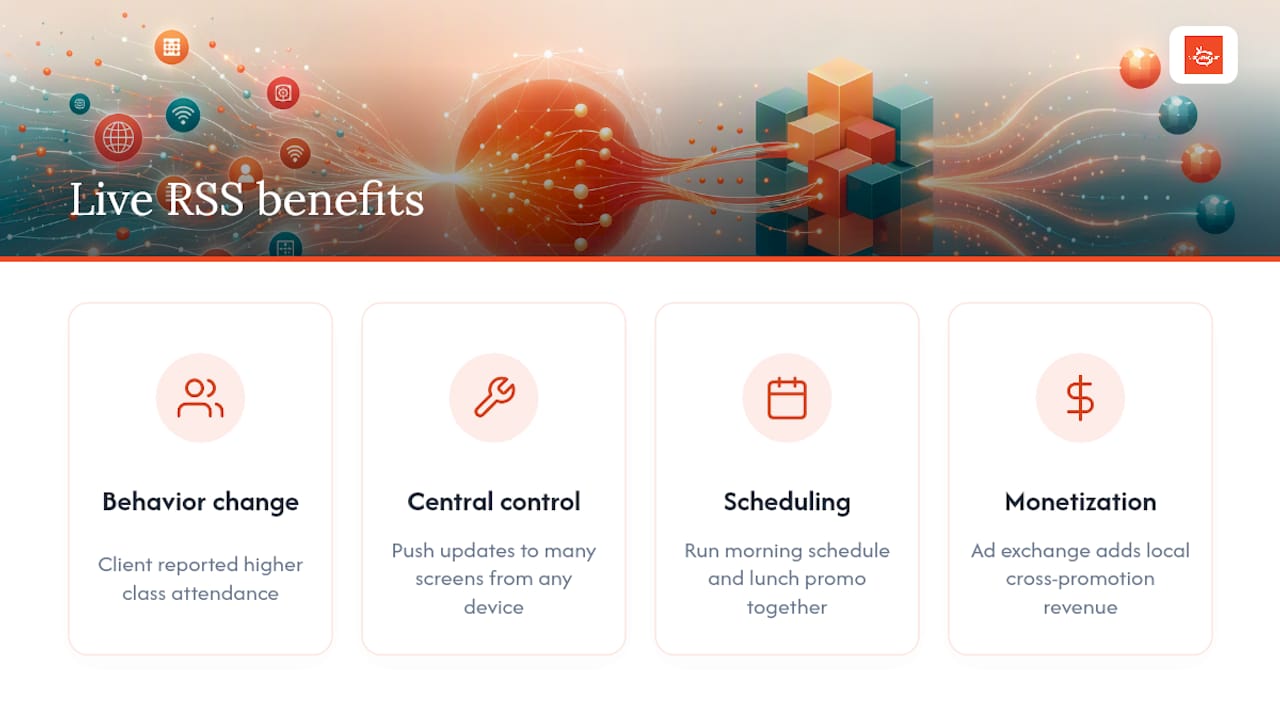
The setup mechanics covered above (sourcing, bundling, widget configuration, styling) are the same whether you’re running a single lobby screen or fifty locations, especially when using an automated publishing platform to schedule content across all channels. What changes at scale is control. The platform lets you push updates to multiple screens from any device, without touching each display individually, and layer in scheduling so a lunch promotion and a morning class schedule run on the same screen without manual swapping. Add the ad exchange marketplace on top, and screens that used to just display information start generating revenue through cross-promotion with other local businesses.
None of that replaces good feed hygiene. It just means the work you put into curating a clean, well-filtered RSS setup shows up on something built to actually leverage it.
— DKS
Get Your RSS Feeds Running on Screens That Actually Perform
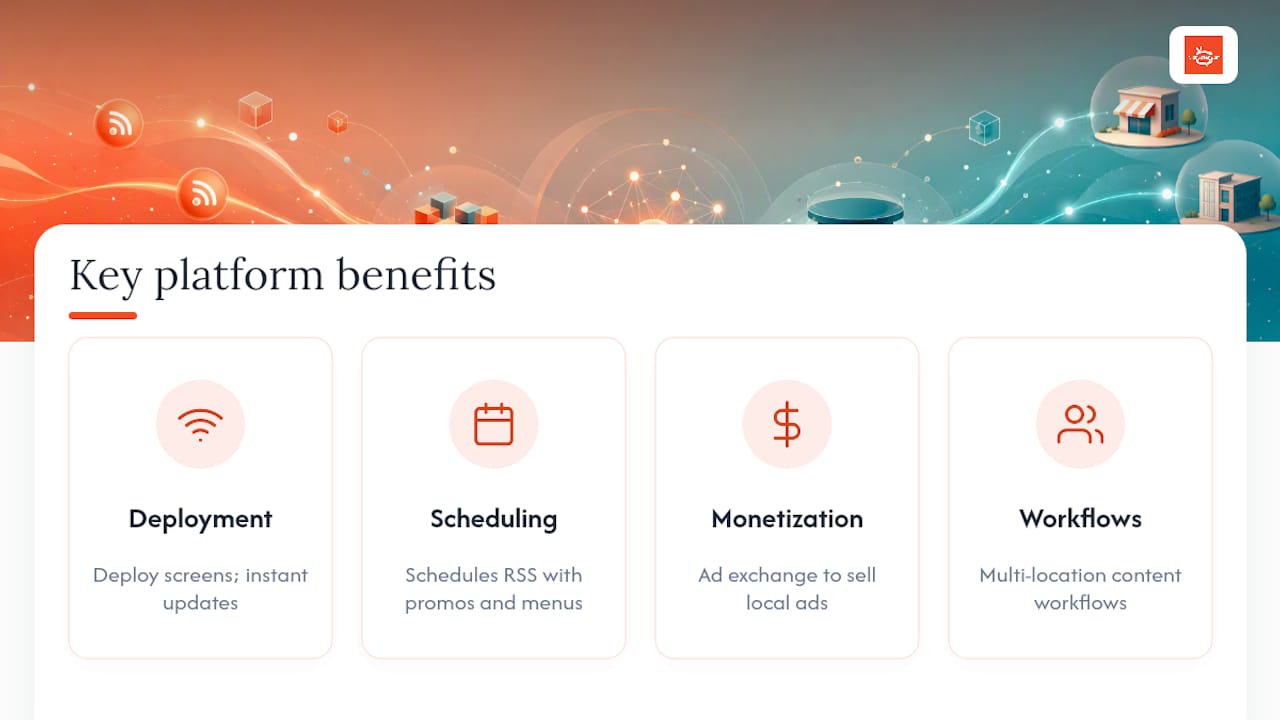
Signstream is built for business owners who want live, automated content running across every screen without hiring someone to babysit it. If you’ve followed the setup steps above and you’re ready to stop managing feeds inside a clunky, limited widget, the platform offers screen deployment, instant updates from any device, and scheduling that handles your RSS content alongside promotions and menus in the same layout.

There is access to an ad exchange marketplace, so the same screens showing your live feed can generate income by cross-promoting other local businesses, turning a cost center into a revenue line. For teams building out multi-location content workflows, this step-by-step content workflow guide pairs well with what you just set up. If you’re weighing monetization more seriously, Signstream’s affiliate program is worth a look too.
See exactly how the platform works remotely and start a trial to get your first feed live today.
Sources
Not every feed belongs on your screens. The right source depends on who’s watching and what you’re legally allowed to show them.
Public news feeds work well for lobbies, waiting rooms, and gyms where general headlines keep screens active between promotions. They’re free, constantly updated, and require zero maintenance. The tradeoff: you have no control over tone, and breaking news about something unrelated to your business can pull focus from what you actually want customers to see.
Specialized industry blogs give you relevance without the noise. A fitness studio pulling from nutrition or wellness blogs keeps content on-brand. A restaurant pulling from local food press builds authority without writing a word of copy.
Then there’s internal, private RSS, the most underused option for live news digital signage in office settings. Employee announcements, shift updates, and HR notices can run through a private feed nobody outside the building ever sees.
A few things to weigh before you commit to a source:
Recommended
Comments