

Top 4 digitalsignagepulse.com Alternatives 2026
Finding digital signage software that lets you manage and update content across hundreds of screens without high fees or locked hardware is harder than it should be. Too many platforms demand fixed per-screen pricing or require new device bundles that raise the total cost for larger organizations. This comparison reviews pricing, device compatibility, and publishing controls across four leading alternatives so you can pick software that matches your network size and budget.
Table of Contents
SignStream
At a Glance
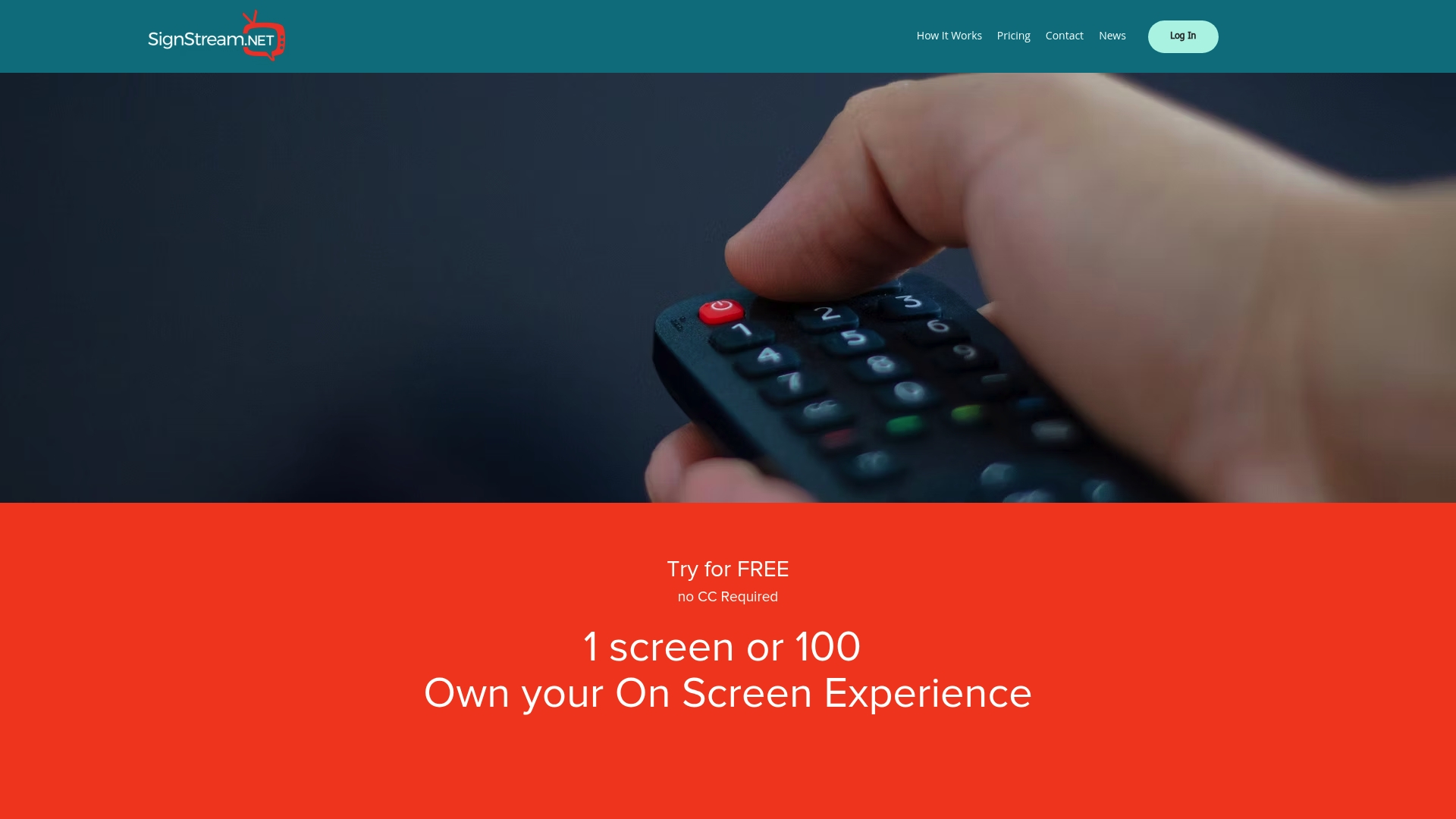
SignStream, let’s businesses deploy custom media networks on unlimited screens at no extra charge. The platform is cloud based, and lets staff publish updates from any device instantly. That makes it practical for gyms, schools, and municipal networks that need frequent content changes.
Core Features
Content uploads publish instantly, and administrators can control and update multiple screens remotely from a browser or tablet. The platform supports scheduling and transition effects to manage timed playlists and visual consistency. It also offers ad sharing for monetization and dynamic QR codes for tracking engagement.
Key Differentiator
SignStream’s central distinction is a hardware agnostic approach that uses existing TVs and tablets rather than forcing new player purchases. You can push real time content without deep technical setup or a dedicated IT resource. That lowers deployment friction for multi site organizations.
Pros
The interface requires minimal technical skill, so front desk staff or managers can update displays without training. The system scales from single locations to thousands and works with most screens already in place. The platform includes support, custom solutions, and an ad exchange marketplace that lets you cross promote with local partners and earn revenue. According to the company, clients such as elite sports clubs, restaurants, and retailers reported a 25% rise in class attendance after implementation.
Cons
Pricing is not listed online and you must contact sales for a tailored quote.
Who It’s For
Organizations that operate multiple public screens and need on demand content management will get the most value. Schools, franchised retailers, community groups, and municipal media networks match this profile. Teams with limited IT bandwidth who need updates from phones or tablets will find the model convenient.
Unique Value Proposition
The built in ad exchange marketplace lets organizations monetize screens by trading ad space with local partners. That marketplace plus analytics turns idle lobby and waiting room screens into measurable campaigns and new revenue. Because networks can be unlimited and updated in real time, you can offset display costs while keeping messaging current.
Real World Use Case
A city publishes emergency alerts, transit notices, and event schedules to municipal screens from a single console. Clerks edit content on tablets and push updates immediately across libraries, transit hubs, and parks. This keeps residents informed without dispatching IT staff to each location.
Pricing
The product page lists pricing as not applicable and asks prospective customers to contact the vendor. Costs are typically quoted based on screen count, features, and service needs. Ask SignStream for a custom quote that matches your network size and support requirements.
Website: https://signstream.net
ScreenCloud
At a Glance
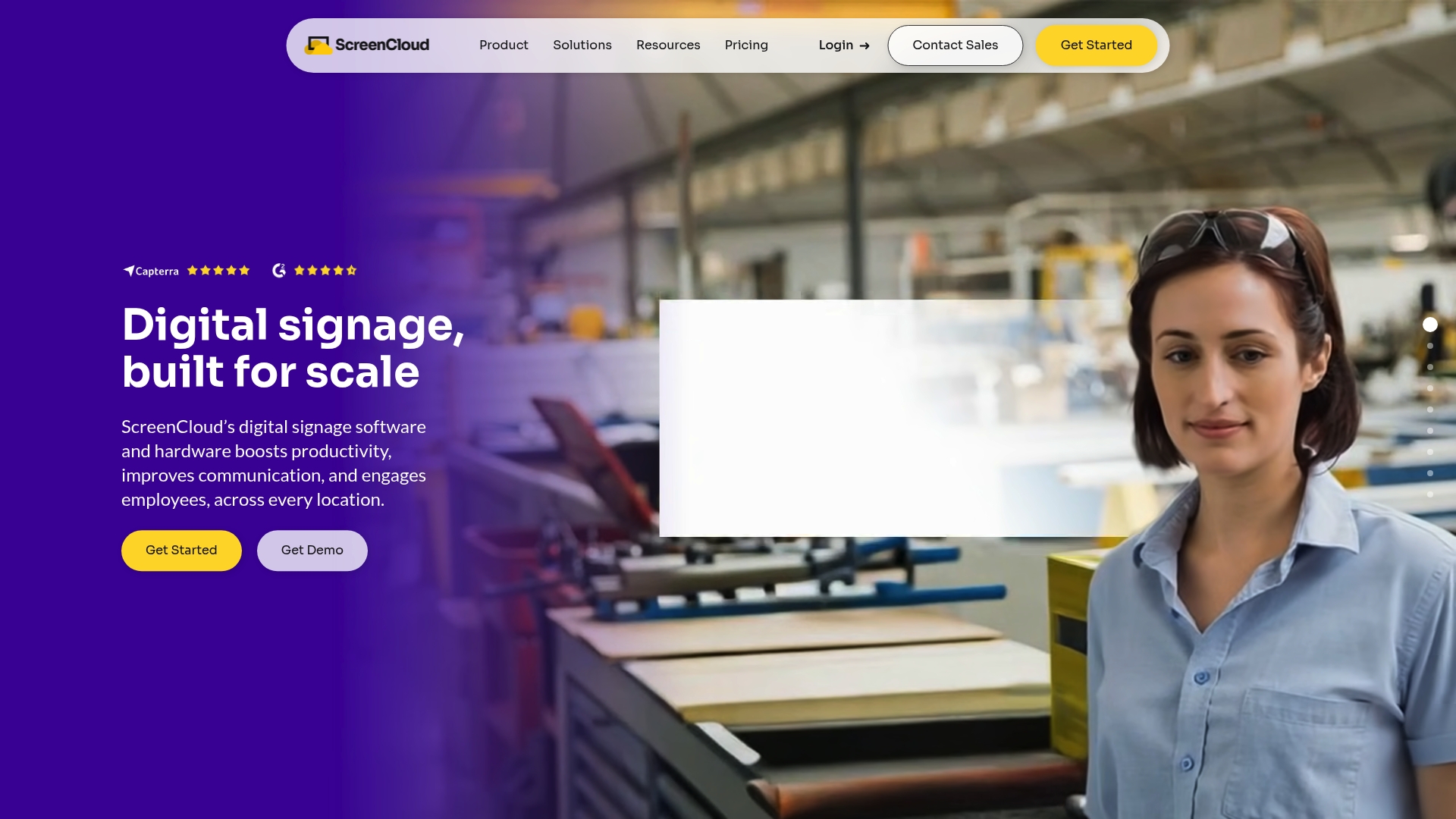
ScreenCloud reports being trusted by over 10,000 organizations worldwide. The platform pairs vendor hardware and an operating system with a cloud Studio CMS and more than 80 app integrations. That combination targets deployments where remote device control, security, and compliance are priorities.
Core Features
ScreenCloud bundles display hardware with a Studio CMS for content scheduling, playback, and template management. It offers over 80 ready apps including Microsoft 365, Google Workspace, and YouTube, while supporting custom integrations for unique data feeds. Administrators can manage devices remotely, push real time updates, and enforce role based access and single sign on for teams.
Key Differentiator
The main differentiator is the full stack approach that includes hardware, OS, and cloud management as a single offering. That reduces variation between device firmware and the management layer during enterprise rollouts. ScreenCloud also emphasizes enterprise level security controls and a broad app catalog to speed deployments.
Pros
The Studio CMS and prebuilt app templates make the system approachable for non technical staff and day to day operators. Built in device management, encryption, single sign on, and onboarding services support larger rollouts and help maintain compliance. Support options include onboarding, training, and dedicated customer success contacts for organizations that need hands on assistance.
Cons
Third party reviews indicate limits when deployments require deep customization. The vendor does not list exact constraints publicly.
Pricing tiers start at a fixed per screen rate and may feel rigid for very small or very large organizations. Exact flexibility options are not detailed by the vendor.
Large scale deployments may require dedicated technical support or extra training to manage devices and integrations.
Who It’s For
ScreenCloud suits organizations that need integrated hardware and software to manage many screens across locations. Retailers, healthcare providers, manufacturers, logistics teams, and corporate communications groups will value the security and remote management features. Teams with only a single screen or those seeking highly flexible pricing may prefer lighter alternatives.
Real World Use Case
A multinational manufacturer uses ScreenCloud to display operational dashboards and safety notices across factories. Live production metrics feed into the Studio CMS and update large screens remotely. Central operations push alerts and managers adjust displays without visiting each site.
Pricing
Pricing starts at $20 per screen/month for the Core plan. Pro and Enterprise tiers add expanded features and support, with custom enterprise quotes available through vendor sales.
Website: https://screencloud.com
OptiSigns
At a Glance
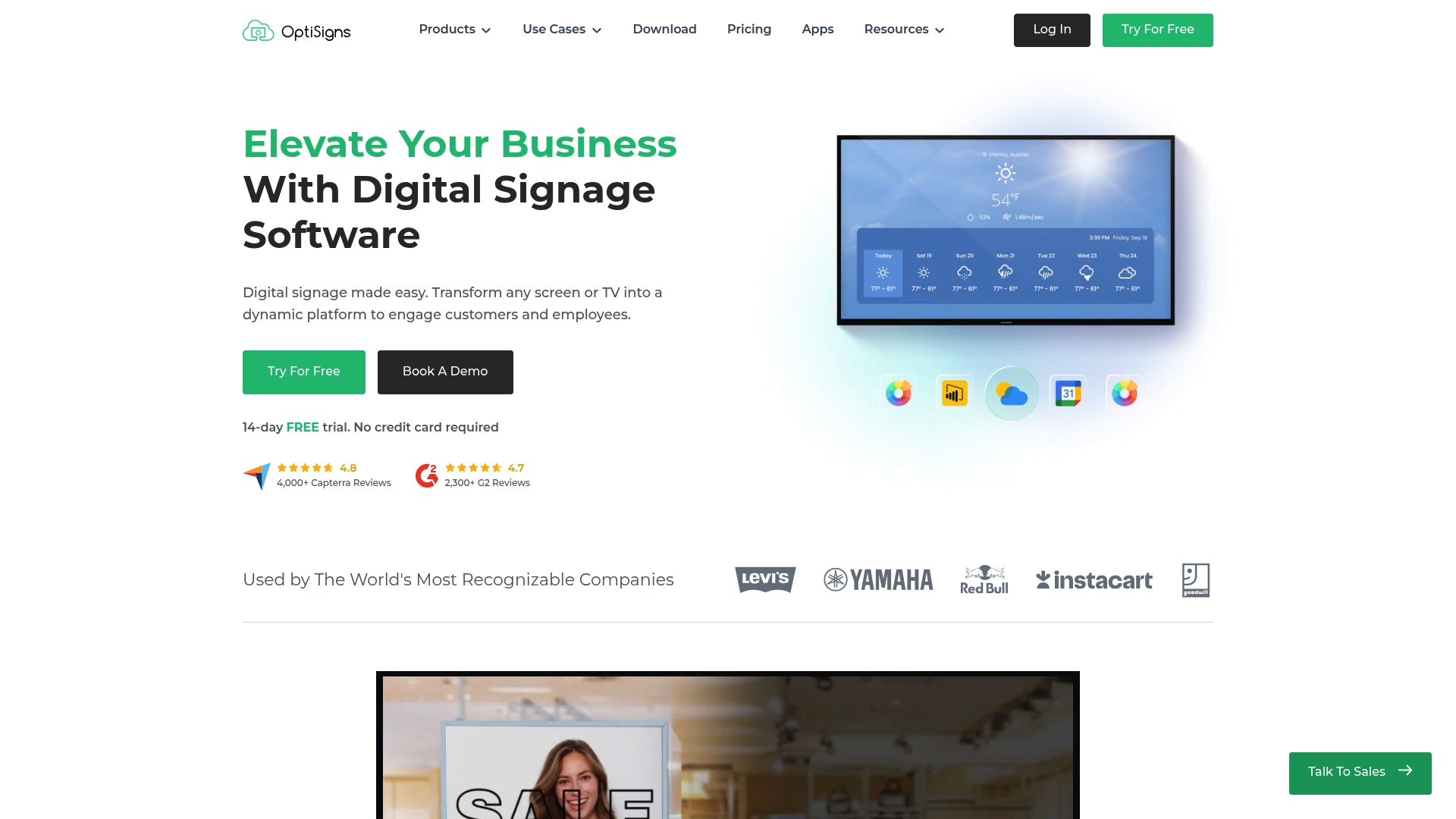
OptiSigns reports more than 30,000 organizations use the platform. That user count highlights why the product supports many screen types and templates. The platform also offers a free tier and multiple paid plans for teams and enterprises.
Core Features
OptiSigns bundles a web CMS with a visual drag and drop designer, template library, and support for common file types and playlists. The vendor advertises over 140 apps and integrations, plus remote scheduling and multiuser role controls. The product also supports device provisioning and remote updates across varied hardware.
Key Differentiator
OptiSigns stands out for broad device compatibility and a built in designer that works across small and large deployments. That device flexibility makes it practical when you must run screens, TVs, kiosks, and bespoke hardware together. The approach targets organizations that need the same content across many device families.
Pros
Review platforms list strong user satisfaction, and OptiSigns’ marketing materials state average review scores of 4.8 on Capterra and 4.7 on G2. Those scores align with user reports of quick remote updates from phones or computers and straightforward content creation. The product also supports many hardware vendors and offers role based access for teams managing multiple locations.
Cons
Playlist and media limits at lower plans. Free and entry tiers cap playlists and file sizes.
Advanced analytics and custom branding sit behind higher tier plans. Enterprise features require a larger budget.
The free plan shows OptiSigns branding and restricts screen counts and content capacity.
When It May Not Fit
If you need large, unrestricted playlists on a tight budget, OptiSigns may be a poor match. Organisations that require on premise deployment or full API access should expect to purchase higher tier plans. Teams that need enterprise grade SLAs and dedicated support may need the customizable enterprise option.
Notable Integrations
OptiSigns integrates with commonly used workplace and analytics tools. Available connections include:
Microsoft 365
Google Workspace
SalePower BI
Salesforce
Looker Studio
Slack
Teams
APIs for custom integrations
Who It’s For
OptiSigns suits organizations that need an easy content editor plus broad device support. It fits retailers, schools, clinics, and offices that publish schedules, dashboards, and promotions to many screens. Teams that plan to scale screens across locations will get the most value.
Real World Use Case
A restaurant chain runs menus and time limited promotions across locations. Staff update menus remotely from a single interface to reflect inventory and specials. The result is consistent pricing and faster menu changes without sending files to each site.
Pricing
Plans start with a Free tier. Paid plans begin at Standard from $9/month and move to Pro from $12.50/month, Pro Plus from $15/month, and Engage from $30/month. Enterprise pricing starts at $45/month and is customizable, with annual billing.
Website: https://optisigns.com
Yodeck
At a Glance
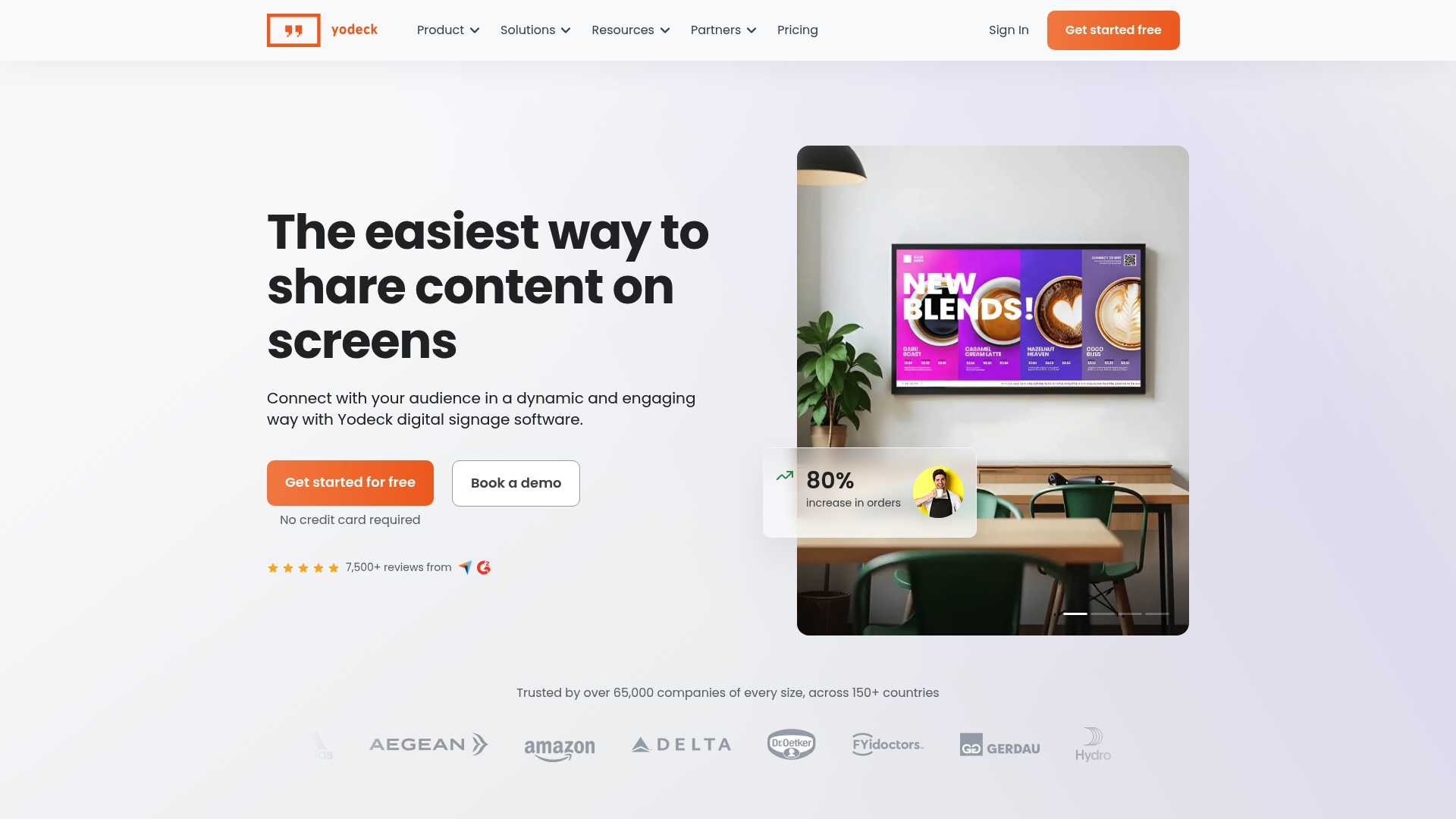
Yodeck reports more than 65,000 companies using its service. This signals broad uptake among retailers, schools, and healthcare providers. For teams comparing digitalsignagepulse.com alternatives, Yodeck stands out for supporting many hardware types and a large app ecosystem. That combination helps roll out consistent displays across many locations quickly.
Core Features
Yodeck offers fast setup and immediate content playback, plus a single dashboard to manage multiple screens. The platform connects to 160+ apps and includes tools to build interactive kiosks and playlists. It also supplies 800+ templates that match use cases like menus, wayfinding, and internal dashboards.
Key Differentiator
Yodeck supports a wide array of devices from Raspberry Pi to BrightSign and many smart TVs, which reduces procurement friction for large rollouts. That hardware flexibility pairs with mature interactive features and app connectors, letting IT teams reuse existing players. For large enterprises, that reduces vendor lock in and speeds deployment across branches.
Pros
The interface is clear and approachable for operational staff and marketing teams. The vendor cites ISO certification and GDPR compliance as part of its security posture, which matters for regulated sectors. Hardware compatibility covers Raspberry Pi, BrightSign, Samsung Tizen, and LG WebOS, so you can pick players that match budget and reliability needs. Scheduling, playlists, and remote updates make coordinated campaigns simple to run across many screens.
Cons
Price increases for larger deployments or premium features may be substantial for some organizations.
Some advanced features and integrations live behind higher tier plans, which can raise the total cost for small sites.
Lower tier plans offer limited offline functionality, which may hinder locations with unreliable internet.
When It May Not Fit
If your organization runs tight, fixed monthly budgets across many small sites, the higher tier costs may push total spend beyond what you want. If you need full offline playback and central control without internet, Yodeck’s lower plans may not meet that need. Teams requiring every advanced integration on all screens will likely need higher subscription levels.
Notable Integrations
Power BI
SharePoint
Google Drive
Canva
Microsoft Teams
Trello
Jira
Slack
Who It’s For
Medium to large enterprises, education systems, healthcare providers, retail chains, and hospitality venues that manage many screens across locations. IT teams that prefer wide hardware choices and marketing teams that want ready templates will find it useful. Organizations that prioritize formal security claims will also value the vendor reported certifications.
Real World Use Case
A global retail chain uses Yodeck to deploy synchronized menu boards and promotion screens in hundreds of stores. Store managers receive real time updates from marketing and operations through the dashboard. That setup keeps messaging consistent and reduces manual updates at each location.
Pricing
Pricing starts at $8/month per screen for the Basic plan. The vendor also advertises a free single screen option and a free player with annual plans. Larger deployments and premium features require higher tier subscriptions, which affect overall cost.
Website: https://yodeck.com
Comparison of alternatives
For organizations seeking scalable and flexible digital signage solutions, several platforms cater to diverse requirements and operational scales, with unique strengths emphasized across each.
Platform affordability versus capabilities
OptiSigns stands out for its beginner-friendly price structure, offering a free tier along with paid plans starting at just $9 per month. This makes it an excellent option for smaller organizations or those new to digital signage to explore the technology without significant investment. However, the system’s lower subscription levels come with limitations on playlists and branding features, prompting upgrading for advanced functionalities.
Deployment scalability and flexibility
SignStream distinguishes itself with its hardware-agnostic approach, allowing users to utilize existing devices while accommodating an unlimited number of screens. This scalability advantage suits organizations with extensive multisite networks. Conversely, ScreenCloud and Yodeck bundle hardware and software, reducing potential compatibility concerns during large-scale rollouts but potentially limiting flexibility when integrating diverse devices.
Best fit
This platform is ideal for teams needing unlimited screen support for rapid scaling without a dependency on proprietary hardware.
Businesses looking for cost-effective entry-level pricing tiers will find OptiSigns’ free option a logical starting point.
Large enterprises requiring secure integrated solutions may prefer ScreenCloud’s bundled offerings for compliance-sensitive use cases.
Organizations needing offline functionality with broad hardware compatibility will benefit from Yodeck’s advanced configuration capabilities.
Our pick
While each platform offers unique strengths applicable across different operations, SignStream stands out as the best overall choice for its hardware flexibility, scalability with unlimited screens, and revenue-enhancing ad exchange marketplace. Nevertheless, organizations with requirements like an integrated hardware-software offering or extensive offline deployment capabilities may consider Yodeck or OptiSigns respectively.
Digital signage solutions vary in their features, compatibility, and pricing options, making it critical to choose a platform based on organizational needs.
Platform | Key Differentiator | Best For | Pricing | Limitations |
SignStream | Utilizes existing TVs without new player purchases | Schools and community media networks | Price not published | Requires contacting sales for cost details |
ScreenCloud | Full stack solution with hardware and software integration | Enterprises with compliance priorities | Starts at $20 per screen/month | Limited flexibility for large or small teams |
OptiSigns | Extensive app integrations and visual editor | Retailers and publishers with varied display needs | Free and paid tiers from $9/month | Advanced analytics behind higher tiers |
Yodeck | Hardware compatibility with regulated sector certification | Large enterprises and healthcare providers | From $8/month per screen | Limited offline functionality in lower tiers |
How to Manage Multiple Screens Without Added Complexity
If you operate multiple public screens and need quick, on demand content updates, the challenge is clear: managing these displays efficiently without extra hardware costs or technical hurdles. Many organizations, including schools, gyms, and retailers, find that existing solutions force hardware purchases or require deep IT involvement. Signstream solves this by letting you deploy custom media networks on unlimited screens using your current TVs and tablets. This hardware agnostic platform lets you update screens instantly from any device, even phones or tablets, with a simple interface that requires no technical expertise.
Signstream also includes an ad exchange marketplace to monetize your screens by partnering with local businesses. Businesses like elite sports clubs and restaurants have seen a 25% rise in attendance using Signstream’s dynamic management and analytics. To see how Signstream can simplify your multi-screen communication and help you generate new revenue streams, visit Signstream and learn more about this practical solution.
FAQ
What is a key benefit of using Signstream for digital signage?
Signstream allows organizations to deploy custom media networks on unlimited screens at no extra charge. The platform’s hardware agnostic approach means you can utilize existing TVs and tablets, minimizing deployment friction and costs.
How does Signstream’s pricing compare with ScreenCloud’s?
ScreenCloud offers pricing starting at $20 per screen per month, which may feel rigid for some organizations. In contrast, Signstream typically requires a custom quote based on your specific network size, which allows for potentially more flexible pricing options depending on your needs.
What feature makes Signstream suitable for organizations without IT staff?
Signstream’s interface requires minimal technical skill, enabling front desk staff or managers to update displays without extensive training. This makes it an ideal choice for organizations that need quick content changes without relying on a dedicated IT resource.
Which platform offers broader integration capabilities, Yodeck or Signstream?
Yodeck supports over 160 apps, providing extensive integration options. Signstream’s features focus more on real-time content updates and hardware compatibility without the same level of diverse app integrations, making Yodeck a better option for those needing a wide variety of app support.
Can Signstream help in monetizing digital signage?
Yes, Signstream includes an ad exchange marketplace that allows organizations to trade ad space with local partners. This helps turn idle screens into revenue-generating assets by leveraging advertising opportunities.
Recommended
Comments